Art styles › 3D
Low poly 3D prompt
Soft pastel low poly with flat-shaded facets. Good for calm 3D games.
The prompt
low poly 3D render, flat-shaded faceted polygons, soft pastel colors, simple soft lighting, clean game asset look. [Describe your subject here.]
Keep the style part exactly the same for every asset. Only change the subject.
Examples from this prompt
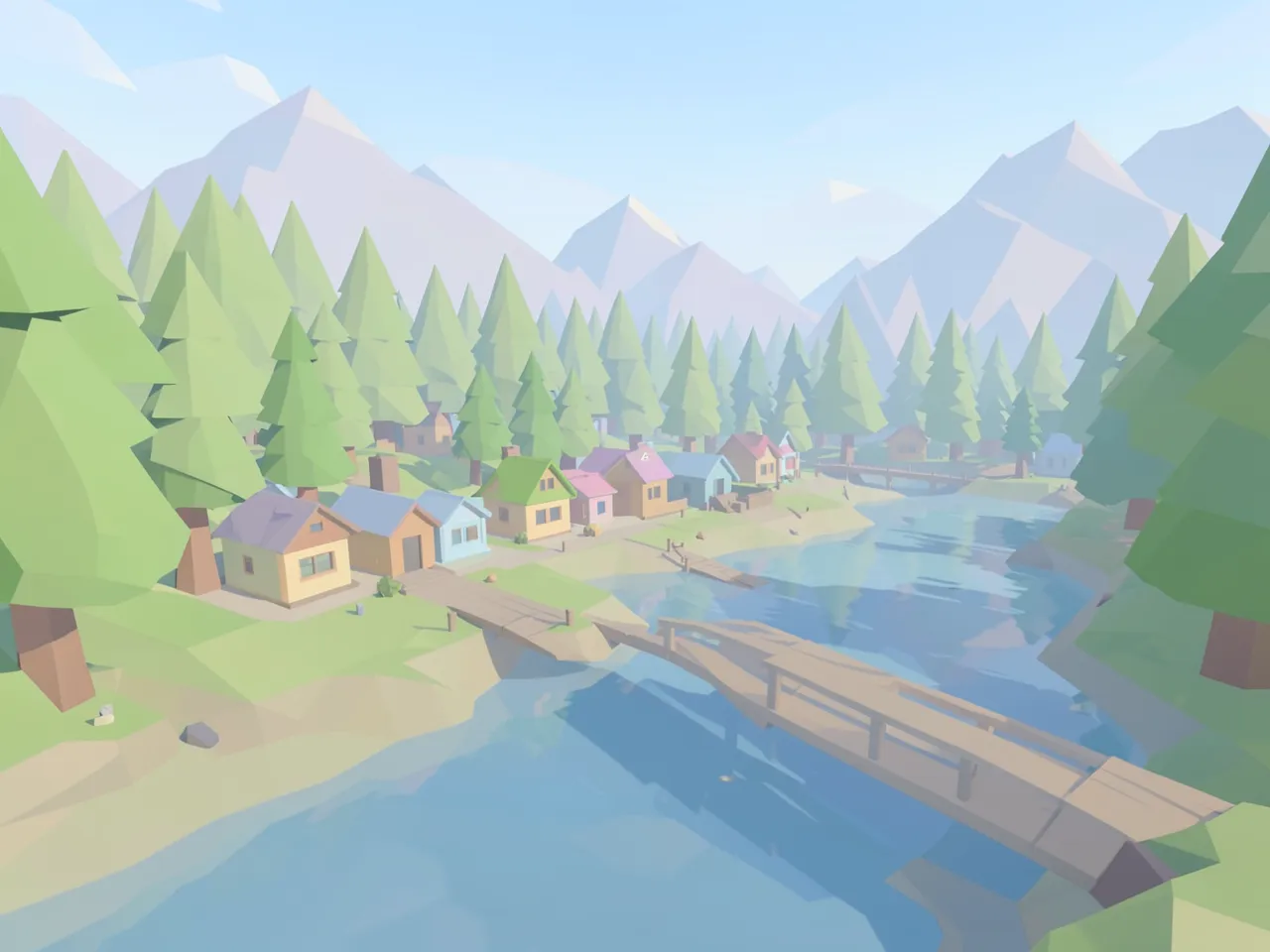
Scene
low poly 3D render, flat-shaded faceted polygons, soft pastel colors, simple soft lighting, clean game asset look. a small village beside a river at the edge of a forest, a wooden bridge, mountains in the distance, wide view.
Character
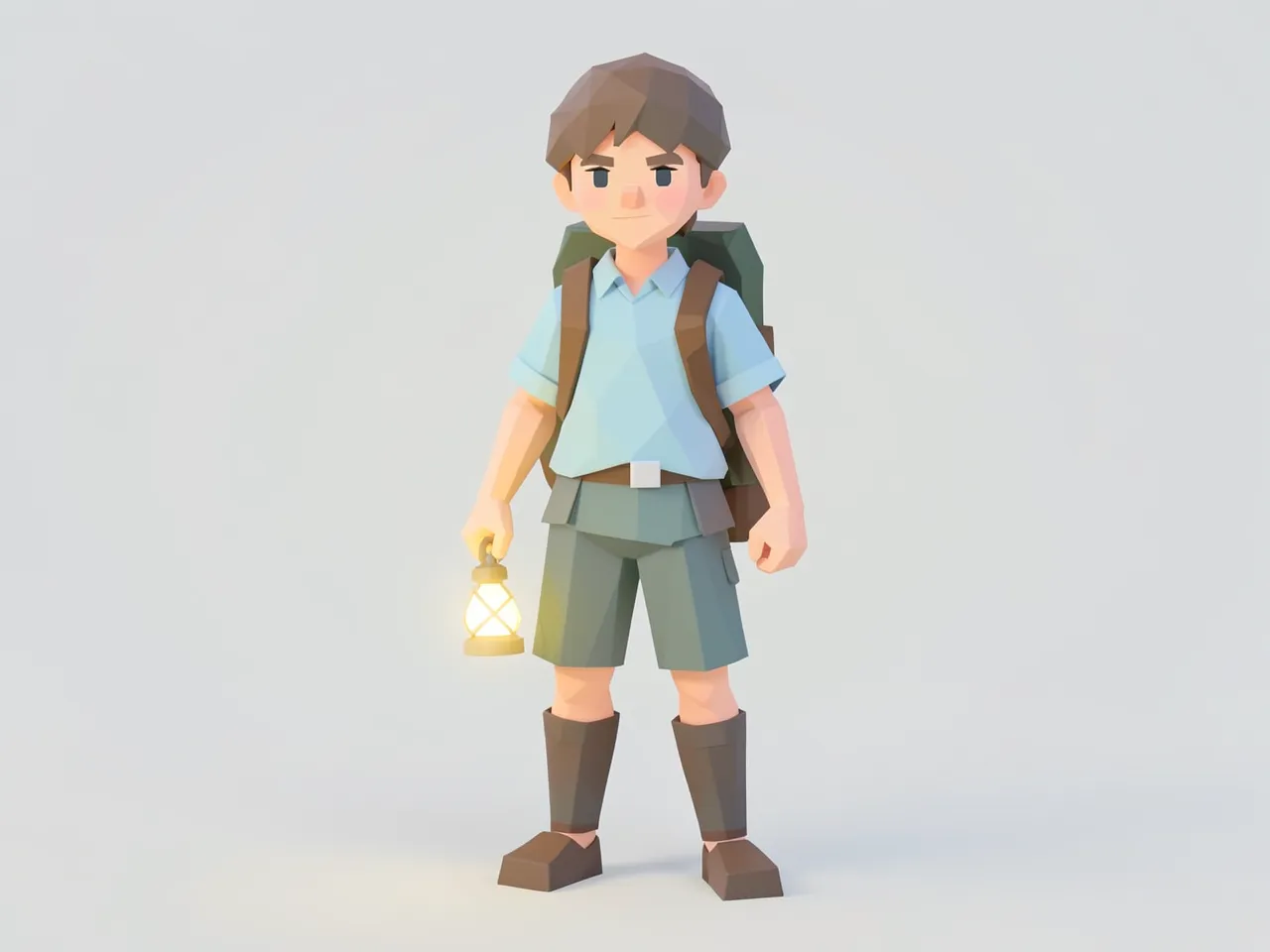
low poly 3D render, flat-shaded faceted polygons, soft pastel colors, simple soft lighting, clean game asset look. a young adventurer with a backpack and a glowing lantern, full body, standing, centered, on a plain light background.
Prop
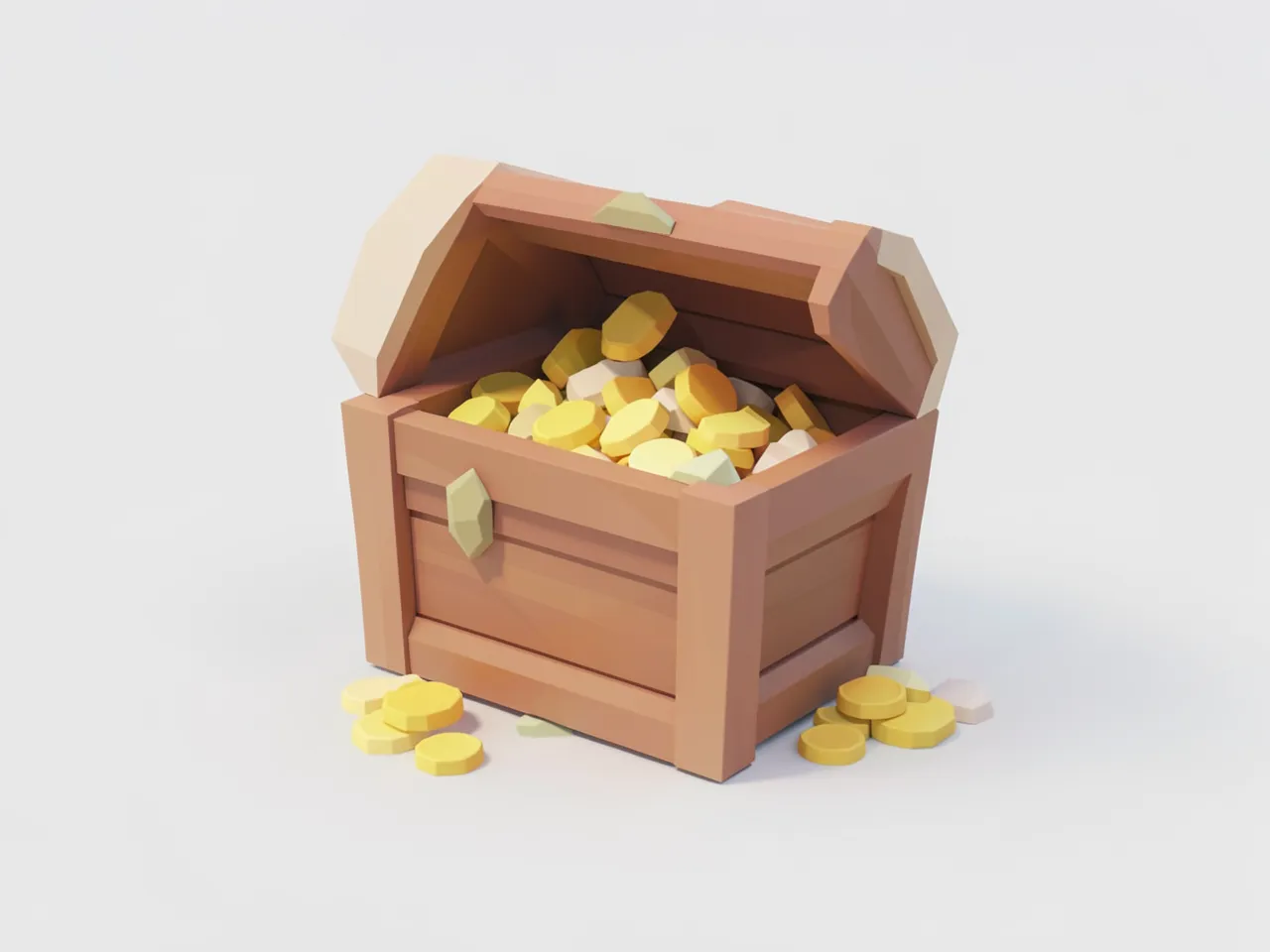
low poly 3D render, flat-shaded faceted polygons, soft pastel colors, simple soft lighting, clean game asset look. a wooden treasure chest with gold coins spilling out, centered, on a plain light background.
Few polygons, flat colors on each face, and soft light. It hides missing detail, so it is a good fit when you cannot make detailed 3D models.
What to watch for
- The scene and the chest came out clearly low poly. The character did not: it looks like a smooth toy figure. For characters, ask for “visible triangle facets on the face and clothes”.
- These are pictures, not 3D models. Use them as concept art, then make the real models with a 3D tool or an image-to-3D service.
- Made with
- FLUX.2 [klein] 4B in ComfyUI on a Mac (M5 Pro), 4 steps, 1280×960, seed 102, about 15 seconds per image
- Good for
- Casual 3D, puzzle and exploration games