Art styles › 2D · Pixel
16-bit pixel art prompt
Bright 16-bit pixel art with chunky shapes. The exact prompts, plus one fix you need before using it in a game.
The prompt
16-bit pixel art in the style of a SNES-era game, crisp square pixels, limited palette, no anti-aliasing, no blur. [Describe your subject here.]
Keep the style part exactly the same for every asset. Only change the subject.
Examples from this prompt
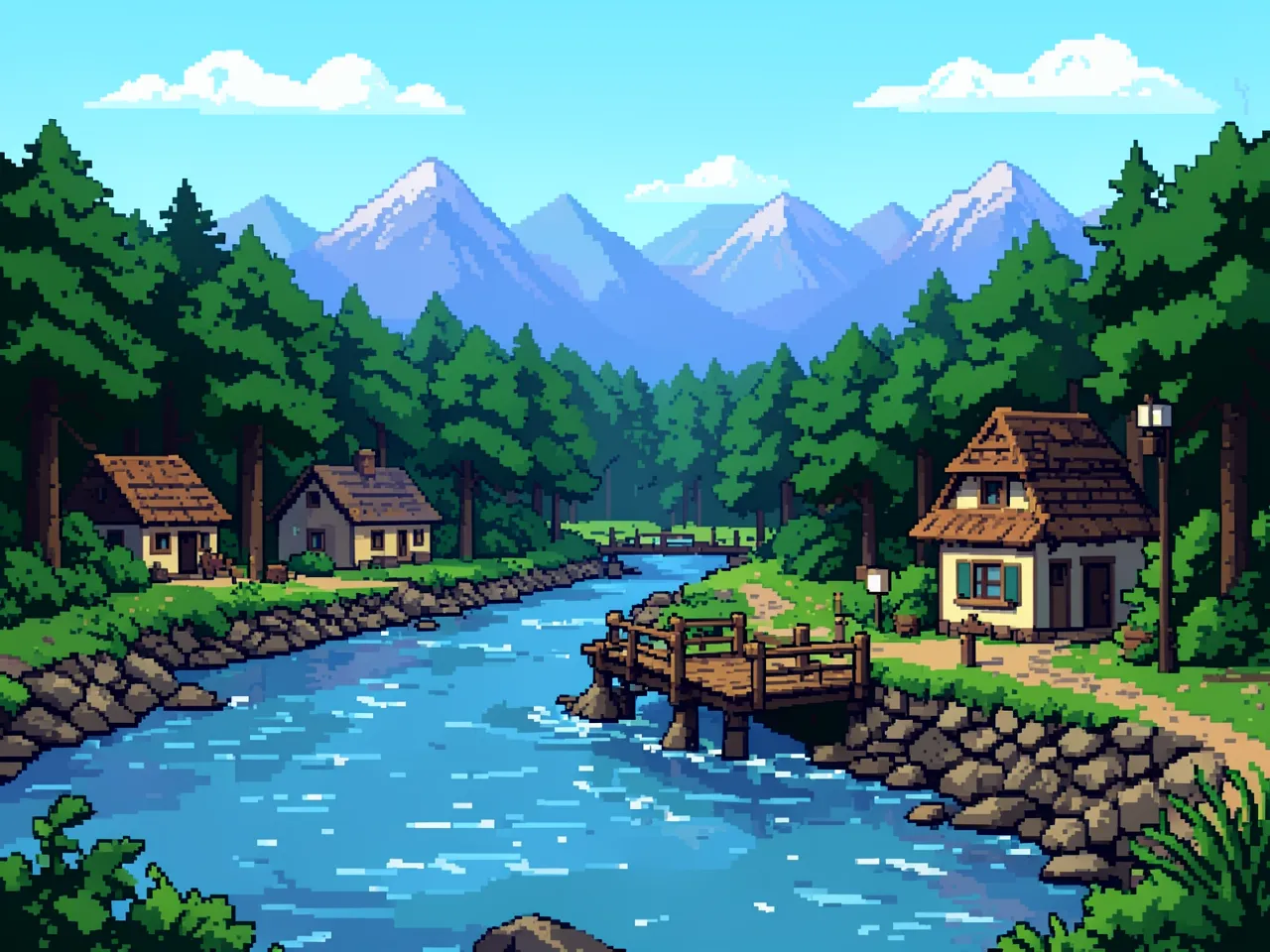
Scene
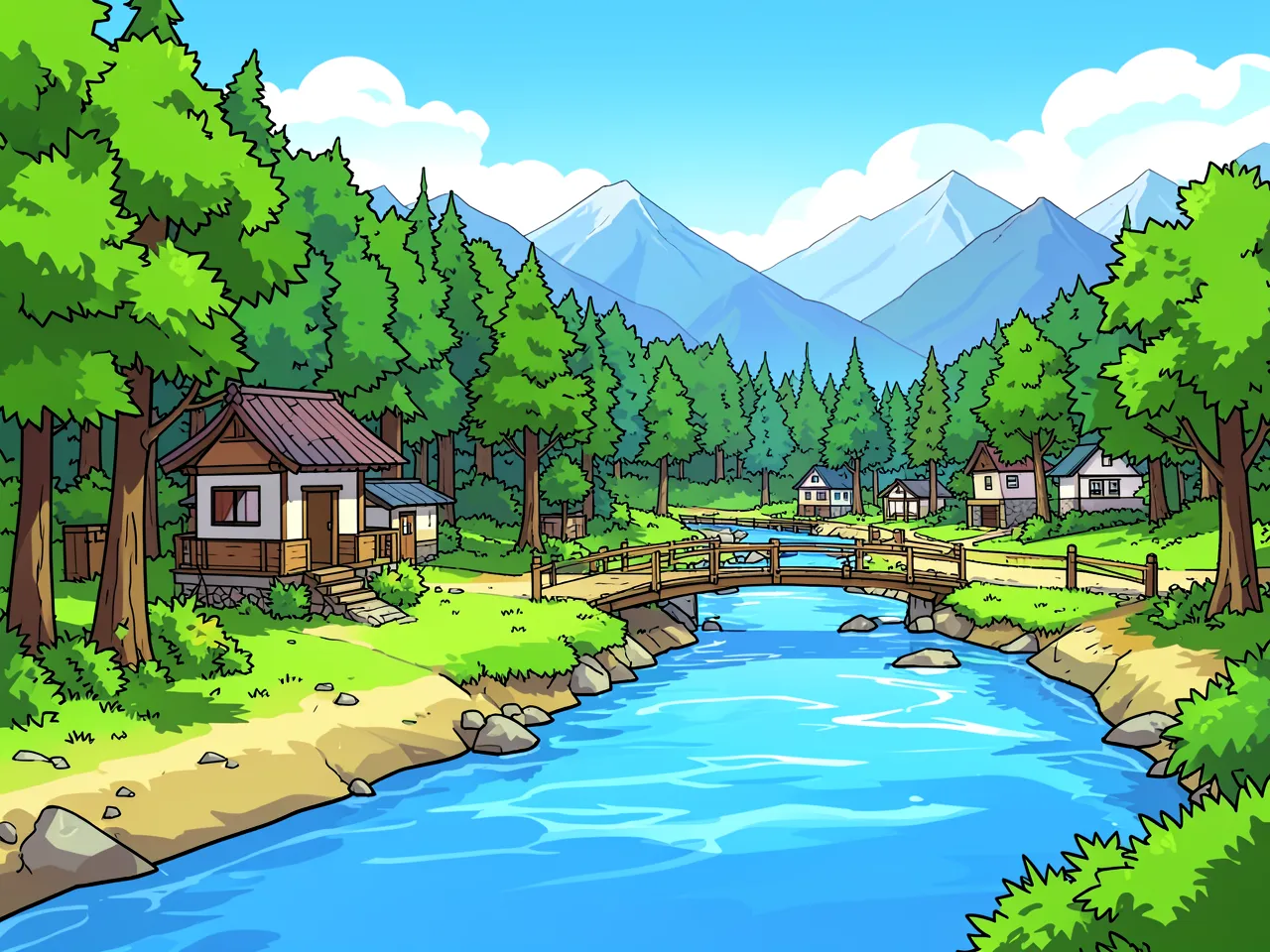
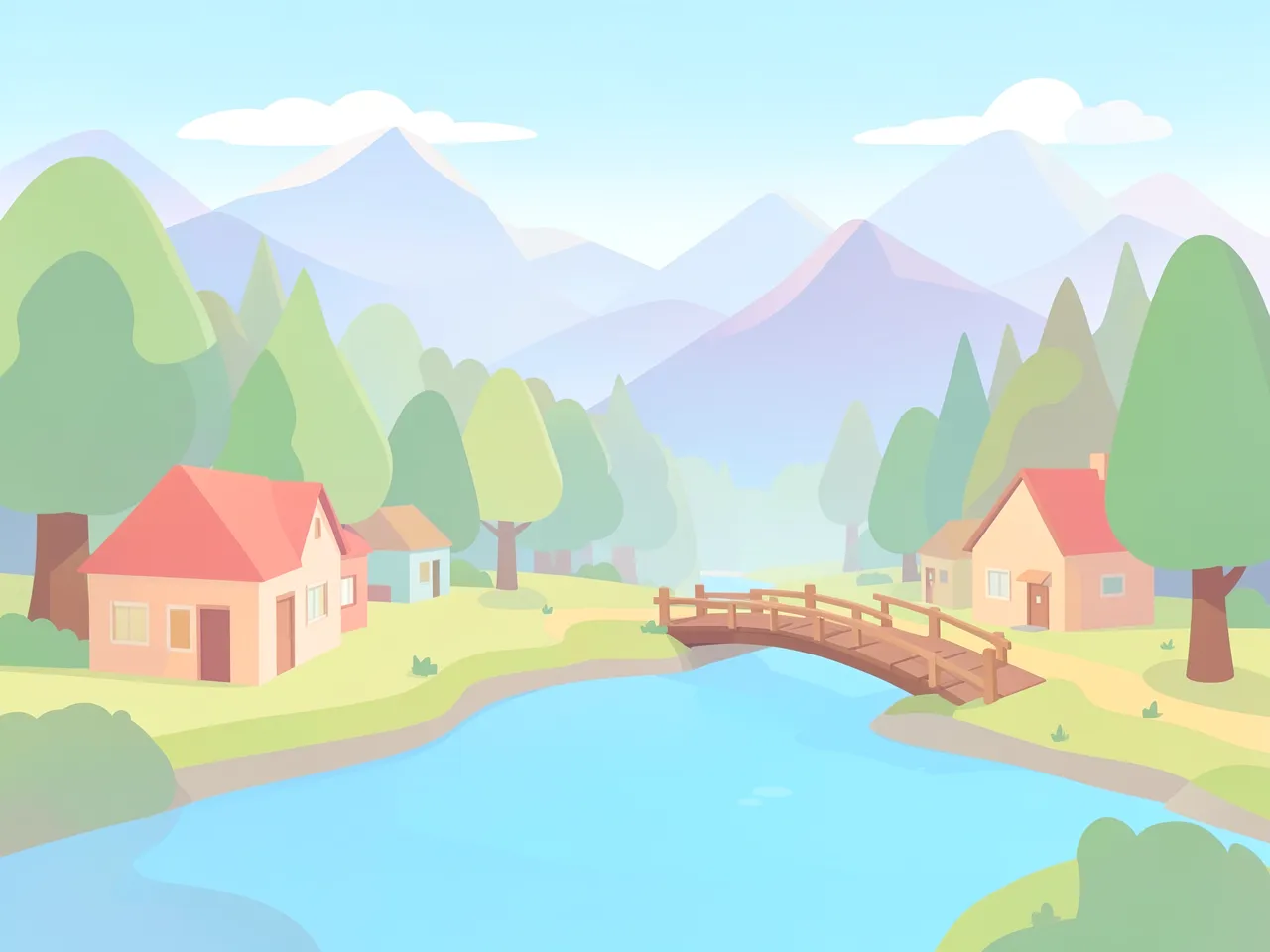
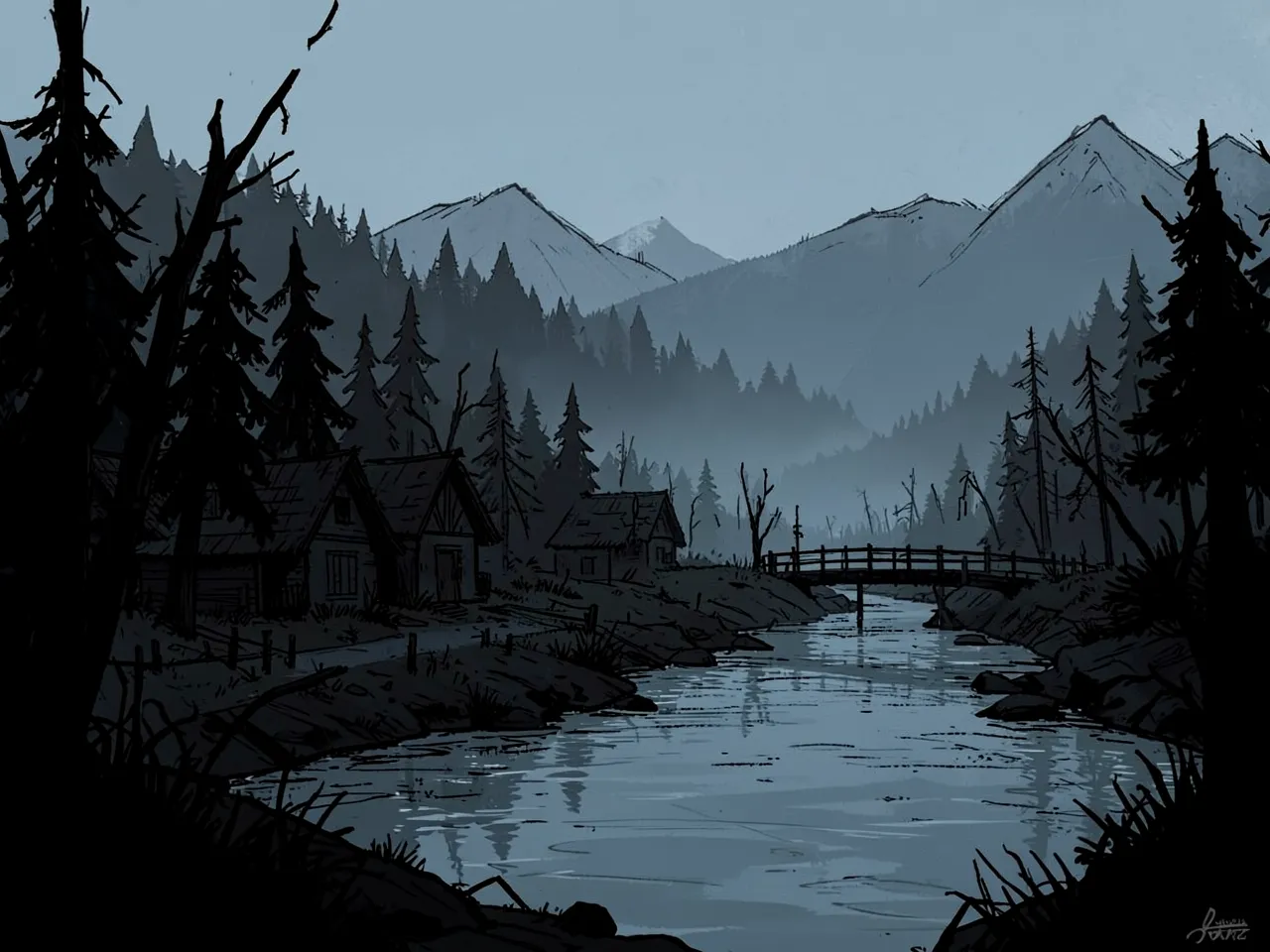
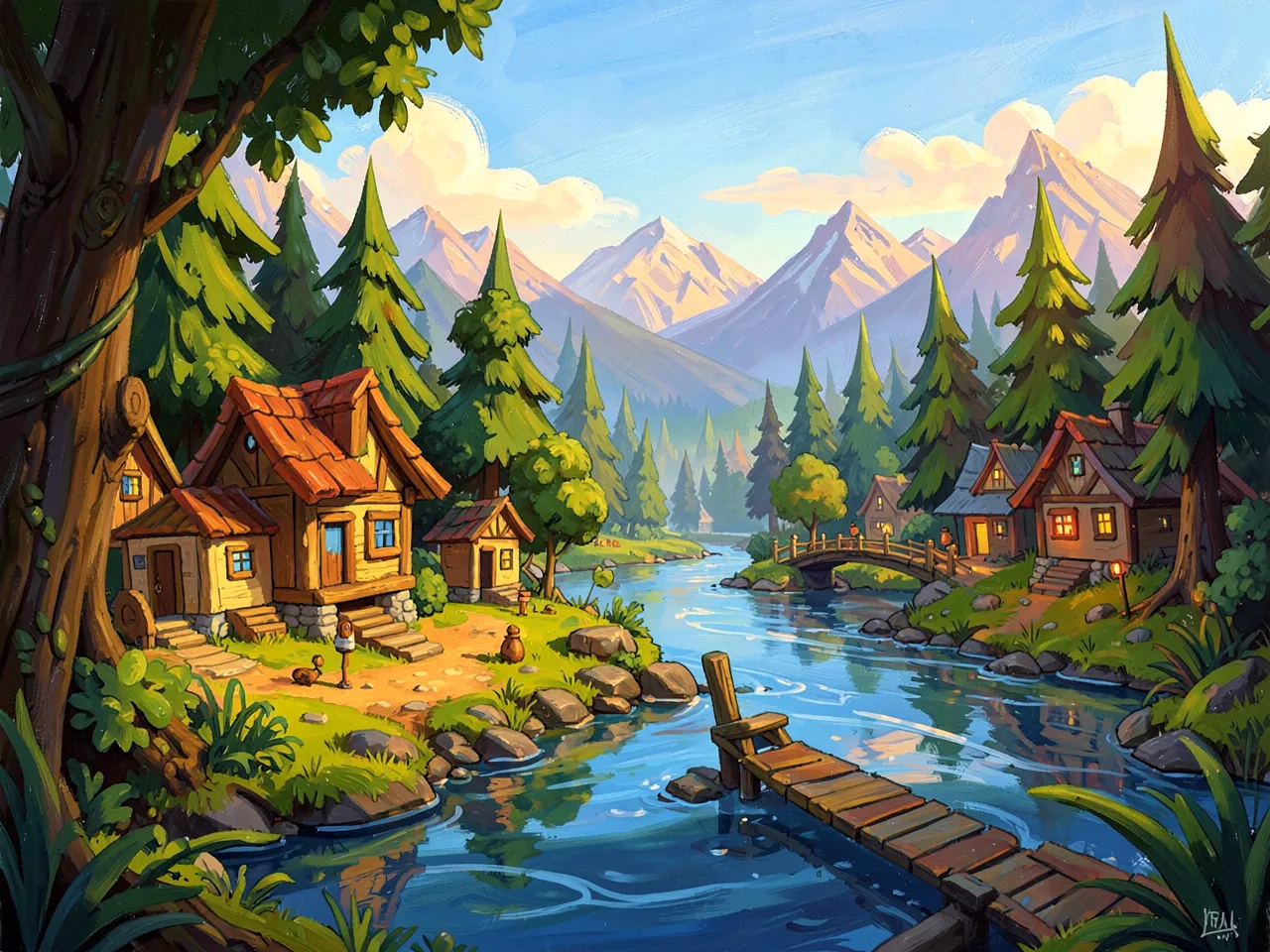
16-bit pixel art in the style of a SNES-era game, crisp square pixels, limited palette, no anti-aliasing, no blur. a small village beside a river at the edge of a forest, a wooden bridge, mountains in the distance, wide view.
Character
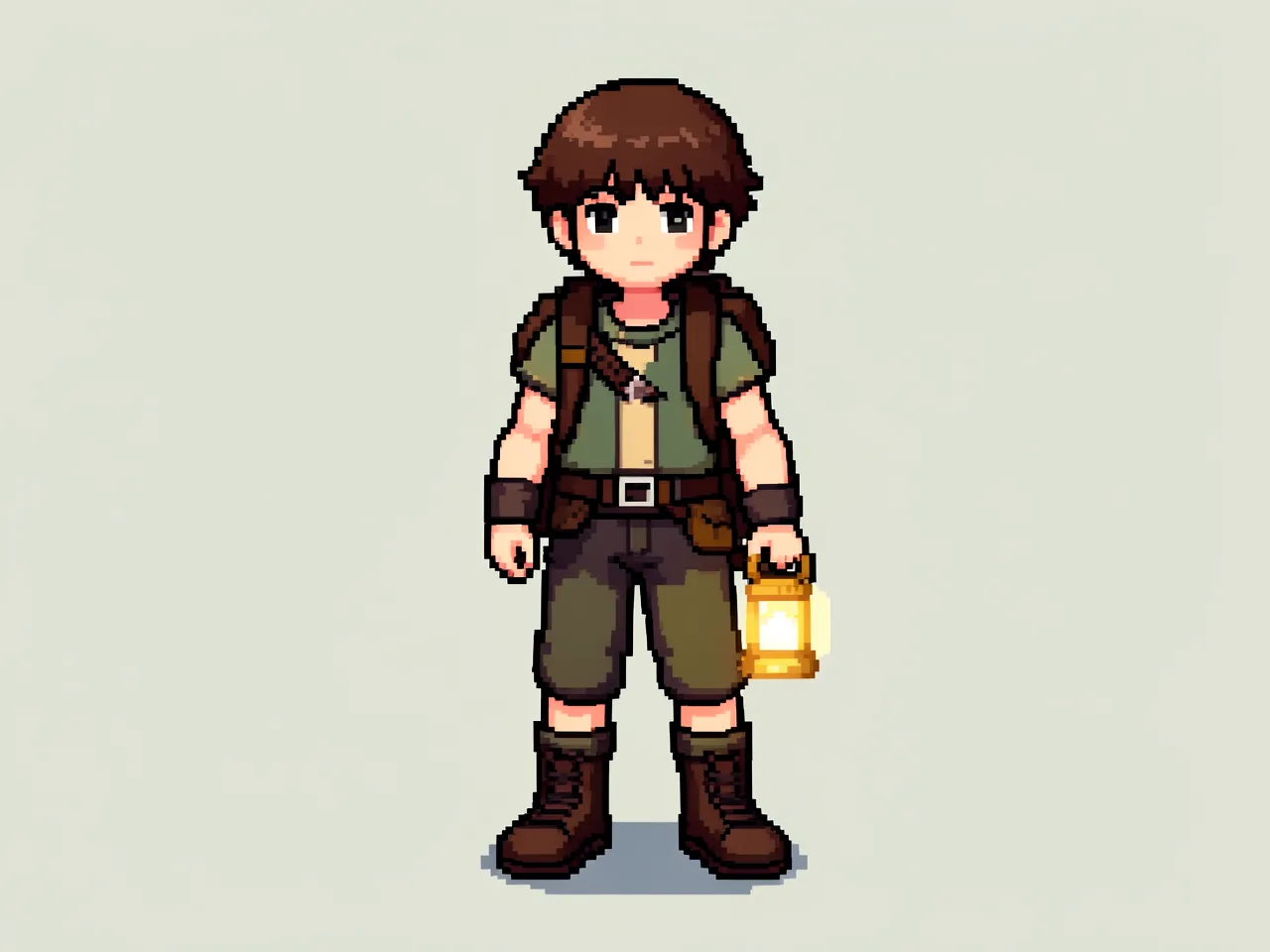
16-bit pixel art in the style of a SNES-era game, crisp square pixels, limited palette, no anti-aliasing, no blur. a young adventurer with a backpack and a glowing lantern, full body, standing, centered, on a plain light background.
Prop
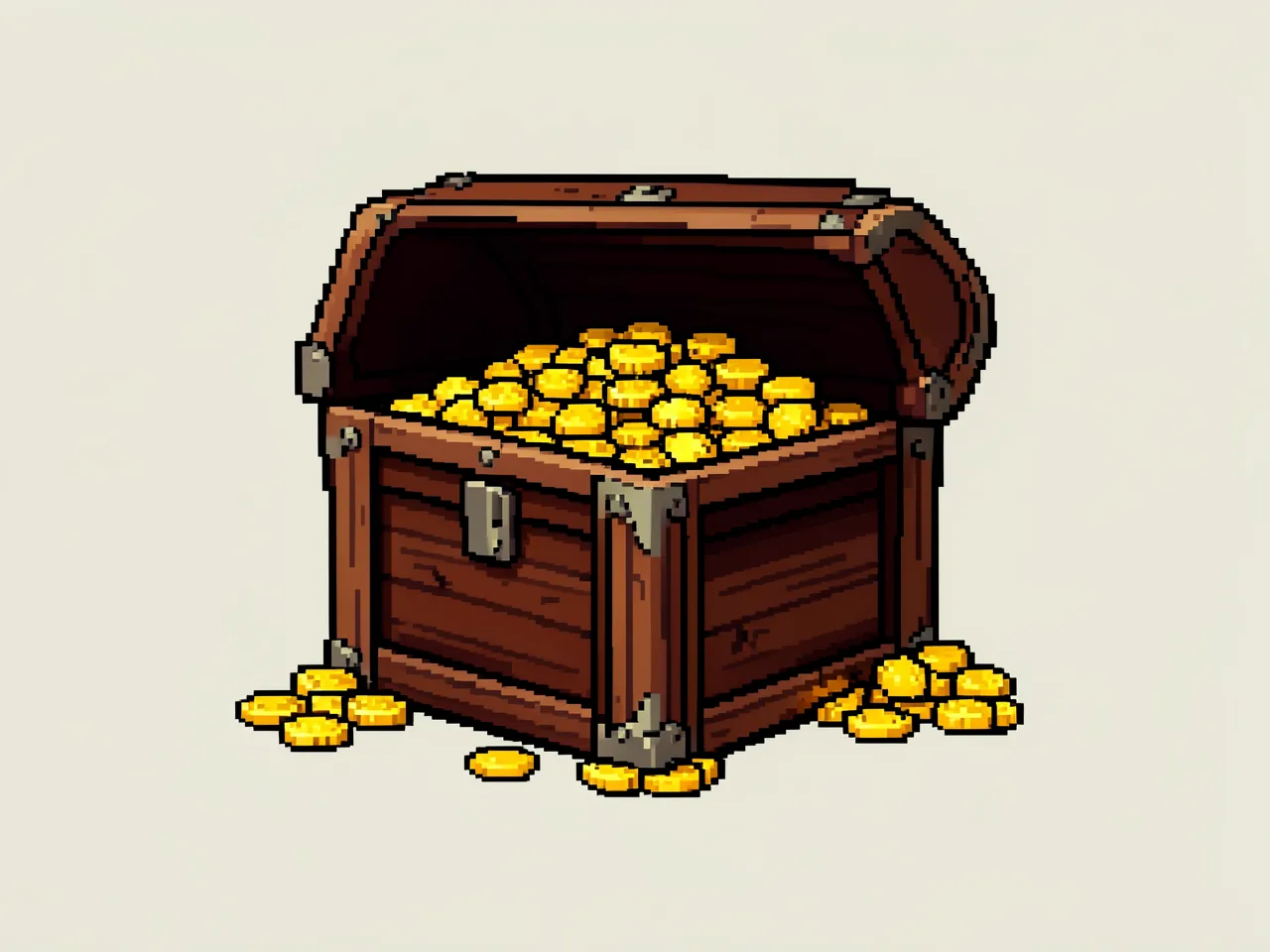
16-bit pixel art in the style of a SNES-era game, crisp square pixels, limited palette, no anti-aliasing, no blur. a wooden treasure chest with gold coins spilling out, centered, on a plain light background.
The look of a 1990s console game: square pixels, strong outlines on characters, and bright, simple colors. It is the easiest style to read on a small screen, and players forgive simple shapes.
What to watch for
- The model draws something that looks like pixel art, but it is not real pixel art. The character image has about 51,000 different colors, even though the prompt asks for a limited palette. Real pixel art uses a few dozen at most.
- Before you use it as a sprite, shrink it down so each “pixel” becomes one real pixel, then reduce it to a small fixed set of colors. Use the same set for every sprite so they match.
- Made with
- FLUX.2 [klein] 4B in ComfyUI on a Mac (M5 Pro), 4 steps, 1280×960, seed 101, about 15 seconds per image
- Good for
- Platformers, RPGs, roguelikes