Can you make a game without an engine?
Yes. A web library like Three.js or Phaser gives you a renderer, and you add the rest. When an AI agent writes the code, this is a reasonable choice. Here is where it hurts.
Yes. You do not need Unity, Unreal or Godot to make a game. A web stack can carry a full game. When an AI agent writes most of the code, it is a reasonable choice.
What “no engine” means
An engine is a bundle: renderer, physics, audio, input, scenes, UI, an editor and export to many platforms. A web library gives you one or two of those pieces. You choose the rest from other libraries or write them yourself.
| Library | For | What it includes |
|---|---|---|
| Three.js | 3D | Renderer, model loaders, animation, basic 3D sound |
| Babylon.js | 3D | Closer to a full web engine: renderer, physics plugin, audio, GUI, scene inspector |
| Phaser | 2D | Renderer, scenes, input, sound, two physics systems, asset loader |
| PixiJS | 2D | A fast sprite and text renderer, and almost nothing else |
| Plain Canvas | 2D | A surface to draw on. Everything else is yours |
What you add yourself
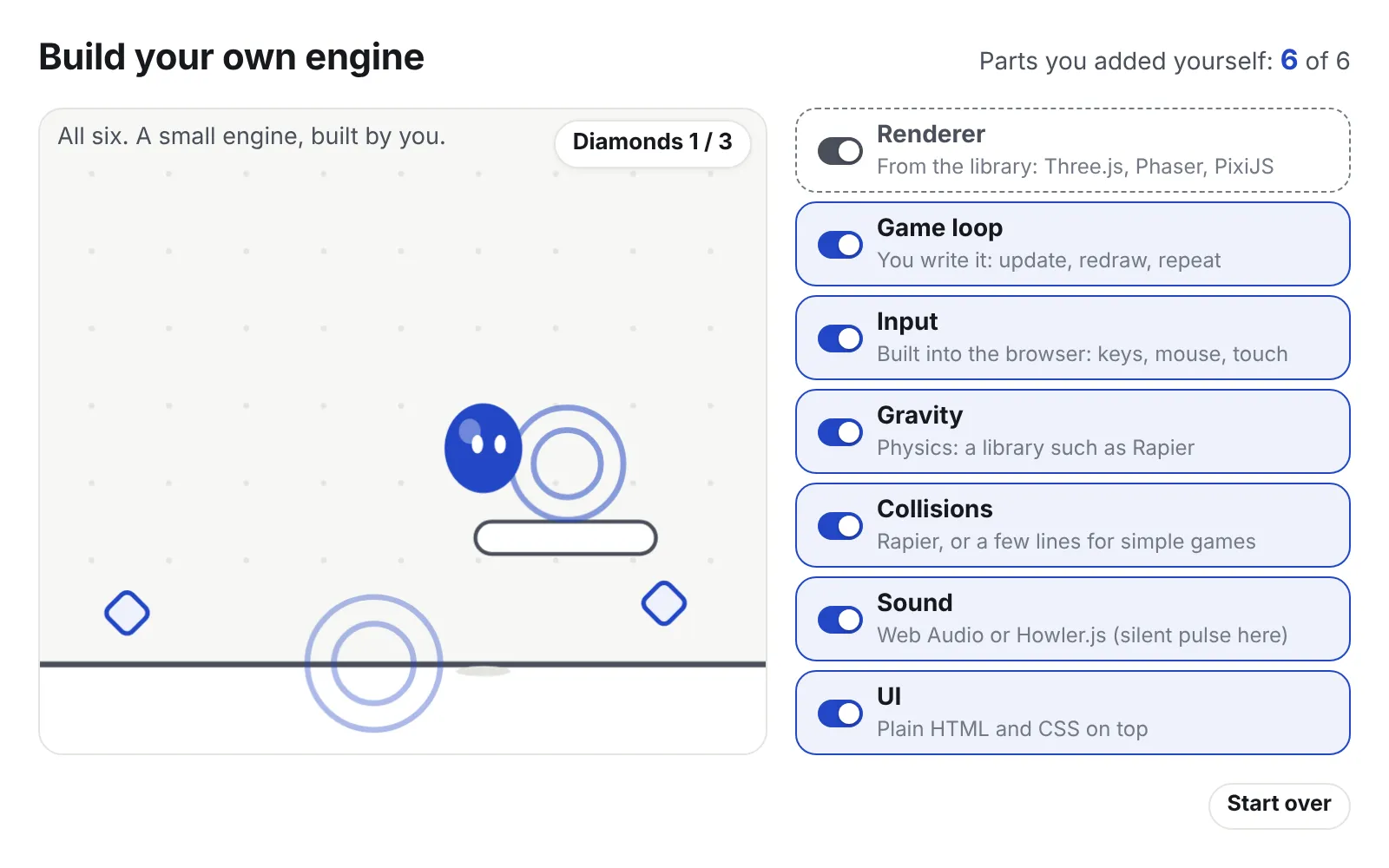
With Three.js the list of missing pieces is long, but each piece is small. Try it below. The library gives you only the renderer, so the ball is drawn but frozen. Switch on the other parts one by one and watch the scene gain each behaviour.
Each switch is a part you add yourself. The note under it names the library this post suggests for that part. Sound is shown as a pulse, so the demo stays silent.
- Physics. Add a library such as Rapier. Many games need much less. A card game or a turn-based RPG only needs to know what the player clicked.
- Audio. The browser’s Web Audio works. A small wrapper, or Howler.js, handles loading and volume. Browsers only allow sound after the player clicks once.
- Input. Keyboard, mouse, touch and gamepad are all built into the browser. You write a small layer that turns them into actions like “confirm” and “back”.
- Scenes. A title screen, a battle, a menu: you decide how to load, show and remove each one. Removing matters, because the browser does not free the graphics memory of old models and textures for you.
- Saving. Use the browser’s storage, or a file on disk once the game runs on desktop. Put a version number in your save format from day one.
- UI. This is the hidden strength. Menus, dialogue boxes and settings can be plain HTML and CSS on top of the game. Agents write HTML and CSS very well.
Why it works well with agents
Everything is TypeScript or JavaScript in ordinary text files. There are no binary scenes and no hidden editor state. The agent edits a file, and that is the whole change.
The game runs in a browser, and an agent can drive a browser with Playwright. Playwright is a tool that opens a page, clicks, presses keys, takes a screenshot and reads the console. So the agent can write code and see the result without a person.
There is a huge amount of public web code, so models know these libraries well. A dev server like Vite reloads the game in under a second after each change, so every try is cheap.
Where it hurts
- Steam. Steam sells desktop programs, not web pages. You wrap the game in Electron or Tauri. Electron brings its own browser, so it is a large download but behaves the same everywhere. Tauri uses the browser built into the system, so it is small, but you must test the graphics on each platform. Steam features such as achievements need extra bindings, so check the current options when you get there.
- Consoles. Practically no. Consoles expect native builds and certified tools. If a console release is a real goal, pick an engine from the start.
- Performance. The browser adds a layer between you and the graphics card. For card games, puzzles, 2D action and stylised 3D, this rarely matters. For large open worlds or thousands of physics objects, you hit the limit sooner.
- No editor. You cannot drag a lamp and watch the room change. You place things in code or build small debug tools. With an agent this matters less than it sounds, but level layout and lighting take more back and forth.
So, should you?
Choose a web stack if your game is 2D or stylised 3D, your target is the web or Steam on PC, and an agent will write most of the code. Choose an engine if you need consoles, heavy 3D, or a visual editor for someone on the team who does not program.
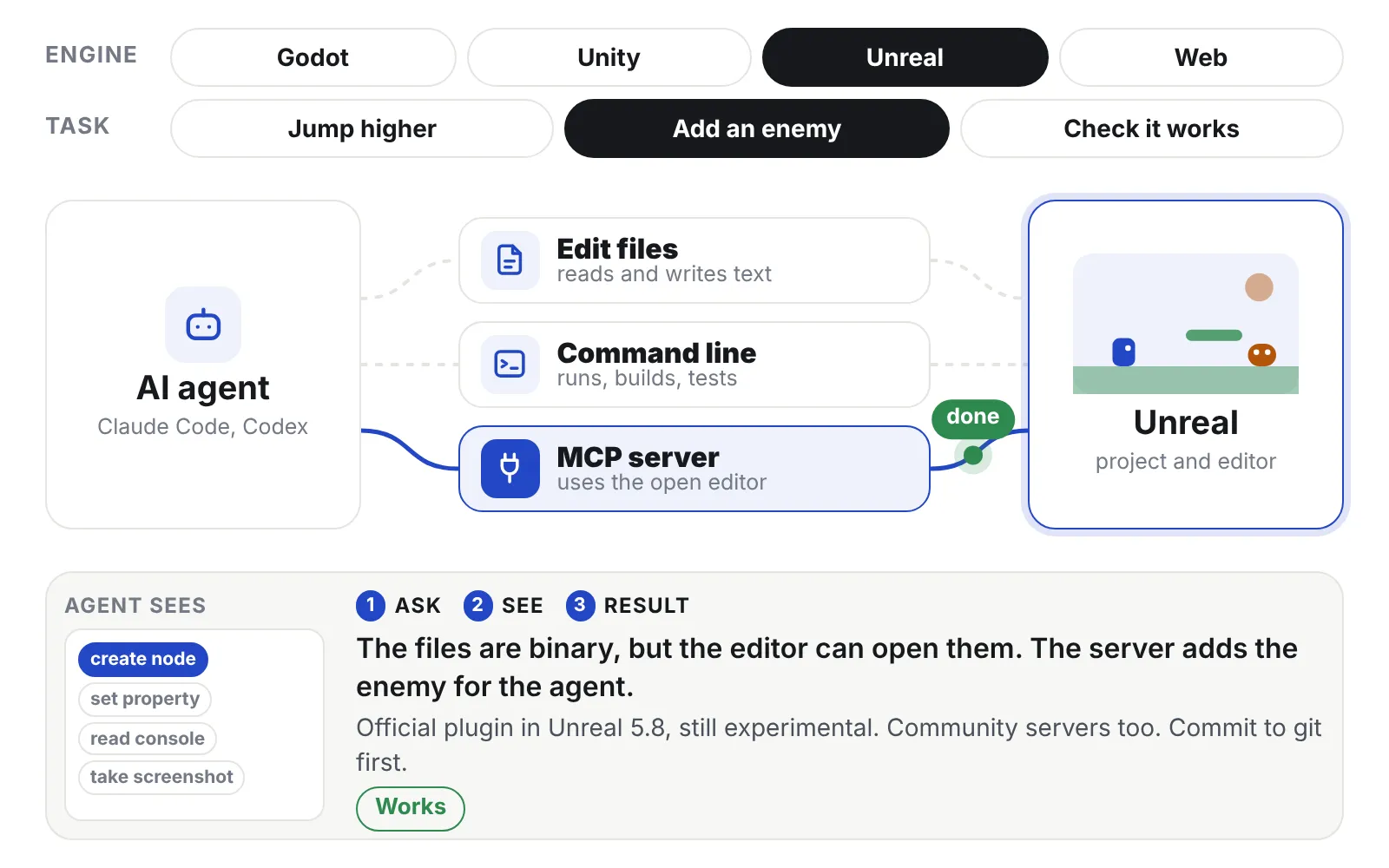
Next: the three ways an AI agent can reach into your engine.