"Dying sets me back too much": game over screen design with a death recap, unlocks and three more tricks
Five game over screen tricks side by side: a run recap, a death recap, a permanent progress bar, an unlock reveal and one suggestion for the next try.
What we asked“Make a web page that demonstrates the five end-of-run tricks that make a lost run still feel worth it one at a time, so anyone can see and feel each one within a few seconds. For each one, show the same short moment side by side: without it on the left, with it on the right, playing in a loop, with a caption that says what just happened and a replay button. Where it helps, let me play the moment myself. It will sit inside a blog post about 720 pixels wide, so it has to look good at that width and on a phone. Also make each one viewable alone with ?trick=<id>&solo, using these ids: run-recap, death-recap, meta-progress, unlock-reveal, next-try. Show a few seconds of one tiny original dungeon run ending in death, then its end screen, where the left side is a plain "GAME OVER - Retry?" screen. Use the internet freely for better results: free CC0 art, fonts or small libraries (for example Kenney's CC0 assets) are welcome; download anything you use into this folder so the page works without outside links, and list each item with its licence and source in CREDITS.md.”
What happened
- Loaded the run-summary skill
- Downloaded Kenney's Tiny Dungeon sprites and Kenney Pixel font (both CC0)
- Wrote one small dungeon engine, so the scripted run and the playable version use the same rules and data
- Fixed the death recap and unlock reveal screens, which overflowed, and stripes in the sand floor
- Checked phone width and play mode with simulated key presses, with no console errors
- Embedded the font in a small CSS file, because Chrome blocks font files when the page is opened from disk
“Dying sets me back too much.” When a run ends on a bare GAME OVER, the player has spent twenty minutes and has nothing to show for it, and no idea what went wrong. Many quit right there. The screen after a loss is where you win them back. In Slay the Spire, whether something unlocks “is determined by your cumulative score at the end of runs” (slaythespire.info, fan site), so even a bad run moves you forward. In Hades, some currencies are lost on death, while others buy permanent upgrades “that affect future attempts” (Wikipedia).
Every demo below plays the same few seconds of a tiny dungeon run. On floor 3, the knight has 8 HP and one potion. He kills a slime, takes two arrows from a Bandit Archer, kills a bat, and then a Cyclops Brute’s club kills him. The left side always ends on a plain “GAME OVER - Retry?”. The right side shows the same moment with one trick switched on. Play it yourself turns it into a small turn-based dungeon (arrows or WASD, Q for the potion, or tap next to the knight). When you die, both end screens use your real run.
1. Run recap
List what the run achieved, one line at a time with a short count-up, and give each line points. Slay the Spire’s score gives 5 points per floor climbed and 2 per enemy slain, plus more for elites and bosses (Slay the Spire Wiki). In our demo the lines arrive about 0.3 s apart: 3 floors (+15), 7 enemies (+14), “Felled a Cyclops Brute” (+5). The loss now reads as 34 points, next to “Best: floor 5”. On the left, the same run vanishes without a word.
2. Death recap
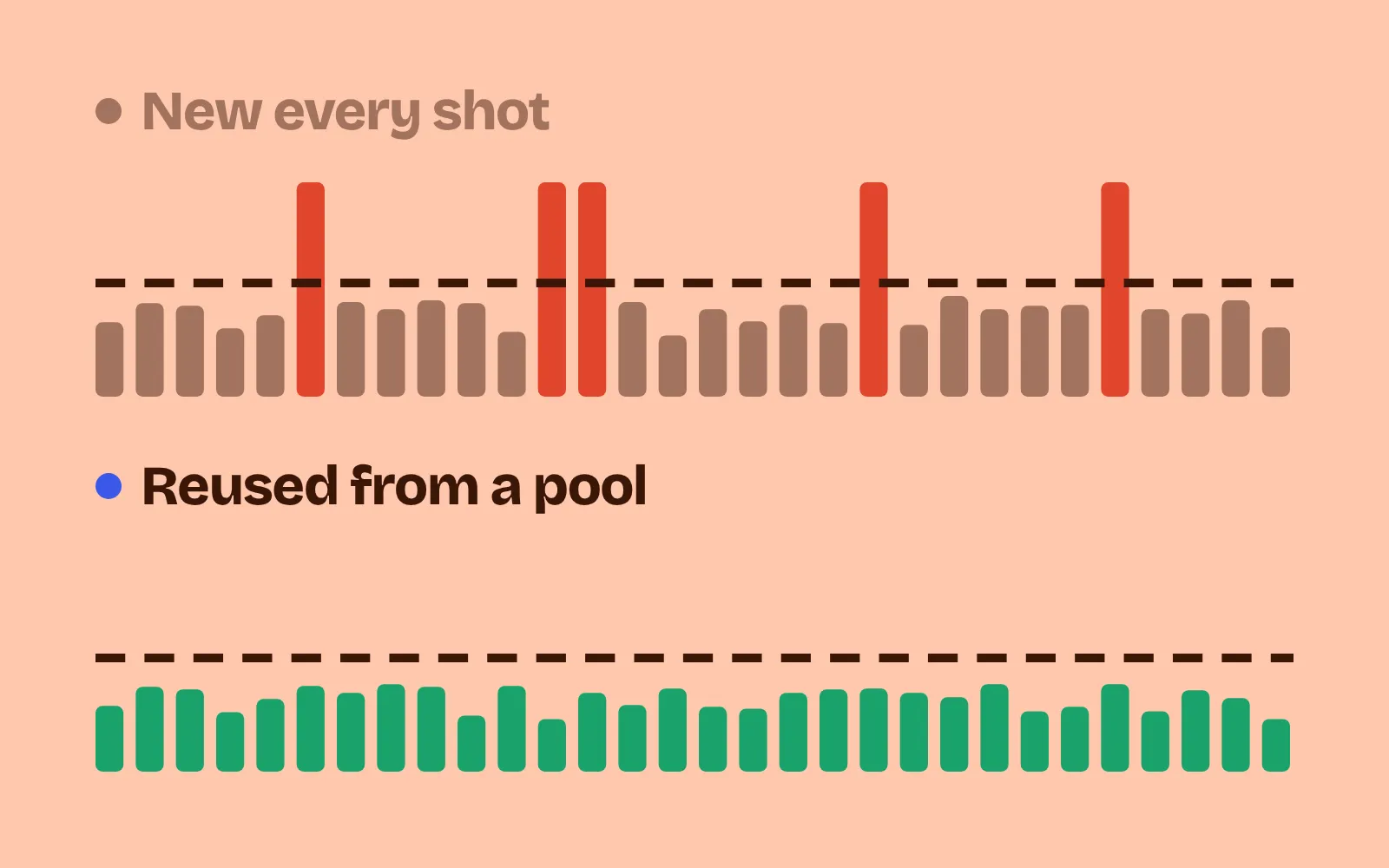
Say what killed the player: who, with which attack, for how much. Then show the top 2 or 3 damage sources of the last 10 seconds. League of Legends’ Death Recap lists up to 5 enemies that damaged you, sorted by total damage (League of Legends Wiki, fan wiki). In our demo the screen says “Slain by Cyclops Brute: Club smash, 3 damage”, with bars below: Bandit Archer 4, Brute 3, Slime 1. The killer wasn’t the biggest threat, and that’s exactly what the player needs to learn. On the left, the hits came too fast to tell.
3. Permanent progress
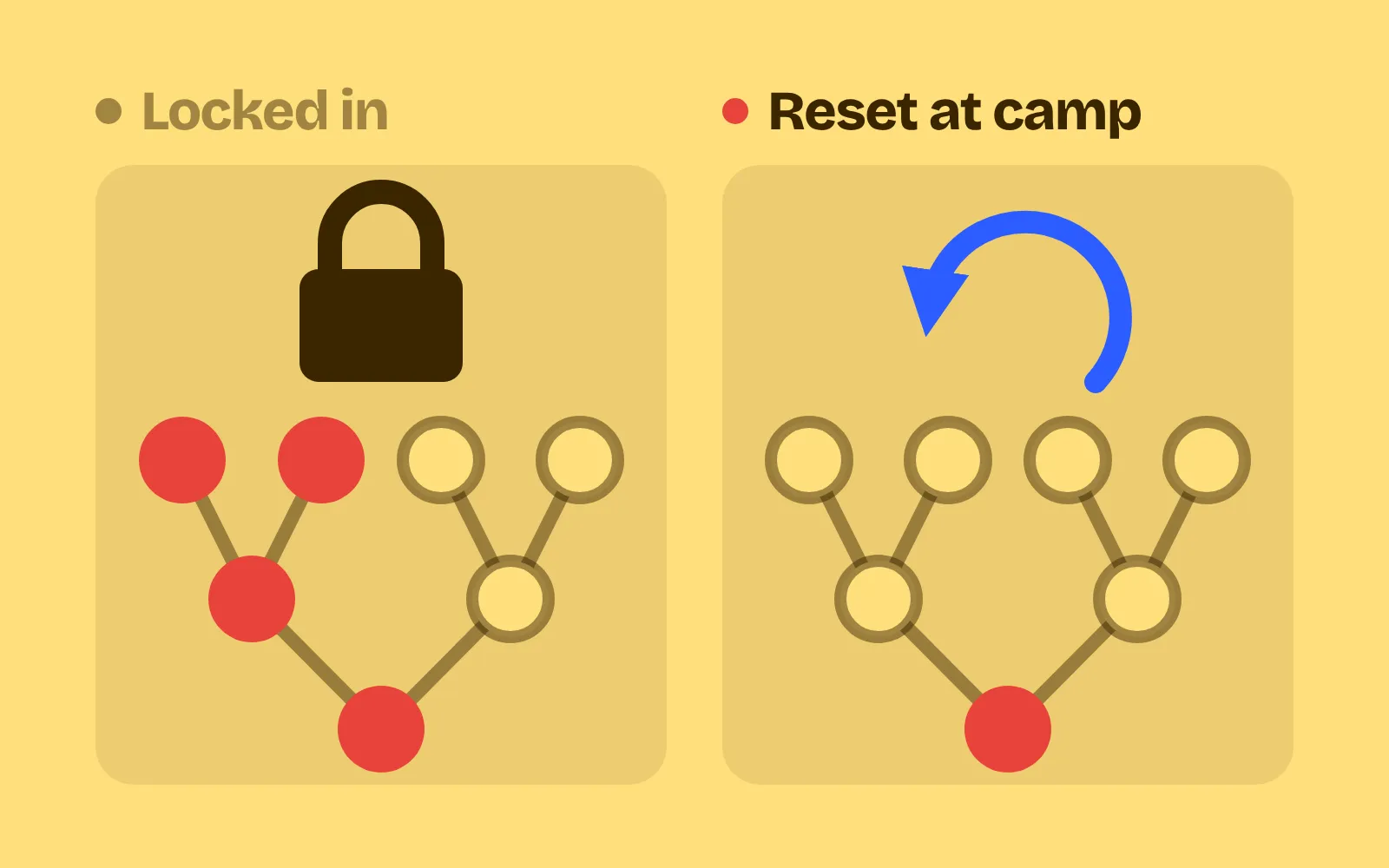
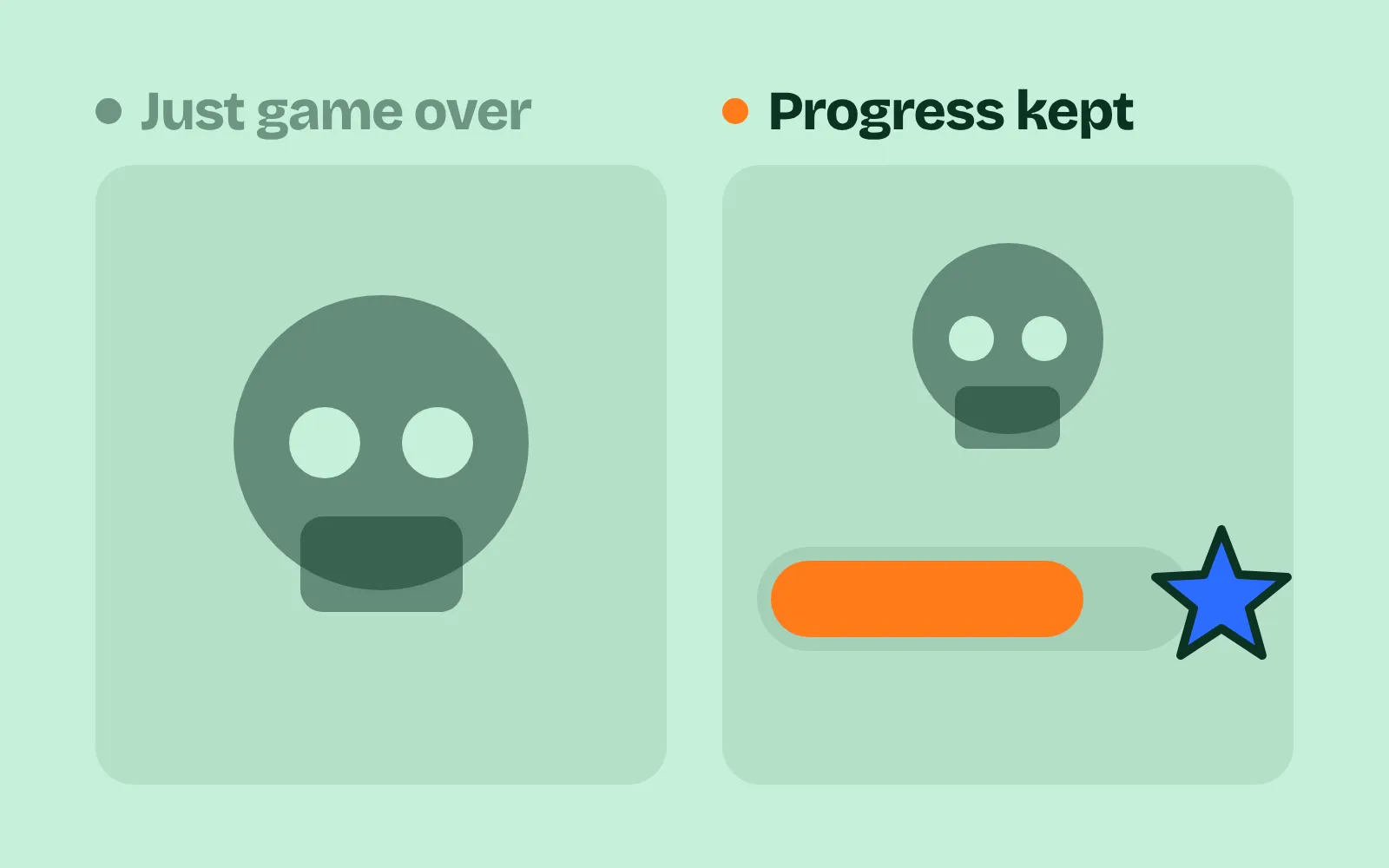
Pour the run’s points into a bar toward the next permanent unlock, and fill it in front of the player, even after a loss. A first run should fill at least a third of the first bar, so the player sees the goal is reachable. In our demo, +34 points fill 68% of the bar toward the Battle Axe: “16 more to unlock it”. If your upgrades themselves need work, see roguelike upgrade systems.
4. Unlock reveal
When the bar fills, stop and show the new thing: what it does and where it will appear. Never unlock something silently in a menu the player may never open. In our demo the bar fills, there’s a flash, and a card says “New weapon! Battle Axe. Hits for 2 instead of 1. Added to future runs: you start with it.” On the left, the same run unlocked the axe too, but quietly. In play mode you need about 50 points before this tab shows a reveal; until then it shows the bar and how many points are left. The axe then works in your next run.
5. Next try
Give one concrete tip built from this run’s data, and show what the player had but never used. NetHack asks “Do you want your possessions identified?” when you die, and the list often shows an item that could have saved you (NetHackWiki, fan wiki). In our demo the tip reads “Most damage came from Bandit Archers (4 of 9). Step sideways out of their row or column.” Below it is the Health Potion you never drank, which would have saved you. The numbers come from the run’s log, not hard-coded text, so in play mode the tip is about your own death.
Keep it short
An end screen that takes too long becomes the new reason to quit. A few rules:
- Let the player skip. Keep count-ups short (about 0.3 s per line), and let one press jump straight to Retry.
- One tip, not a lecture. Pick the single biggest cause from the log.
- Don’t fake progress. The bar must move for real, and the unlock must really change the next run.
- Measure it. This is the skill’s last step. With tricks on and off, have testers or a bot lose runs on purpose. Time from death to the next run should drop, and more people should play again. Ask “What killed you?”: with the tricks on, the answer should match the game’s log almost every time.
Add it to your game
- Copy the skill at the end of this page into your project.
- Ask your agent: “Make losing a run in my game still feel worth it.”
- Play it, then tune in plain words: “The first unlock comes too late.”
Art in the demos: Tiny Dungeon and Kenney Pixel by Kenney (CC0).
The skill that made it work
This is the whole skill we gave Claude Code. Copy it into your project and ask your agent to make a lost run feel worth it. Every trick sits behind its own switch, and the last step measures how fast players start again and whether they can say what killed them.
- Find where a run ends and what the game tracks: depth, time, kills, damage taken and from what, items picked and unused.
- Put every trick behind one named switch in a single settings object, all on by default, so each can be tested on its own.
- run-recap. List what the run achieved, one line at a time with a short count-up (about 0.3 s per line): rooms or floors reached, enemies beaten, bosses, best moment. Give each line points, like Slay the Spire's score (5 per floor, 2 per enemy). Put "Best: floor 7" beside the result.
- death-recap. Say what killed the player: the attacker, the attack and how much damage, plus the top 2 or 3 damage sources of the last 10 seconds. League of Legends' Death Recap lists up to 5 enemies that damaged you, sorted by damage.
- meta-progress. Turn the run's points into progress on a bar toward the next permanent unlock, and fill it in front of the player, even after a loss. A first run should fill at least a third of the first bar.
- unlock-reveal. When the bar fills, show the new thing with a short reveal and say where it appears ("New relic: added to future runs"). Never unlock silently in a menu.
- next-try. Give one concrete suggestion from this run's data ("Most damage came from archers: dash sideways") and show what the player had but never used. NetHack offers to identify your items after death, which often shows something that could have saved you.
- Measure it. With tricks on and off, have testers or a bot lose runs on purpose. Time from death to the next run starting (it should drop), count how many choose to play again, and ask "what killed you?": with tricks on, the answer should match the game's log almost every time.
Save it as .claude/skills/run-summary/SKILL.md in your project. Or connect your agent and type /aigamedev: it loads this skill with its reference files and the results from this post.