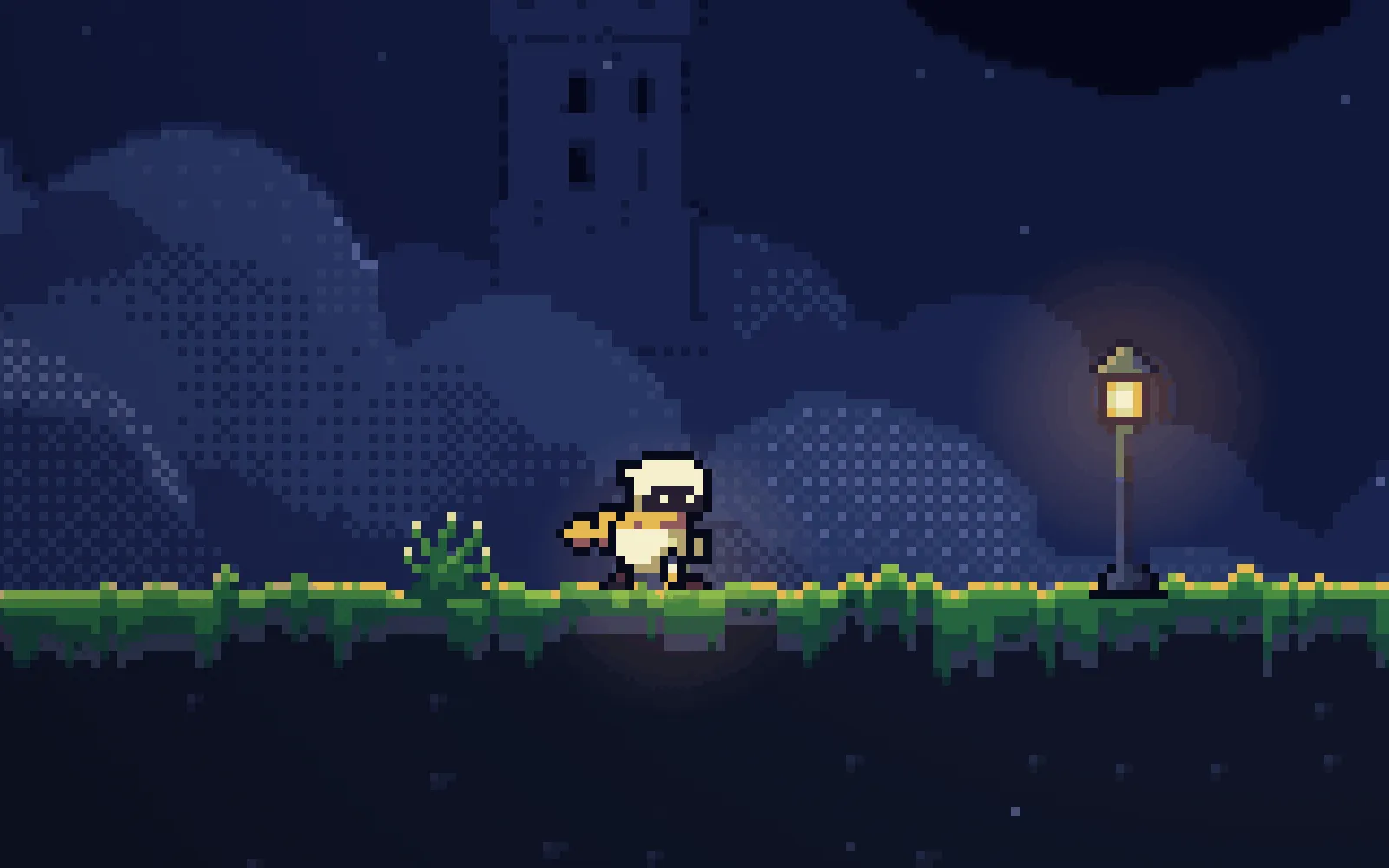
Making the chapter feel alive: game juice with Claude Code in one prompt
One prompt and a skill gave every jump, landing, spring, crumbling block, orb and death in our platformer a visual reaction, with gameplay unchanged. Switch each effect on and off in the real game.
Before you start
- The finished chapter from part 7: 34 rooms and 2 bonus rooms in a single-page Phaser game, with tests, a route for every room and the platformer-levels measuring script.
- Claude Code, started in the game's folder, plus Node and Playwright for the tests and screenshots.
- The skill at the end of this page, in the folder's .claude/skills/game-juice/. Then give the prompt below to a fresh session.
What we asked“The chapter plays well but feels flat. Make it feel alive: every jump, landing, bounce, crumbling block, orb, death and door should react on screen. Don't change how anything plays.”
What happened
- Loaded the game-juice skill
- Ran the 15 tests, the 36 routes and a 20-run difficulty measurement as a baseline
- Added the effects as a separate layer with one settings object
- Ran everything again and compared, then took screenshots of every moment and looked at them
“Juice” is the small visual answers a game gives to everything you do: a squash when you land, a puff of dust, a bump of the camera when something big happens. It adds no rules, but it changes how a game feels to play, as Martin Jonasson and Petri Purho showed in Juice it or lose it and Jan Willem Nijman in The art of screenshake.
This is the real game from this session, running live. Switch juice off and on, or one effect at a time, and use the buttons to jump to a room where that effect shows. Arrow keys or A/D to move, Up, W or Space to jump. You need a keyboard; the game has no touch controls. We only added the start screen, a way to skip it for this panel, and Phaser loaded from this site.
What Claude added
Claude went through the game event by event. Times are in milliseconds, sizes in pixels.
| Event | What happens on screen |
|---|---|
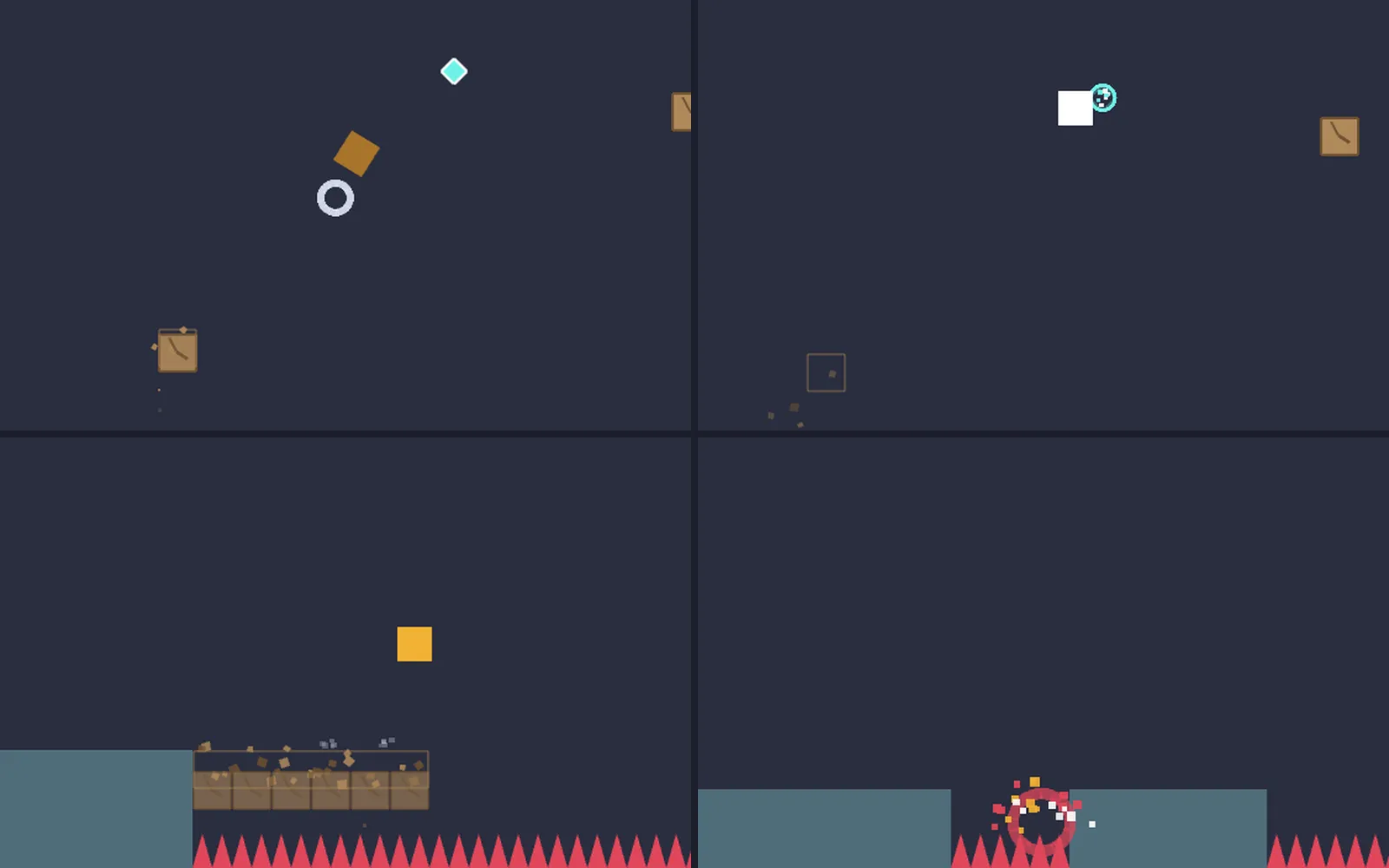
| Jump | Stretch to 0.8 × 1.2, easing back over 150 ms, and dust to both sides |
| Double jump | Stretch, one full spin and a ring left in the air |
| Landing | Squash up to 1.3 × 0.7, deeper the faster you fall; a heavy landing adds a 2 px shake |
| Running | Small dust puffs from the feet |
| Standing still | Slow breathing, about 3% |
| Spring | Stretch, green sparks and a 3 px camera dip |
| Crumbling block | Crumbs while it shakes, debris behind the level and a 2 px shake when it falls |
| Refill orb | Sparks and a 60 ms white flash on the player |
| Checkpoint | Sparks and a ring |
| Death | A 70 ms freeze, then 22 pieces and a 5 px shake |
| Respawn | The player pops back in |
| New room | The room fades in |
| Chapter end | Confetti from the flag |
All the numbers sit in one settings object at the top of the game, with a master switch and one switch each for squash, particles, shake, flash, hit pause and transitions. J switches everything in the game. With “reduce motion” set on your system, shake and flash start off.
Each effect, off and on
Each clip plays the same key presses twice, without juice on the left and with it on the right. The player moves exactly the same way in both.
Gameplay unchanged
We measured all 36 rooms with the platformer-levels script before and after the session, with simulated players from new to skilled. Every pass rate came out identical, and all 36 routes still finish.
What the session missed
Our own checks after the session found these. The session didn’t catch them, and we didn’t send them back as prompts.
- The door itself doesn’t react. Only the next room fades in.
- The death burst is red and orange on red spikes, so it’s hard to see, and its pieces are still flying after the player has respawned.
- Shake moves the whole camera, so the deaths and timer shake too, and a thin strip of the page shows at the edge of the canvas.
- With reduce motion on, the double-jump spin and the squash and stretch still play.
- Claude’s own difficulty check used only 20 runs per player. Ours used 50.
We’ve since added the first four to the skill’s rules, so the download now asks for them.
It took one prompt and no follow-ups: 10 minutes and $1.69 of Claude Code working alone.
Get the skill. It works for any 2D game and has the starting numbers for each effect. You can also install all seven skills as a Claude Code plugin or replay this part from its starting files.
Recorded with a clean Claude Code: no personal skills, plugins or MCP servers. The session had game-juice and our earlier platformer-feel and platformer-levels skills installed.
The skill that made it work
It makes Claude list every event in the game, give each one a few small effects drawn on top of the game, keep them readable and switchable, and prove with the game's own measurements that nothing plays differently.
- List every event first: everything the player does or that happens to them. Every event gets a response.
- Layer two or three small effects per event: motion (squash and stretch), particles, a short flash, camera shake or nudge, a brief hit pause. Big events get more layers, frequent events fewer.
- Never change how the game plays. Draw juice on a separate visual, not the physics body. Run any routes or difficulty measurements before and after: the results must be identical.
- Keep it readable: effects never hide hazards, pickups or the player, shake is small and short, and with prefers-reduced-motion there is no shake or flash.
- Make every effect switchable: one settings object with an on/off switch per effect. Everything off gives back the original game.
- Check and report: screenshot the key moments and look at them, list each event with its effects and numbers, and confirm gameplay is unchanged.
Save it as .claude/skills/game-juice/SKILL.md in your project.
Was this useful?
Thanks, we read every message.
Part 8 of Make a complete platformer with AI