"That didn't even touch me": invincibility frames, hitboxes and hurtboxes
Why fair games use a hurtbox smaller than the sprite, a few invincible frames after each hit, and attacks that reach a bit further than they look. Five rules side by side.
What we asked“Make a web page that demonstrates the hit fairness rules (invincibility frames, hitboxes and hurtboxes) one at a time, so anyone can see and feel each one within a few seconds. For each one, show the same short moment side by side: without it on the left, with it on the right, playing in a loop, with a caption that says what just happened and a replay button. Where it helps, let me play the moment myself. It will sit inside a blog post about 720 pixels wide, so it has to look good at that width and on a phone. Also make each one viewable alone with ?trick=<id>&solo, using these ids: damage-iframes, dodge-roll, small-hurtbox, generous-hitbox, show-hitbox. Draw the hitboxes and hurtboxes where it helps people see why a hit did or didn't count.”
What happened
- Loaded the hit-fairness skill
- Wrote the five moments as one small simulation shared by the page and a measuring script
- Ran each moment plus 20 one-minute bot sessions per side, with the rule off and on
- Drew hurtboxes green, hitboxes red and invincible shapes in blue dashes, with a legend on each card
- Added a roll strip that shows the invincible frames one square at a time
- Added Play it yourself with keyboard, touch and on-screen buttons that drive both sides at once
Few things make players angrier than dying to something that didn’t touch them. Most of the time the game isn’t broken. It’s checking collisions against the picture of the character instead of what the player thinks of as their body. Fair action games follow a handful of rules about hurtboxes (the area that can be hurt), hitboxes (the area that does the hurting) and invincibility frames (short windows where you can’t be hurt). Each demo below plays the same moment with the rule off on the left and on on the right. Play it yourself drives both sides at once, so you can watch the outcomes split.
1. Invincibility after a hit
Touch an enemy and, without invincibility frames, you take a hit every frame you overlap: five hits in a twelfth of a second. With them, you take one hit, then blink for a second. In our bot runs, extra hits from a single touch dropped from 1,287 to 25.
2. Invincible in the middle of a roll
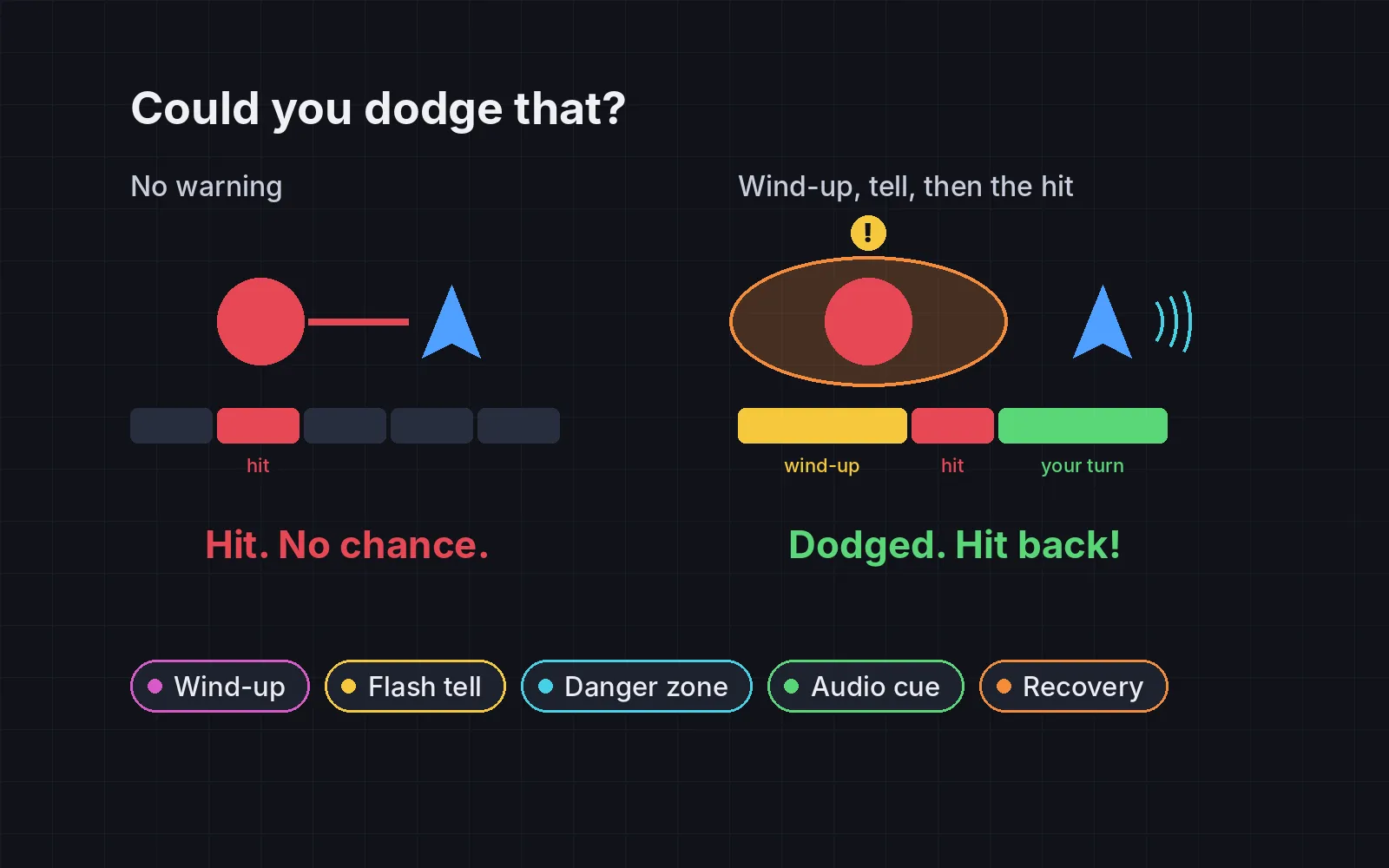
A dodge roll that only moves you is just a slow run. Giving its middle frames invincibility lets you roll through an attack. Dark Souls gives every normal roll 11 invincible frames (Dark Souls Wiki). In our bots, rolling through the fireball went from 0 times to 440.
3. A hurtbox smaller than the sprite
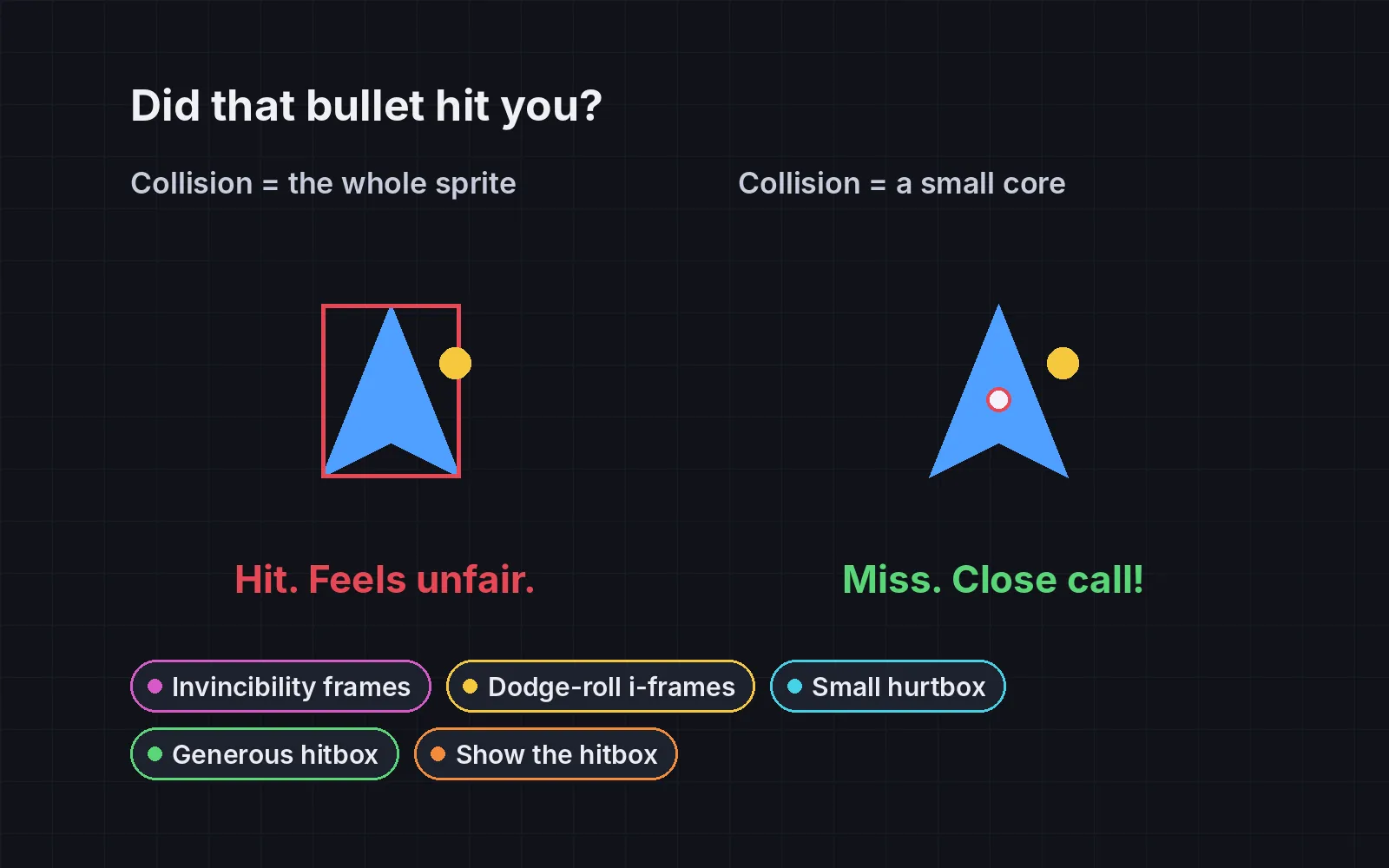
Wingtips, hair and capes shouldn’t count. Make the hurtbox the body’s core; in bullet-hell shooters it’s often a tiny circle in the middle of the ship. Bullets that would have missed the core but hit the sprite went from 2,264 to 0.
4. Attacks that reach a little further
The same rule, pointed the other way: the player’s own attacks should reach slightly beyond the drawn weapon, so a hit that looks like it connects does connect. Swings that visibly touched a slime but missed went from 383 to 0.
5. Show the hitbox when it matters
A small hurtbox only helps if players know about it. In Touhou, holding the focus button slows you down and shows your real hitbox as a small dot, roughly 5 by 5 pixels (Touhou Wiki). This one doesn’t change any collisions, so our bots took the same hits either way. It changes the decision: without the dot, you don’t believe the gap is safe.
The pattern
All five rules lean the same way: in doubt, the player wins. Their attacks reach a bit further, their body is a bit smaller, and one mistake costs one hit, not five. Players never notice when a close call goes their way. They always notice when it doesn’t.
Add it to your game
- Copy the skill at the end of this page into your project.
- Ask your agent: “Make getting hit in my game feel fair.”
- Play it, then tune in plain words: “The roll’s invincible window is too long.”
The skill that made it work
This is the whole skill we gave Claude Code. Copy it into your project and ask your agent to make getting hit feel fair. The last step makes it count unfair hits with each rule off and on, instead of guessing.
- Find every collision that hurts the player or the enemies: projectiles, contact damage, melee swings. Note the sprite sizes and the collision shapes in use.
- Put every rule behind one named switch in a single settings object, all on by default, so each can be tested on its own.
- damage-iframes. After the player takes damage, make them invincible for a short time (about 0.5 to 1.5 s) and blink them so it's visible. One hit should never become five hits from the same enemy.
- dodge-roll. Give the dodge or roll a window of invincibility in its middle, a fraction of a second. Dark Souls gives a normal roll 11 invincible frames.
- small-hurtbox. The area that can be hurt (the hurtbox) should be smaller than the sprite, roughly the body's core. In bullet-hell shooters it is often a tiny circle in the middle of the ship.
- generous-hitbox. The player's own attacks should reach a little beyond the weapon's drawing, so hits that look like they connect do connect.
- show-hitbox. When precision matters (dodging dense bullets), show the hurtbox, for example as a dot while the player moves slowly. Touhou's focus mode does this.
- Measure it. Run scripted dodges and attacks with rules on and off. Report hits taken that the sprite overlapped but the core didn't (should drop), repeated hits from one contact (should be zero with i-frames), and attacks that visibly touched but missed (should drop).
Save it as .claude/skills/hit-fairness/SKILL.md in your project. Or connect your agent and type /aigamedev: it loads this skill with its reference files and the results from this post.