Jump buffering: when an early jump should still count
In our Phaser platformer, pressing jump just before landing spent the double jump. Claude Code made the press wait for the ground. Play both versions and see what we measured.
Before you start
- The platformer from the double jump tutorial, or any Phaser platformer of your own.
- Claude Code, started in the game's folder.
- The skill at the end of this page, in the folder's .claude/skills/platformer-feel/. Then type the prompt below.
What we asked“When I press jump just before landing, nothing happens. Make the jump still count if I press it a moment early. Test it.”
What happened
- Used the platformer-feel skill
- Read the skill's notes on jump buffering and testing
- Read index.html
- Added a read-only test hook to the page
- Wrote a test outside the project that steps the game frame by frame
- Ran it at 60, 144 and 30 fps
- Found it: a press 0.08 s before landing used up the air jump
- Changed the buffer to a countdown in seconds, and made an early press wait for the ground when landing is less than 0.11 s away
- Buffer off: every 0.08 s press fails
- Buffer on: 0.08 s presses jump on landing, 0.30 s presses don't
- Air jump near the top of a jump still fires on the next frame
- Ran it at 60, 144 and 30 fps: no console errors
Jump buffering means the game remembers a jump you press a little too early. If you land soon after the press, the jump happens the moment you touch down.
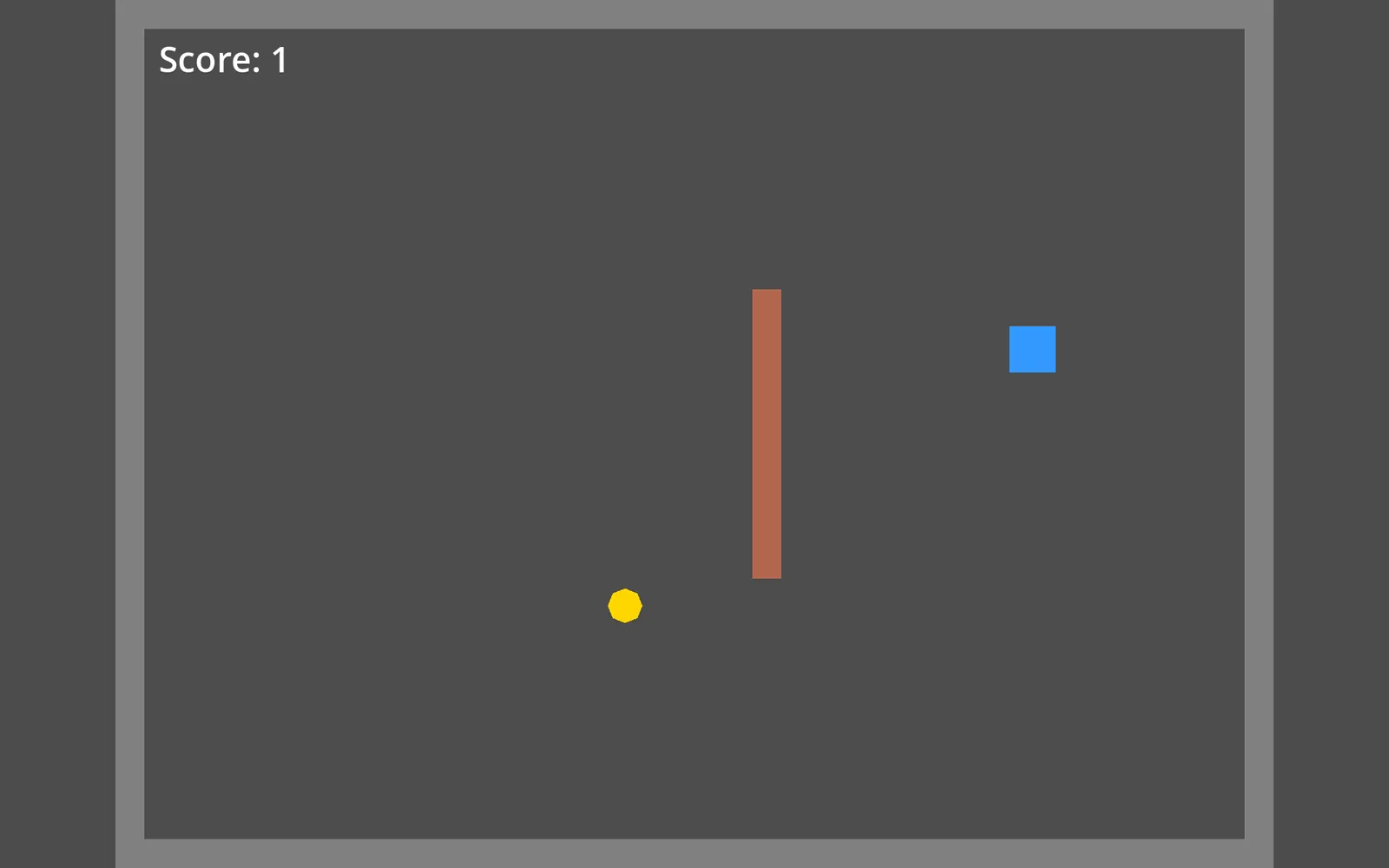
To see it, bounce the square below and press again just before it lands, once with buffering on and once with it off.
An explainer we built for this page. It uses the real game's gravity, jump speed and 0.11 s buffer. The two games further down are the real ones from the Claude Code session.
The platformer from the double jump tutorial already remembered early presses for 0.11 s, but only after the double jump was used. While the air jump was still unused, an early press went to the air jump: the square got a small boost in the air and then landed without jumping. We asked Claude Code, with the platformer-feel skill, to fix that, and now the press waits for the ground.
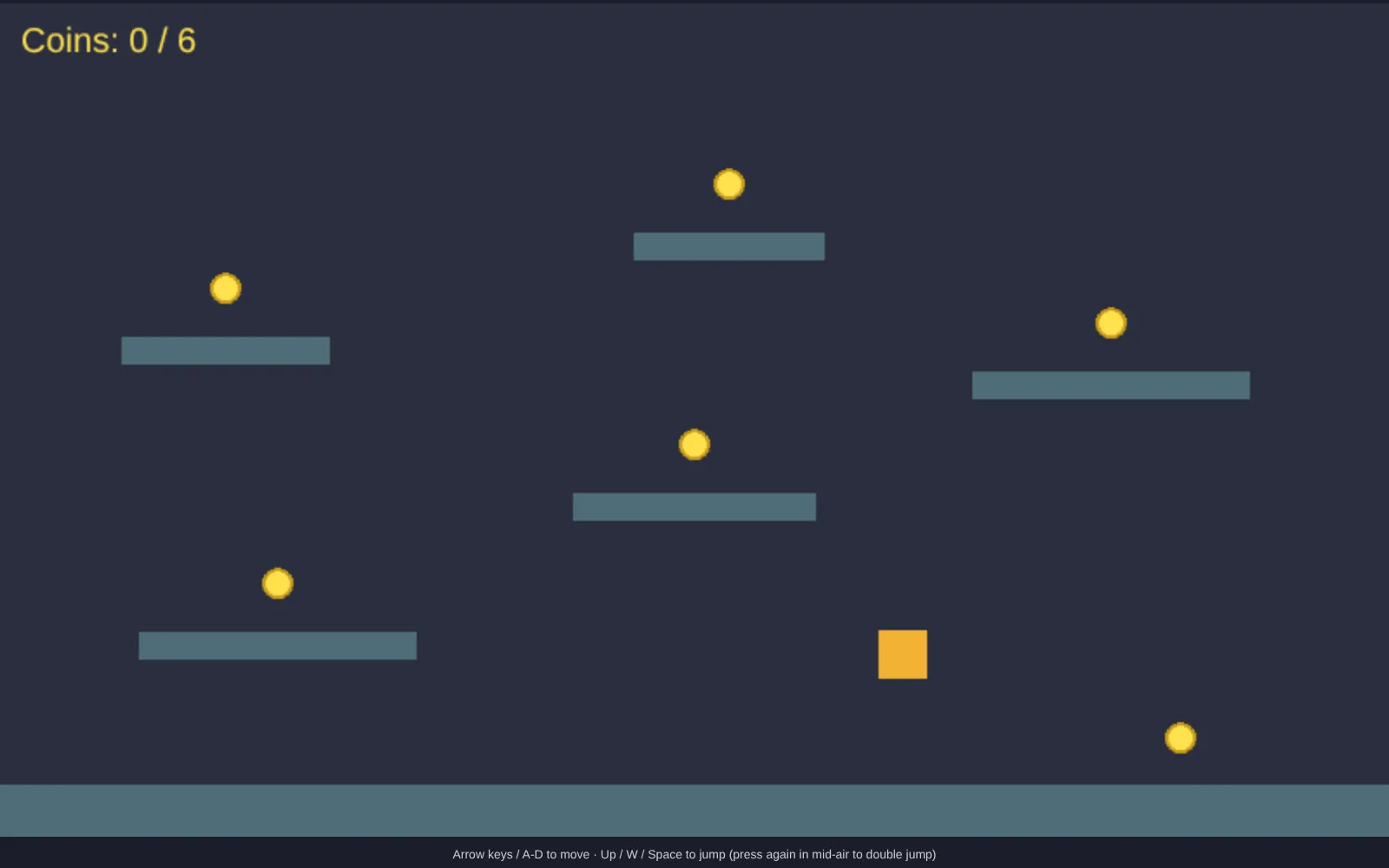
To feel the difference, jump once and press jump again just as you come down onto the floor. Don’t double jump first.
Before: the game as it was. The late press fires the air jump, and you land without jumping.
After: Claude's version. The same press waits, and you jump again as soon as you land. For both games we only added the start screen and loaded Phaser from this site.
We measured both versions ourselves with Playwright in headless Chrome. The square drops onto the floor and we press jump a set time before it lands. We stepped the game with a fixed frame time so each press lands at an exact moment, and got the same results at 30, 60 and 144 fps.
| Press | Air jump | Before | After |
|---|---|---|---|
| 0.08 s early | unused | Air jump fires, no jump on landing | Jumps on landing |
| 0.30 s early | unused | Air jump fires | Air jump fires |
| 0.08 s early | used | Jumps on landing | Jumps on landing |
| 0.30 s early | used | Nothing | Nothing |
At 30 fps the nearest frame put the 0.08 s press at 0.067 s. We also ran onto a raised platform and pressed early. The old game spent the air jump and carried the square past the platform to the floor, while the new one jumped from the platform. If you press while drifting off a platform’s edge, the new game first expects you to land on it, so the air jump fires about 0.03 s later than usual.
Claude kept the buffer at JUMP_BUFFER = 0.11 seconds, the game’s old 110 ms written in seconds. The skill’s default is 0.12, with a good range of 0.08 to 0.15. The skill also asks Claude to decide what an early press does when an air jump is left, and suggests letting the air jump take it. Claude went the other way because that was the complaint: if you will land within 0.11 s, the press is saved for the ground, and earlier presses still use the air jump.
Get the skill. It also covers coyote time and variable jump height.
Recorded with a clean Claude Code: no personal skills, plugins or MCP servers, just the skill on this page.
The skill that made it work
It tells Claude to check the double jump rule and to test the buffer with scripted presses, once with it on and once with it off.
- Keep every movement number as a named constant at the top of the player code, in seconds and pixels per second (not frames), so the user can tune them.
- Add the three core helpers unless the user says not to: coyote time (a short moment to still jump after running off a ledge), jump buffering (a jump pressed just before landing still happens on landing) and variable jump height (tap for a small hop, hold for a full jump). Read each helper's reference file before you build it.
- Test with scripted input, not by reading the code. Each helper needs one test that fails without it and passes with it.
- When you finish, list each helper with its number and what the test showed, in plain words.
Save it as .claude/skills/platformer-feel/SKILL.md in your project.
Was this useful?
Thanks, we read every message.