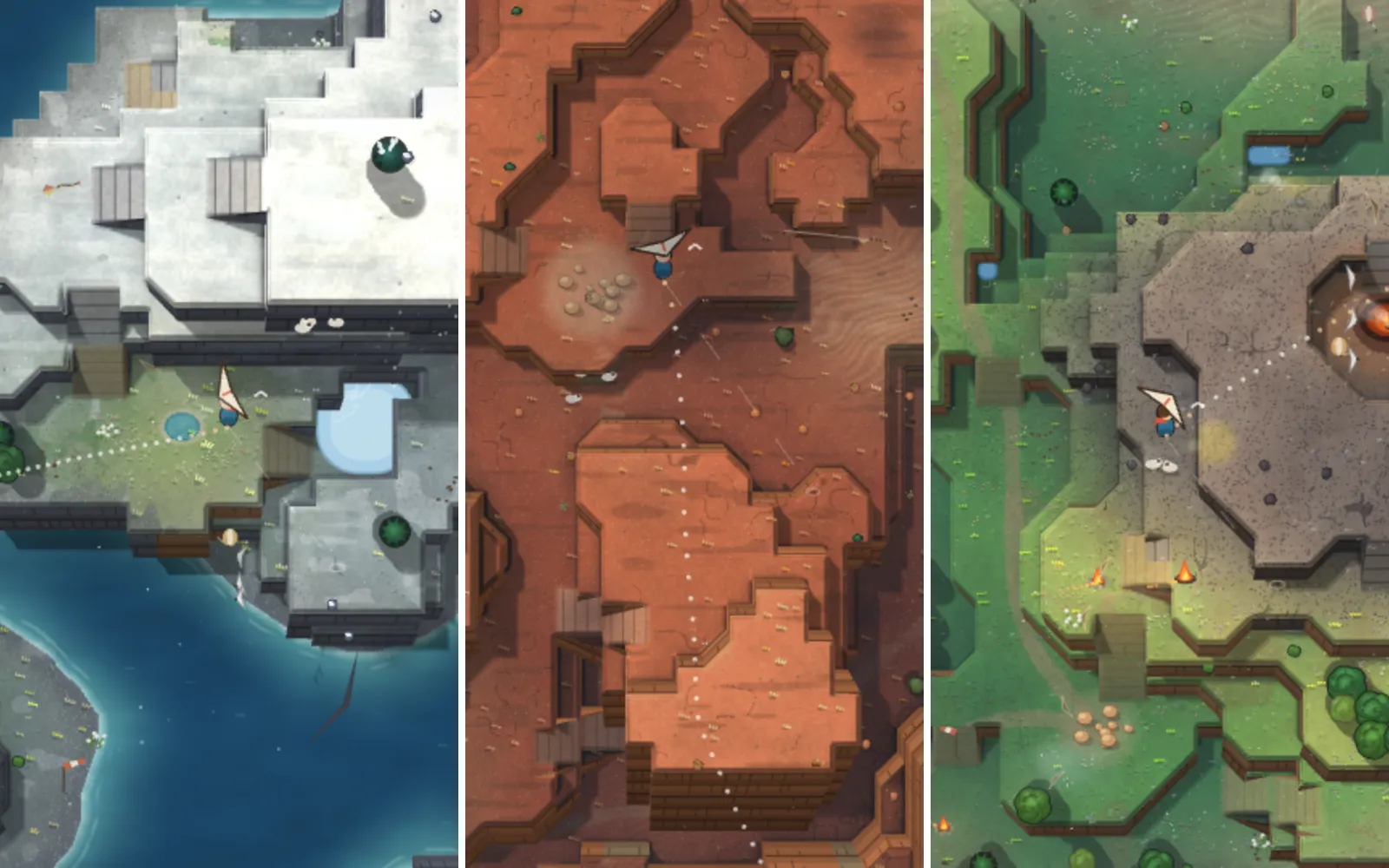
Pixel art and a hero that moves: from orange squares to an autumn forest
One prompt turned orange squares into an autumn-dusk forest with a lighthouse that gets closer, and gave the fox a run cycle and a scarf. See it next to a run without the skill, and judge.
This is the real result. Click it and play. Open full screen
What we asked“Give the game real pixel art in this direction: an autumn forest at dusk with a lighthouse far away, warm falling leaves, mossy stone edges and lanterns. The hero is a fox courier with a red scarf and a satchel. Make it look like a game people would want to play, and give the hero some personality. A local image model is running in ComfyUI at http://127.0.0.1:8188 if you want to use it for the scenery. Don't change how anything plays.”
What happened
- Used the pixel-art and character-animation skills
- Read the game and measured the current numbers before touching anything
- Generated one far background for each of the four sections with the local image model
- Threw out the first quarry backgrounds: the stepped cliff walls looked like platforms you could stand on
- Darkened every background, more at the bottom, so the play area stands out
- Drew the ground, hazards, coins and the fox in code, with the same collision size as before
- Re-ran every test and the difficulty measurement
Part 4 made the game feel good. This part makes it look like a game. The same session also animated the fox: it loaded two skills on its own, pixel-art and character-animation, so one prompt covered both.
Step 8: art direction in one prompt
Give the game real pixel art in this direction: an autumn forest at dusk with a lighthouse far away, warm falling leaves, mossy stone edges and lanterns. The hero is a fox courier with a red scarf and a satchel. Make it look like a game people would want to play, and give the hero some personality. A local image model is running in ComfyUI at http://127.0.0.1:8188 if you want to use it for the scenery. Don't change how anything plays.It took 30 minutes and $5.87. Drag the divider between the plain shapes and Claude’s result. The buttons below switch the room.
All pictures are screenshots of the real games at 800×450. Use the "Compare" buttons to put the plain game, the skill version and the no-skill version side by side.
Two things from the skill decided how it looked.
Code for everything you touch, a model for the scenery. We tested this earlier by building one room five ways, and the only method that stayed consistent was code for the ground, hazards and hero, with an image model for the sky and distance. Claude followed it:
- Backgrounds: one far background per section, made with the local image model, with the lighthouse closer each time. It threw out the first tries for the quarry because the stepped cliff walls looked like platforms you could stand on, and it darkened every background, more at the bottom, so the play area stands out.
- Ground: dark plum stone with the detail only on the edges you walk on: moss, fallen leaves, roots and ivy. Roots never hang into the space the fox runs through.
- Danger reads first: spikes are pale cold steel, the only cold bright colour in the game. Coins are gold, springs magenta, crumbling blocks cracked sandstone and the orb a mint gem.
- Atmosphere: a lantern at each room’s start, a sweeping lighthouse beam, falling leaves, a dark vignette and a parallax layer of tree silhouettes.
The hero has habits. The fox blinks and swishes its tail. If you leave it alone for 5 seconds it takes out the letter and reads it. At the flag it holds the letter up and grins. The scarf trails behind as you run, and turns plum once the double jump is spent, so it also tells you whether you still have a jump. The run uses six drawings at 4 steps a second, the pace the character-animation skill measured from Celeste, Hollow Knight and Shovel Knight.
Gameplay unchanged, again
Every object picture is the same size as the shape it replaced, so its collision box is the same size. Claude re-ran everything and got the same numbers: play 20/20, mechanics 48/48, sound 37/37, jump 33/33, 24 of 24 routes passing, and the full difficulty table identical. Any jump ends the landing pose at once, so the animation never delays the controls.
After, with the skills. To compare with the old look, open part 4's game in another tab. Starts at Trapdoor; the rest of the game is ahead of you if you want it.
The same prompt, without the skills
We gave the same prompt to a fresh session in a second folder, with no skills installed, starting from the same game. It also drew everything and made four backgrounds with the local model.
After, without the skills. Both versions keep the same rooms and the same moves. Starts at Trapdoor; the rest of the game is ahead of you if you want it.
| With the skills | Without | |
|---|---|---|
| Time and cost | 30 min, $5.87 | 28 min, $4.36 |
| Gameplay unchanged | Yes: every test count identical | Yes: 20, 48 and 37 tests, 24 routes |
| Fox | Run, blink, tail, reads the letter after 5 s, scarf turns plum with no double jump | Run, rise, fall, breathing, blink, reads the letter after 4 s, happy face after a coin |
| Average screen brightness (5 rooms) | 13 to 27 percent | 28 to 55 percent |
| Wall and ground | Dark stone, detail on the edges | Mossy stone bricks with ivy |
We are not going to tell you which is better. They are different, and the difference is the skill: it darkens the backdrop to roughly half the brightness, because the skill says the play area must stand out. In room 18 the spikes in the no-skill version are still the whitest thing on screen. In room 8 the skill’s wall is a flat dark block, while the no-skill wall has bricks and ivy. If you open both, you may well prefer the livelier one. We will say this plainly: the no-skill game is the one more people would call prettier in a screenshot.
What to take from this
- Give a direction, not a list of assets. “Autumn forest at dusk with a lighthouse far away” produced a whole world, including the idea that the lighthouse gets closer in each section.
- Say you have a local model, or don’t. Both sessions used the image model for scenery only because the prompt told them one was running.
- Judge it at the size players will see. Spikes should still read first.
Get the skills: pixel-art and character-animation. Next: from rooms to a journey.
The skill that made it work
It tells Claude to draw everything you touch in code and use an image model only for scenery, because pieces made one by one by a model never matched.
- Draw the ground, hazards and hero in code, with the detail only on the edges you walk on.
- Use the image model for far backgrounds only, then darken them so the play area stands out.
- Keep every collision box the same size as the shape it replaced, so nothing plays differently.
Save it as .claude/skills/pixel-art/SKILL.md in your project.
Was this useful?
Thanks, we read every message.
Part 5 of Make a complete platformer with AI