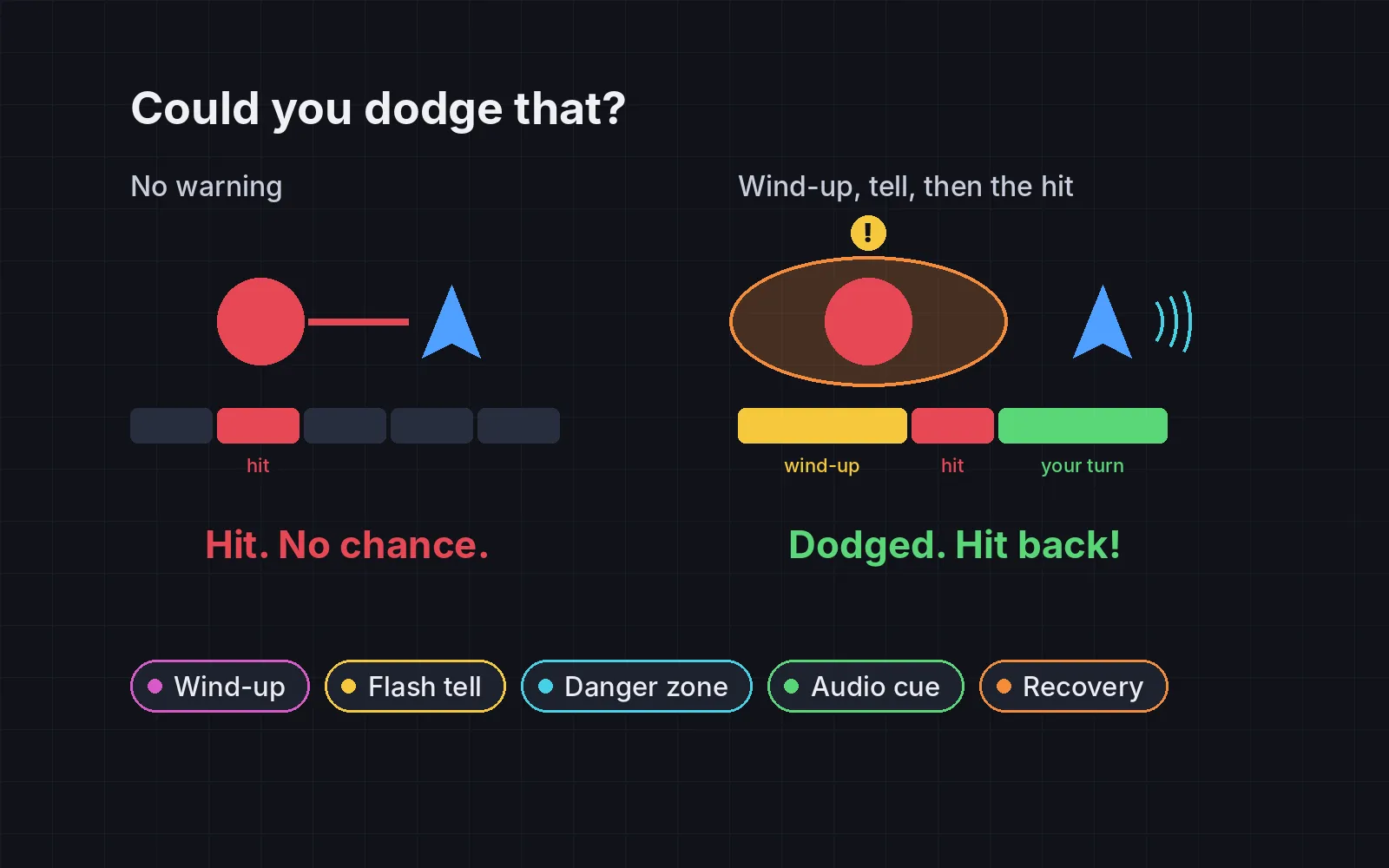
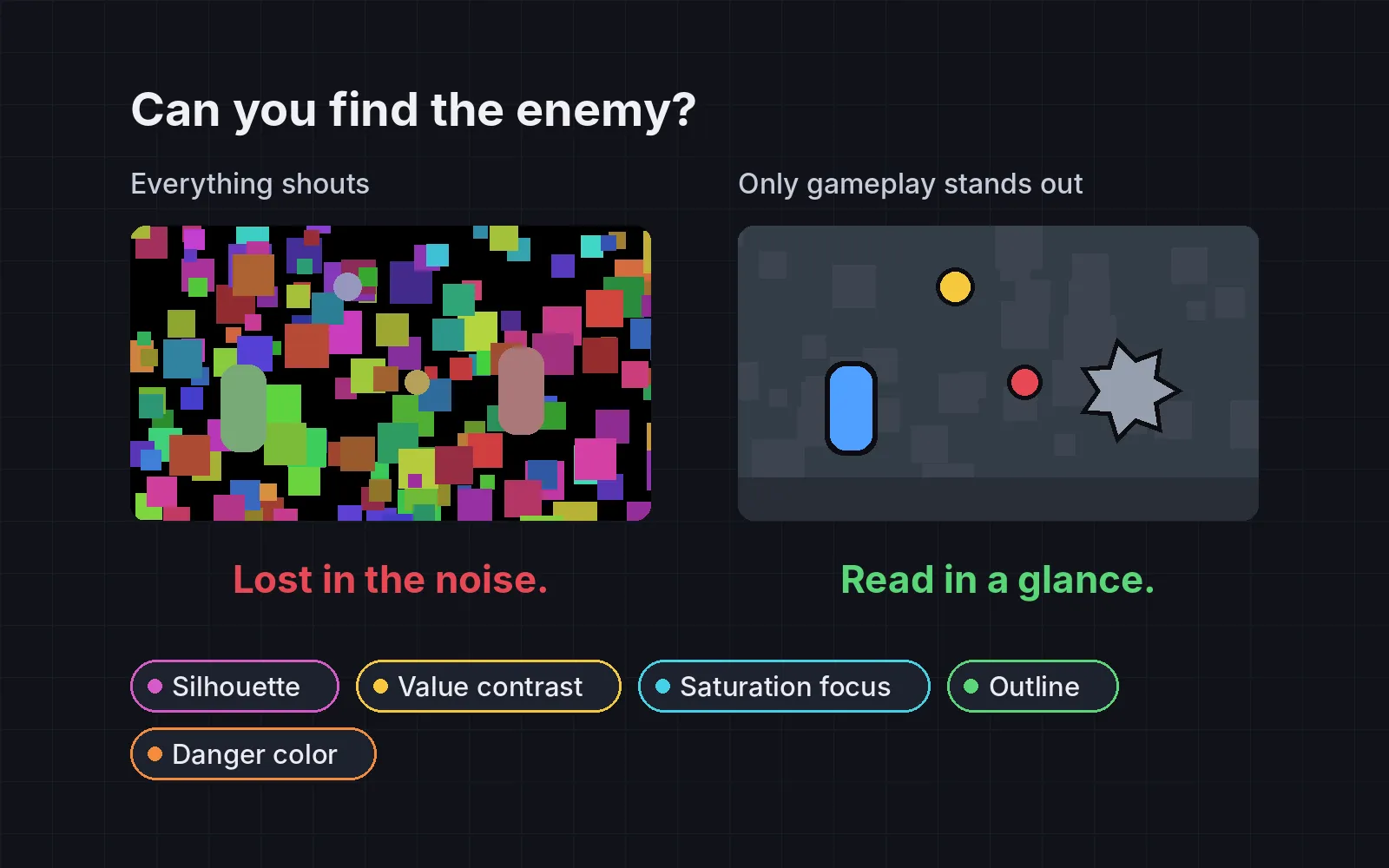
Friend or foe at a glance: shape language in character design, with circles, squares and triangles
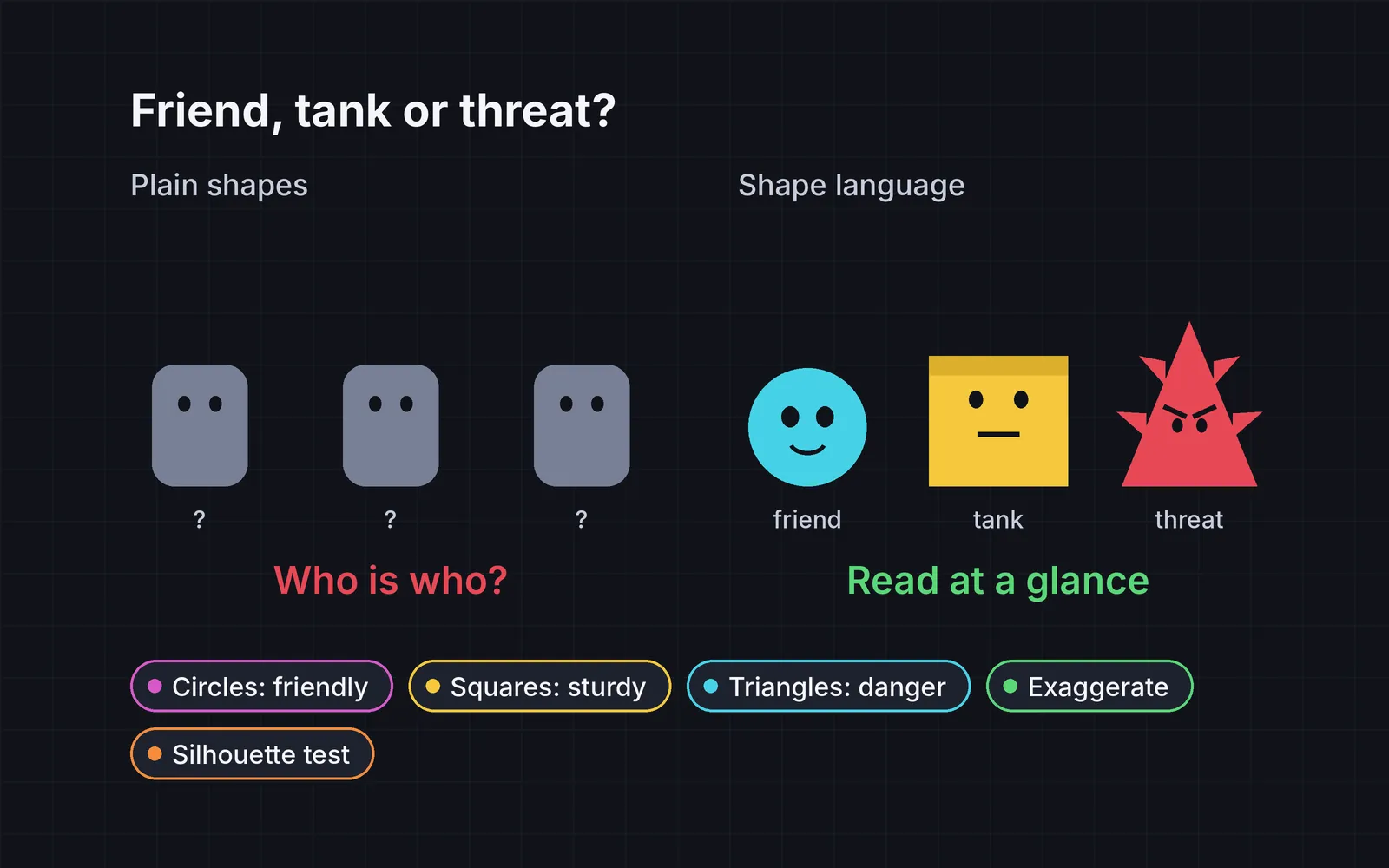
The same characters drawn with plain shapes and with shape language: round friends, square tanks, pointed threats, exaggerated proportions and a silhouette test.
What we asked“Make a web page that demonstrates the shape language tricks that make characters read at a glance one at a time, so anyone can see and feel each one within a few seconds. For each one, show the same short moment side by side: without it on the left, with it on the right, playing in a loop, with a caption that says what just happened and a replay button. Where it helps, let me play the moment myself. It will sit inside a blog post about 720 pixels wide, so it has to look good at that width and on a phone. Also make each one viewable alone with ?trick=<id>&solo, using these ids: circle-friendly, square-sturdy, triangle-danger, exaggerate, silhouette. Each side shows the same character or enemy, drawn with plain neutral shapes on the left and with the trick on the right. Use the internet freely for better results: free CC0 art, fonts or small libraries (for example Kenney's CC0 assets) are welcome; download anything you use into this folder so the page works without outside links, and list each item with its licence and source in CREDITS.md.”
What happened
- Loaded the shape-language skill
- Kenney's site blocked the automated download, so it used the Fredoka font (OFL) and drew every character in code, keeping both sides the same except for shape
- Built five short moments with captions that change as each one plays
- Made three tricks playable: jump over biters, a slider for how far the brute is pushed, and a six-round silhouette quiz
- Rendered each cast as black silhouettes about 48 px tall and measured how much each pair of outlines overlaps
- Showed the shuffled silhouettes to a separate agent with no answer key
Players decide what a character is before they read a word: a friend, a wall or a threat. If your characters are all the same box with a different color, players have to learn each one by getting hurt. Shape language fixes that: round for friendly, square for sturdy, pointed for dangerous. Each demo below plays the same short moment twice. Color, timing and motion are the same on both sides; only the shapes change. The caption follows the moment as it plays, and three of the demos have Try it yourself.
1. Circles say “friend”
Build helpers from circles and ovals: a round head, big round eyes, soft corners, no points. Round reads as safe. A teaching sheet from the Walt Disney Family Museum puts it simply: “Circles and ovals are great to use for friendly faces” (PDF). Pixar’s character supervisor on Up described Russell as “basically a balloon” (Computer Graphics World). In our demo, a stranger walks up and hands you a gift. On the right you know it’s friendly the moment it appears. On the left, you have to wait for the gift.
2. Squares say “sturdy”
Build guards, tanks and anything that won’t move from rectangles: wide shoulders, a flat top, thick legs, the weight low down. Carl in Up is “three heads tall and square” (Computer Graphics World). In our demo, you run at a guard in a doorway and bounce off. The wide, flat-topped guard looks like it can’t be moved, so the bounce feels right. The plain one looks like you could push past, so the same bounce feels like a bug.
3. Triangles say “danger”
Build threats from triangles: a pointed outline, spikes, V-shaped brows, a wedge-shaped body aimed at the player. The sharper and the more points, the more dangerous it reads. “Triangles are sharp”, as the Disney museum sheet says (PDF). In our demo, something creeps in, stares and lunges. Try it yourself: visitors keep coming, all the same color. Tap to jump over the biters and stand still for the friends. On the left you’re guessing; on the right the shape tells you.
4. Exaggerate the main trait
Find the one thing that defines a character and push it until it’s obvious: a big head for cute, huge fists for a brute, long thin legs for fast. Change it by 1.5 to 2 times, not by 10%. Overwatch’s art team was encouraged to exaggerate the heroes’ traits further, so players could tell any of them apart at a distant glance (PC Gamer). In our demo, a brute raises its fist and slams it down. The left brute is pushed 1.1 times, which nobody can see; the right one 2 times. Try it yourself: the slider sets the right-hand brute anywhere from 1 to 2.5 times.
5. Pass the silhouette test
Fill every character solid black at the size it appears in play. Each one should still be recognisable, and no two should share an outline. Valve built Team Fortress 2’s classes around this: silhouettes that are “identifiable at first read” (Valve, GDC 2008, PDF). In our demo, a friend, a biter and a guard turn black, and the page asks which one bites. Try it yourself: a silhouette flashes for half a second and you name it, six rounds per side. We measured both casts as black shapes about 48 px tall: the plain one’s outlines overlap by 75 to 88%, the shape-language one’s by 35 to 48%. A separate agent, shown the shuffled silhouettes with no answer key, got the plain cast 0 out of 3 and the other cast 3 out of 3.
Rules, not laws
Shape language is a starting point, and the best characters break it on purpose:
- Mix shapes for mixed characters. A friendly giant can be square with round edges. A villain can hide behind a round, soft look; the Disney sheet notes round shapes can disguise one.
- One main shape per character. Details can come from other shapes, but the outline should say one thing.
- Test at play size, not in your art program. If it doesn’t read at 48 px in black, more detail won’t save it. Change the outline: the pose, the head, or one big prop.
Shapes are one half of reading a scene at a glance; contrast and color are the other. See visual readability in games.
Add it to your game
- Copy the skill at the end of this page into your project.
- Ask your agent: “My characters all look the same. Use shape language so players can tell friends from threats.”
- Play it, then tune in plain words: “The guard still looks too friendly.”
Font in the demos: Fredoka by The Fredoka Project Authors (SIL Open Font License 1.1). The characters and scenes were drawn in code for the demo.
The skill that made it work
This is the whole skill we gave Claude Code. Copy it into your project and ask your agent to make your characters read at a glance. Every trick sits behind its own switch, and the last step makes it run a blind silhouette quiz instead of trusting its own eyes.
- Find every character and enemy the player meets, and write each one's role in two words (helpful guide, slow tank, fast biter).
- Put every trick behind one named switch in a single settings object, all on by default, so each can be tested on its own.
- circle-friendly. Build friends and helpers from circles and ovals: round head, big round eyes, soft corners, no points. Round reads as safe.
- square-sturdy. Build tanks, guards and anything immovable from rectangles: wide shoulders, flat top, thick legs, low centre of weight. Pixar described Carl in Up as "three heads tall and square".
- triangle-danger. Build threats from triangles: pointed silhouette, spikes, V-shaped brows, a wedge-shaped body, points aimed at the player. The sharper and more numerous the points, the more dangerous it reads.
- exaggerate. Push each character's main trait until it's obvious: a big head and small body for cute, huge hands or weapon for a brute, long thin limbs for fast. Change proportions by 1.5 to 2x, not by 10%. Overwatch's art team was pushed to exaggerate heroes so players can tell them apart at a distant glance.
- silhouette. Fill every character solid black at the size they appear in play (for example 48 px tall). Each must still be recognisable, and no two should share an outline. Fix pose, head shape or one big prop until they differ.
- Measure it. Render all characters as black silhouettes, shuffled, and ask a fresh tester or a separate agent to name each one and say friend, tank or threat. Report the share named correctly (aim for 90%) and the pairs whose outlines overlap more than 80% (should be none).
Save it as .claude/skills/shape-language/SKILL.md in your project. Or connect your agent and type /aigamedev: it loads this skill with its reference files and the results from this post.