Variable jump height in a Phaser platformer: tap to hop, hold to jump high
Tap for a small hop, hold for a full jump. Claude Code checked the variable jump height in our Phaser platformer against a skill, measured it in the browser and left it as it was.
Before you start
- The platformer from the double jump tutorial, or any Phaser platformer of your own.
- Claude Code, started in the game's folder.
- The skill at the end of this page, in the folder's .claude/skills/platformer-feel/. Then type the prompt below.
What we asked“I want a quick tap to give a small hop and holding jump to give a full jump. Check how it works now and fix it if needed. Test it.”
What happened
- Used the platformer-feel skill
- Read the skill's notes on variable jump and testing
- Read index.html
- Checked that Playwright and Chromium are installed
- Wrote a test outside the project: tap, hold and double jump
- Ran it with JUMP_CUT at 0.45 and at 1
- First numbers were uneven (full jump 90px)
- Checked the game clock: about 46 fps, real time
- Recorded every frame inside the page
- Measured: full jump 107px, 50 ms tap 47px, 100 ms tap 69px
- With JUMP_CUT = 1: 107px for all three
- Logged the double jump frame by frame
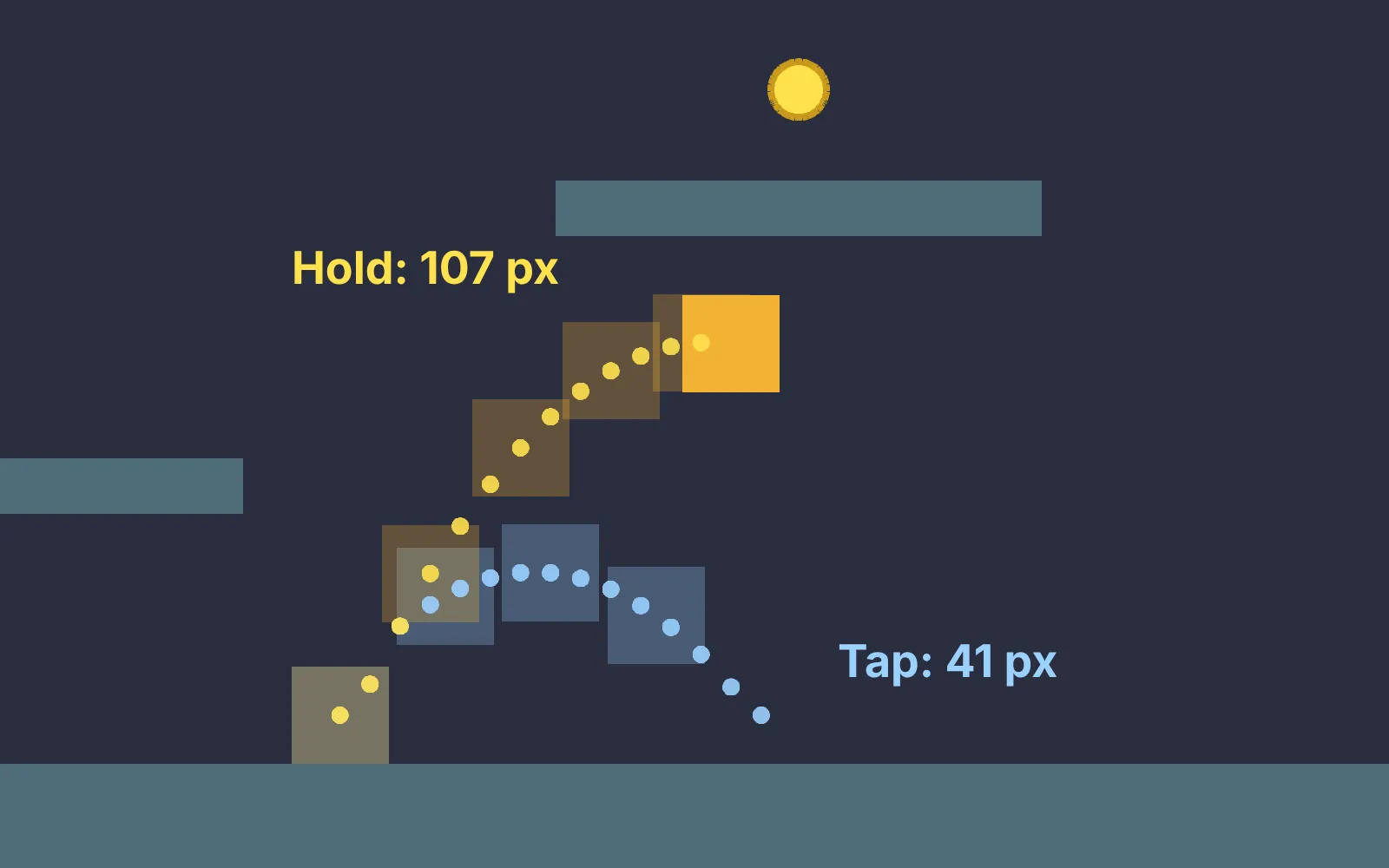
With variable jump height, a quick tap of the jump button gives a small hop and holding it gives the full jump. In our game, letting go while the player is still rising cuts the upward speed once, so the jump tops out sooner.
The platformer from the double jump tutorial already did this. We asked Claude Code, with the platformer-feel skill, to check it and fix it if needed. It measured the jump in the running game and changed nothing, because the hop was already in the range the skill asks for.
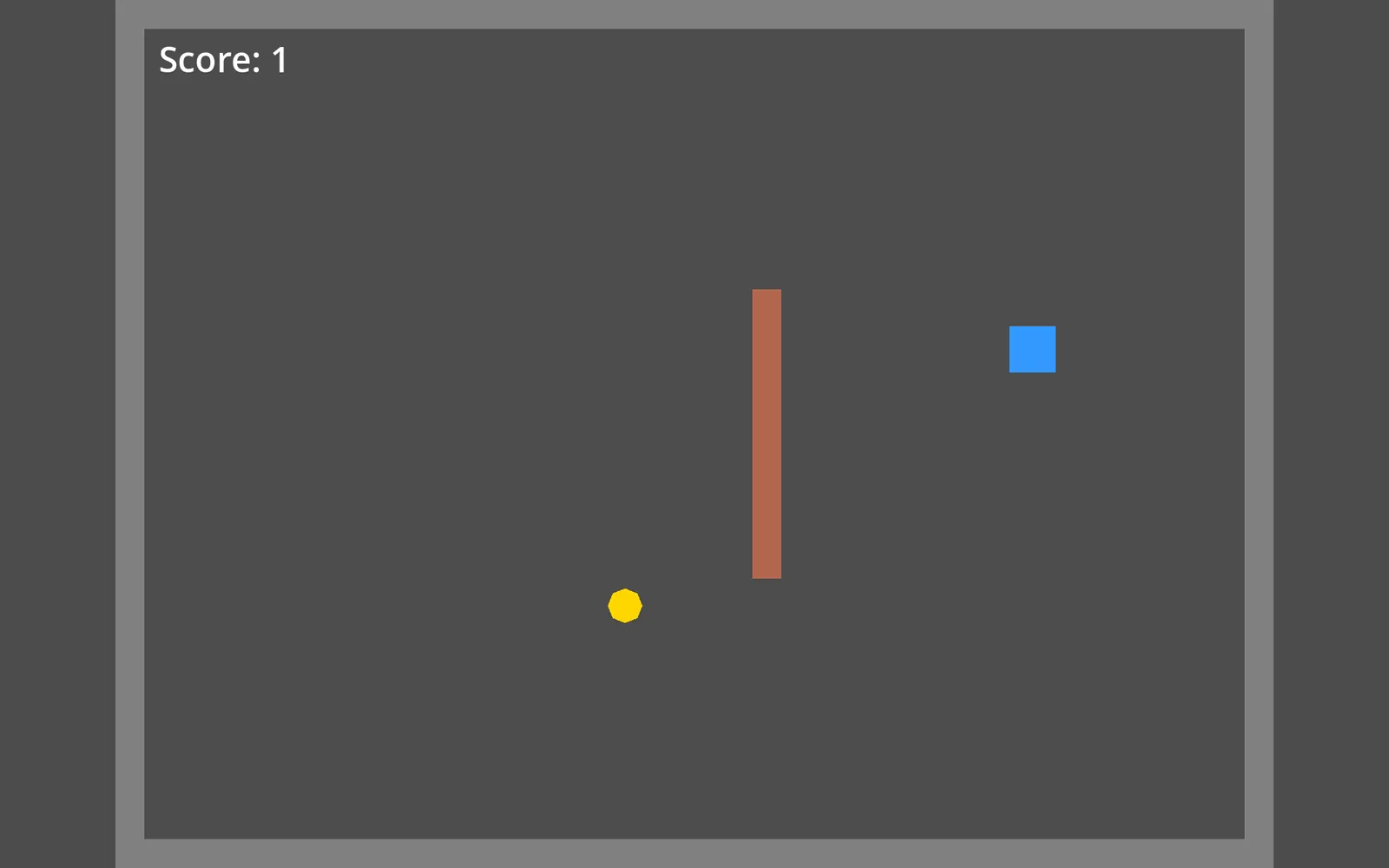
Tap Space for a small hop, hold it for a full jump. Claude didn't change the game, so there's only one version to play. We only added the start screen and loaded Phaser from this site.
We measured it ourselves too: Playwright in headless Chrome, jumping from standing.
| Jump | Peak height |
|---|---|
| Tap (button held 0.05 s) | 41 px in most runs, 35 to 53 px over 26 runs |
| Hold until falling | 107 px, every run |
| Tap with the cut turned off (JUMP_CUT = 1) | 107 px |
The tap height moves in steps because it depends on which frame the release lands on. Claude’s own run happened to get 47 px. Either way, a tap reaches about 40% of a full jump.
The number behind it is JUMP_CUT = 0.45. On release, the upward speed is multiplied by 0.45. The skill’s default is 0.5 and its good range is 0.35 to 0.6, so Claude left it alone. Lower it for a smaller hop, raise it for a bigger one.
Get the skill. It also covers coyote time and jump buffering.
Recorded with a clean Claude Code: no personal skills, plugins or MCP servers, just the skill on this page.
The skill that made it work
It makes Claude measure the jump in the running game instead of trusting the code, and report the numbers.
- Keep every movement number as a named constant at the top of the player code, in seconds and pixels per second (not frames), so the user can tune them.
- Add the three core helpers unless the user says not to: coyote time (a short moment to still jump after running off a ledge), jump buffering (a jump pressed just before landing still happens on landing) and variable jump height (tap for a small hop, hold for a full jump). Read each helper's reference file before you build it.
- Test with scripted input, not by reading the code. Each helper needs one test that fails without it and passes with it.
- When you finish, list each helper with its number and what the test showed, in plain words.
Save it as .claude/skills/platformer-feel/SKILL.md in your project.
Was this useful?
Thanks, we read every message.