Why hitting enemies feels weak: hits to kill, the damage formula and three more combat number tricks
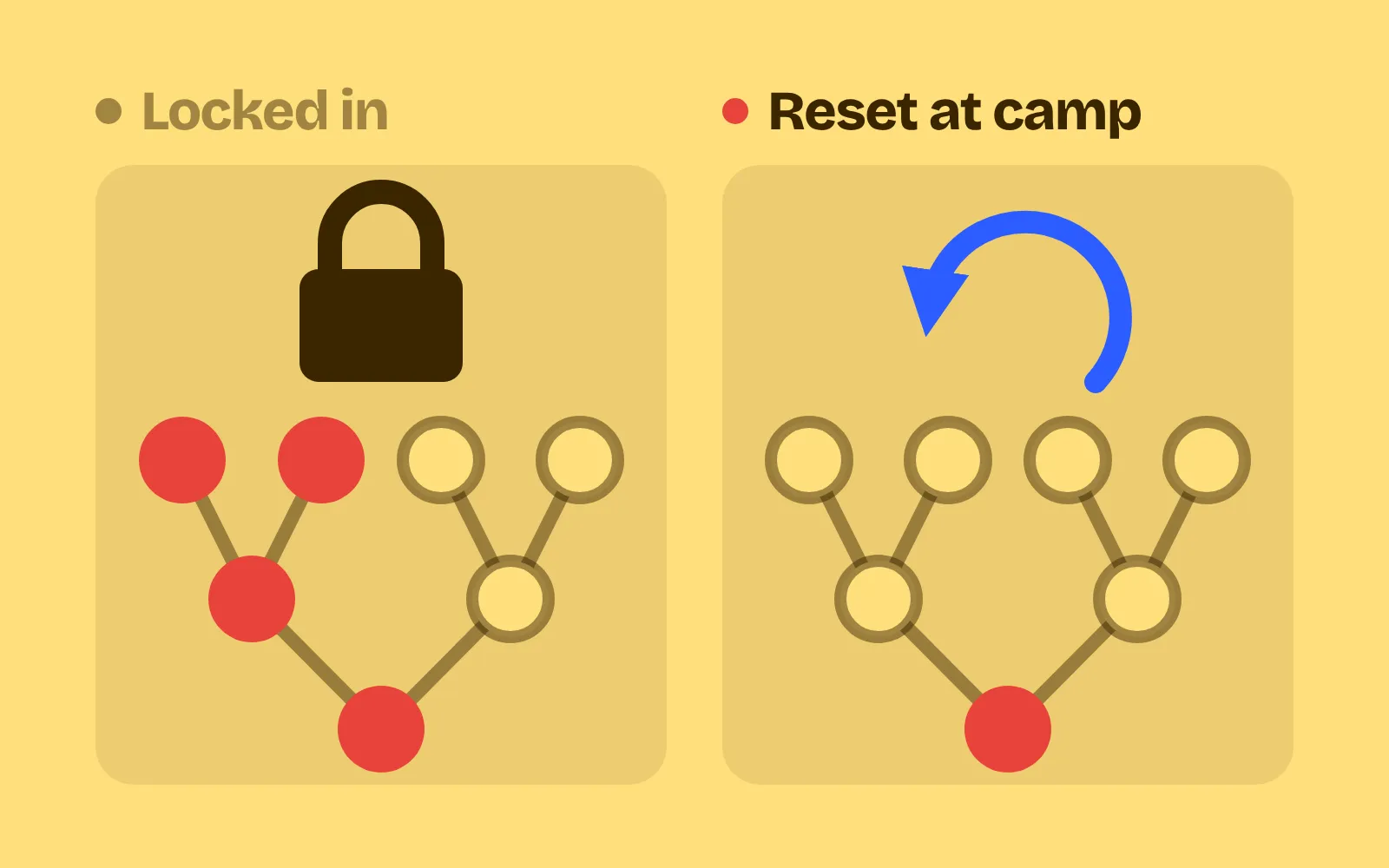
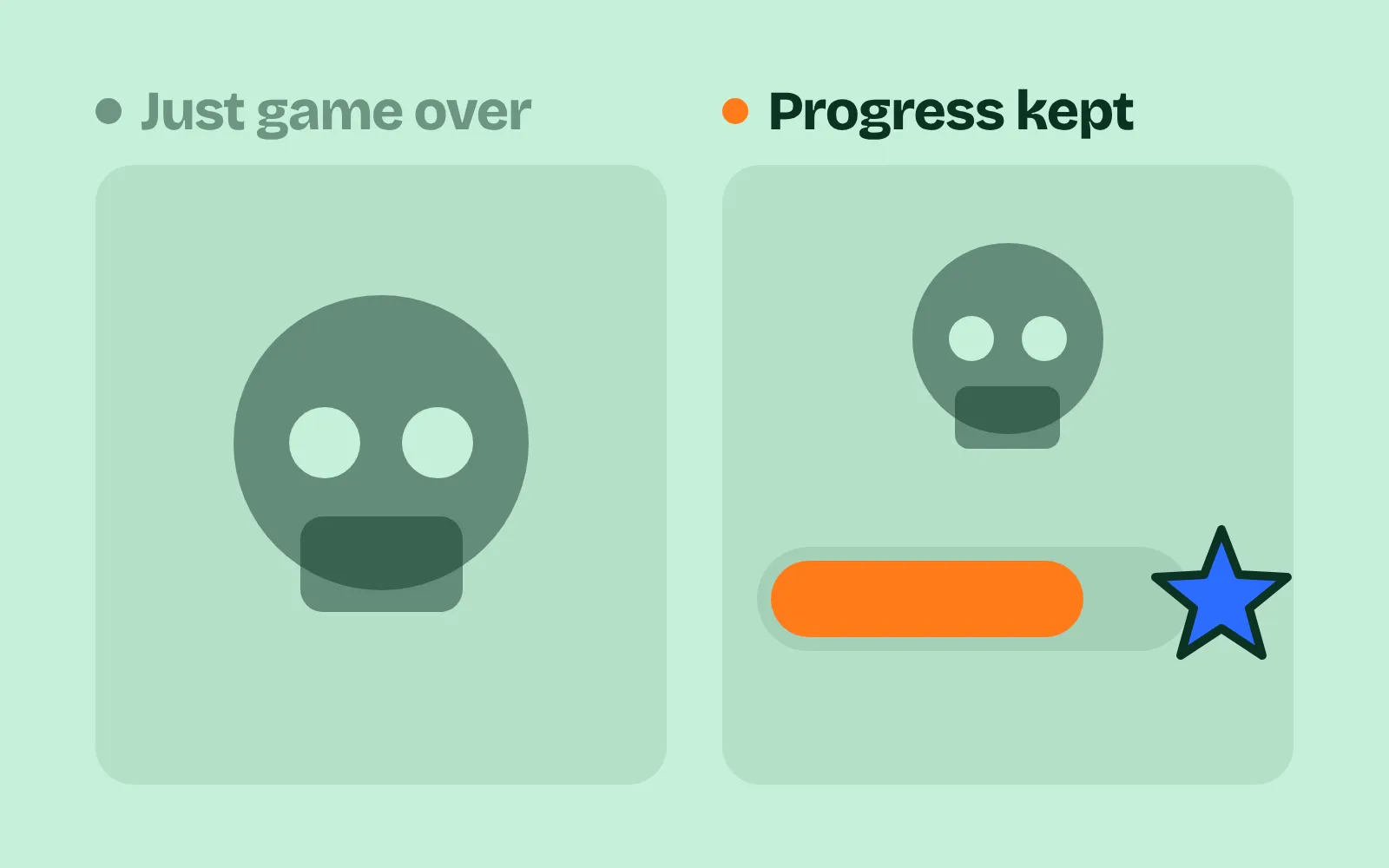
Make combat numbers feel good: commons die in 2 to 4 hits, numbers stay small, armor never zeroes damage, tanks are rare and marked, and damage spread is tight.
What we asked“Make a web page that demonstrates the combat number tricks that make hits feel strong and stay readable one at a time, so anyone can see and feel each one within a few seconds. For each one, show the same short moment side by side: without it on the left, with it on the right, playing in a loop, with a caption that says what just happened and a replay button. Where it helps, let me play the moment myself. It will sit inside a blog post about 720 pixels wide, so it has to look good at that width and on a phone. Also make each one viewable alone with ?trick=<id>&solo, using these ids: hits-to-kill, small-numbers, armor-formula, visible-tanks, tight-spread. Show a hit counter over each enemy so the reader can count hits to kill on both sides. Use the internet freely for better results: free CC0 art, fonts or small libraries (for example Kenney's CC0 assets) are welcome; download anything you use into this folder so the page works without outside links, and list each item with its licence and source in CREDITS.md.”
What happened
- Loaded the combat-numbers skill
- Downloaded Kenney's CC0 Tiny Dungeon sprites and Kenney Fonts
- Wrote one combat model with the five tricks as switches, and a script that measures 100 kills per enemy type
- Gave both sides the same flash, knockback, shake and brief freeze on impact, so the trick is the only difference
- Added a hit counter over every enemy and a hits-per-kill strip along the bottom
- Checked it at 720 px, on a 375 px phone and in solo mode, with no script errors
You hit the enemy, a number pops up, and the health bar barely moves. Then again, and again. Hitting feels weak, and it’s often not the animation’s fault. It’s the numbers: too much health, numbers too big to read, armor that eats your damage, or random rolls that make every kill take a different count. Players count hits, not hit points. In Hollow Knight, the starting nail deals 5 damage (Hollow Knight Wiki) and the first enemy, a Crawlid, has 8 health (Fextralife): two hits.
Each demo below plays the same short fight twice, without the trick on the left and with it on the right. A counter over each enemy counts the hits, and stays as a ”✓ 3 HITS” stamp when it dies. In every demo the knight’s attack deals 5 and a slime has 12 health, so you can follow the numbers from one demo to the next. Try it yourself makes both knights swing at once when you tap, press the Swing button or press Space, with the same random rolls on both sides.
1. Aim for a number of hits to kill
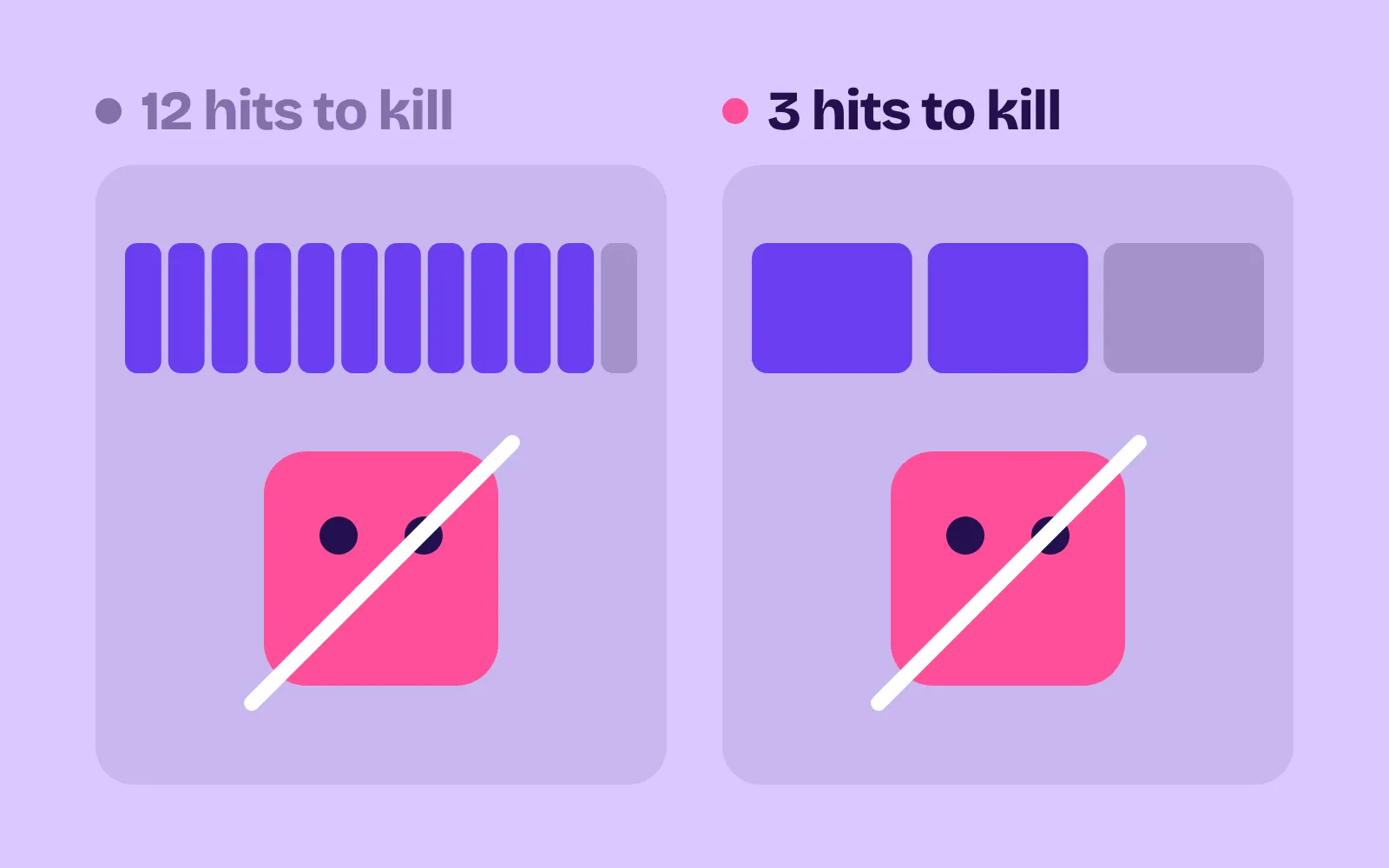
Pick how many basic hits each enemy should take, then set its health from that. Common enemies: 2 to 4 hits at the power the player should have when they meet them. Tough ones: 6 to 15. In Hollow Knight, a Wandering Husk has 15 health (Fextralife) and a Husk Guard 70 (Fextralife): with the 5-damage nail, that’s 3 hits and 14. In our demo, the slime on the left has 60 health and takes 12 to 15 hits. On the right it has 12, and dies in 3.
2. Keep the numbers small
Big numbers look exciting in a trailer, but in a fight nobody can read 1,187,406.85 fast enough to learn from it. Keep damage and health small whole numbers, from 1 to about 999, growing in clear steps, with no decimals. If late-game numbers explode, scale everything down together. World of Warcraft did this with its “stat squish”, after the numbers grew “larger than envisioned over the course of WoW’s first decade”, keeping how hard each creature was the same (Warcraft Wiki). In our demo, both sides are the same 3-hit fight. On the left, everything is multiplied into the millions; the largest number on screen reaches about 11.9 million. On the right, it’s 5s and 12s, and the largest is 50.
3. Never subtract armor from damage
damage − armor looks simple, but any hit smaller than the armor does nothing, and the player can’t tell why. Divide instead: damage × 100 / (100 + armor). 100 armor halves damage, nothing ever drops to zero, and every point of armor adds 1% effective health. League of Legends uses this formula (League of Legends Wiki). In our demo, both guards are tuned to halve a full 10-damage hit. Then the knight hits them with his normal 5. On the left, flat armor 5 turns every hit into 0, and he gives up after 10 swings. On the right, each hit does 2 and the guard is down in 4. Measured over 100 kills: 90% of hits on the left guard do almost nothing, 0% on the right.
4. Make tanky enemies rare and easy to spot
An enemy that takes three times as many hits is fine, if the player can see it coming. If it looks like every other enemy, it feels like a bug. Keep high-health enemies rare, about 1 in 5 or fewer, and make them look tough: bigger, plated, a colored glow, a thicker health bar. Diablo’s champion monsters are marked in blue, and in Diablo II they have 200 to 300% hit points (Diablo Wiki). In our demo, the middle enemy has 50 health on both sides and takes about 11 hits. On the left it looks like a slime. On the right it’s a big glowing Brute with a gold, thicker bar.
5. Keep random damage tight
A little randomness keeps hits from feeling mechanical. Too much, and the player can’t count. Keep the spread narrow, about 85% to 100% of base damage, or none at all. Make crits a fixed, clear multiplier (1.5× or 2×) with their own look. In the Pokémon damage formula, the random factor runs from 85 to 100, according to Serebii (Serebii). In our demo, a hit on the left can do anything from 1 to 10, so one slime dies in 2 hits and the next in 7. On the right, hits do 4 or 5, crits are a marked 2×, and over 100 kills a slime always takes 2 or 3 hits.
Measure hits, not damage
You can’t tune these by watching numbers fly. Measure them:
- Hits per kill. Script the player at the power they should have, hitting each enemy type 100 times. Report the average and the worst. Commons should land at 2 to 4. In our demo with all tricks on: slime 2.8, bat 2.8, armored guard 3.7, brute 10.1 (8 to 12).
- Useless hits. Count the share of hits that do less than 10% of base damage. It should be near zero. Ours is 0% with the tricks on.
- The biggest number. Write down the largest number the screen ever shows. If it needs commas, it’s time to scale down.
The 2-to-4 rule is guidance, not a law from any one game. Slower, heavier games can go higher. Once the numbers are right, the hit still needs to feel strong: see hitstop and other impact tricks. And for how long whole fights should take, see difficulty curve design.
Add it to your game
- Copy the skill at the end of this page into your project.
- Ask your agent: “Hitting enemies in my game feels weak and spongy. Fix the combat numbers.”
- Play it, then tune in plain words: “The armored enemies still take too many hits.”
Art in the demos: Tiny Dungeon and Kenney Mini Square by Kenney (CC0).
The skill that made it work
This is the whole skill we gave Claude Code. Copy it into your project and ask your agent to fix your combat numbers. Every trick sits behind its own switch, and the last step makes it measure hits per kill for every enemy type.
- Find the damage formula and its inputs (base damage, upgrades, armor, crits, random spread), and every enemy's health and how often it appears.
- Put every trick behind one named switch in a single settings object, all on by default, so each can be tested on its own.
- hits-to-kill. Common enemies die in 2 to 4 basic hits at the expected power for where they appear; tough ones in 6 to 15. Lower common health or raise base damage until that holds. Hollow Knight: Wandering Husk 15 health (3 hits), Husk Guard 70 (14).
- small-numbers. Keep damage and health small whole numbers (1 to about 999) growing in clear steps, no decimals. If late numbers explode, scale everything down together. World of Warcraft squished its stats in Warlords of Draenor after they grew far beyond what was planned.
- armor-formula. Never subtract armor from damage; it zeroes weak hits. Use
damage * 100 / (100 + armor): 100 armor halves damage, and every point adds 1% effective health. League of Legends uses this formula. - visible-tanks. Keep high-health enemies rare (about 1 in 5 or fewer) and make them look it: bigger, plated, a colored glow, a thicker bar. Diablo's champion monsters glow blue, have blue names and much more health.
- tight-spread. Keep random damage spread narrow, about 85% to 100% or none, so the hit count stays predictable. Make crits a clear, fixed multiplier (1.5x or 2x) with their own look. Pokemon's random factor runs from 85 to 100.
- Measure it. Script the player at expected power hitting each enemy type 100 times, tricks on and off. Report average and worst hits to kill per type (commons 2 to 4), the share of hits that deal under 10% of their base damage (should be near zero), and the largest number shown on screen.
Save it as .claude/skills/combat-numbers/SKILL.md in your project. Or connect your agent and type /aigamedev: it loads this skill with its reference files and the results from this post.