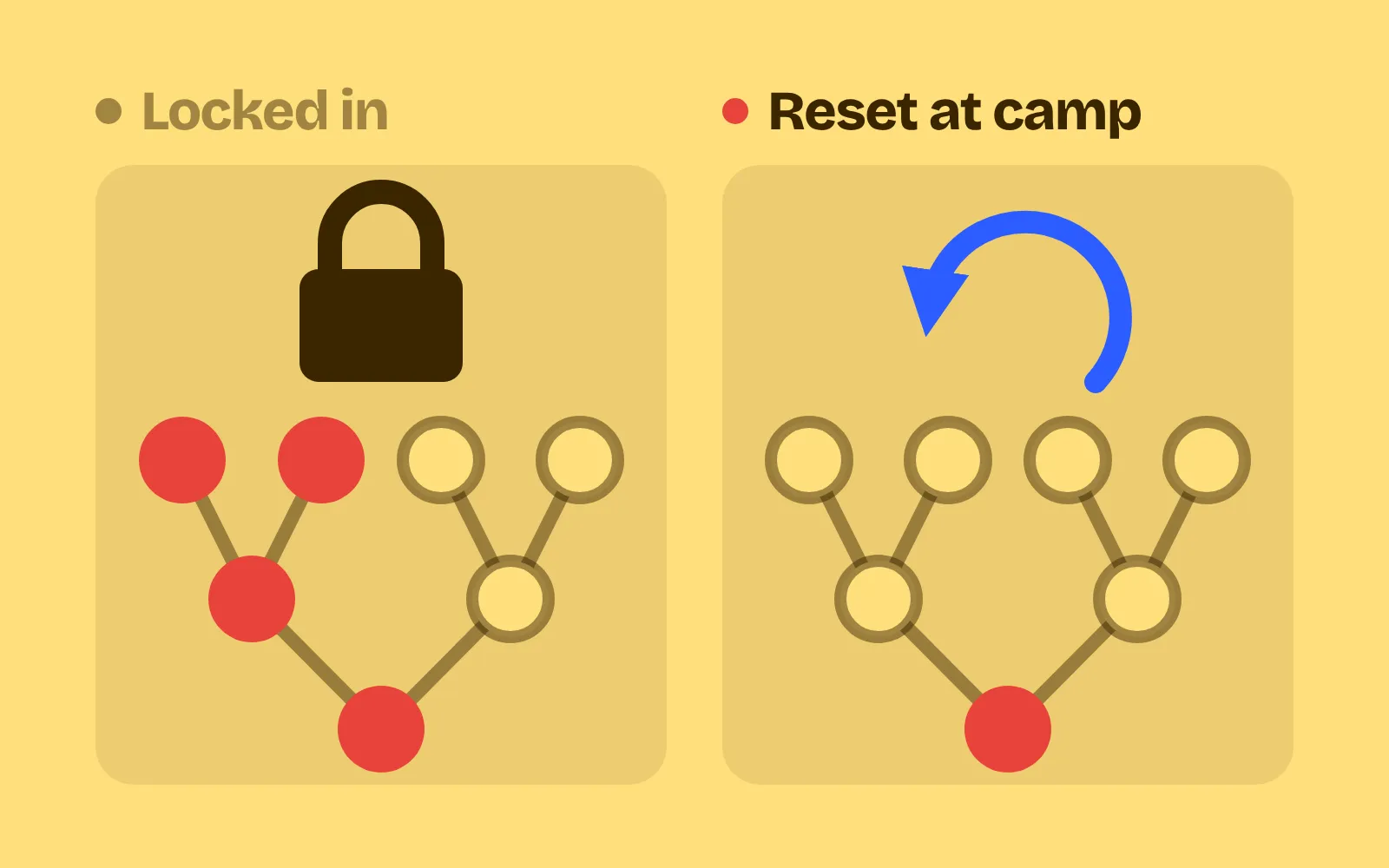
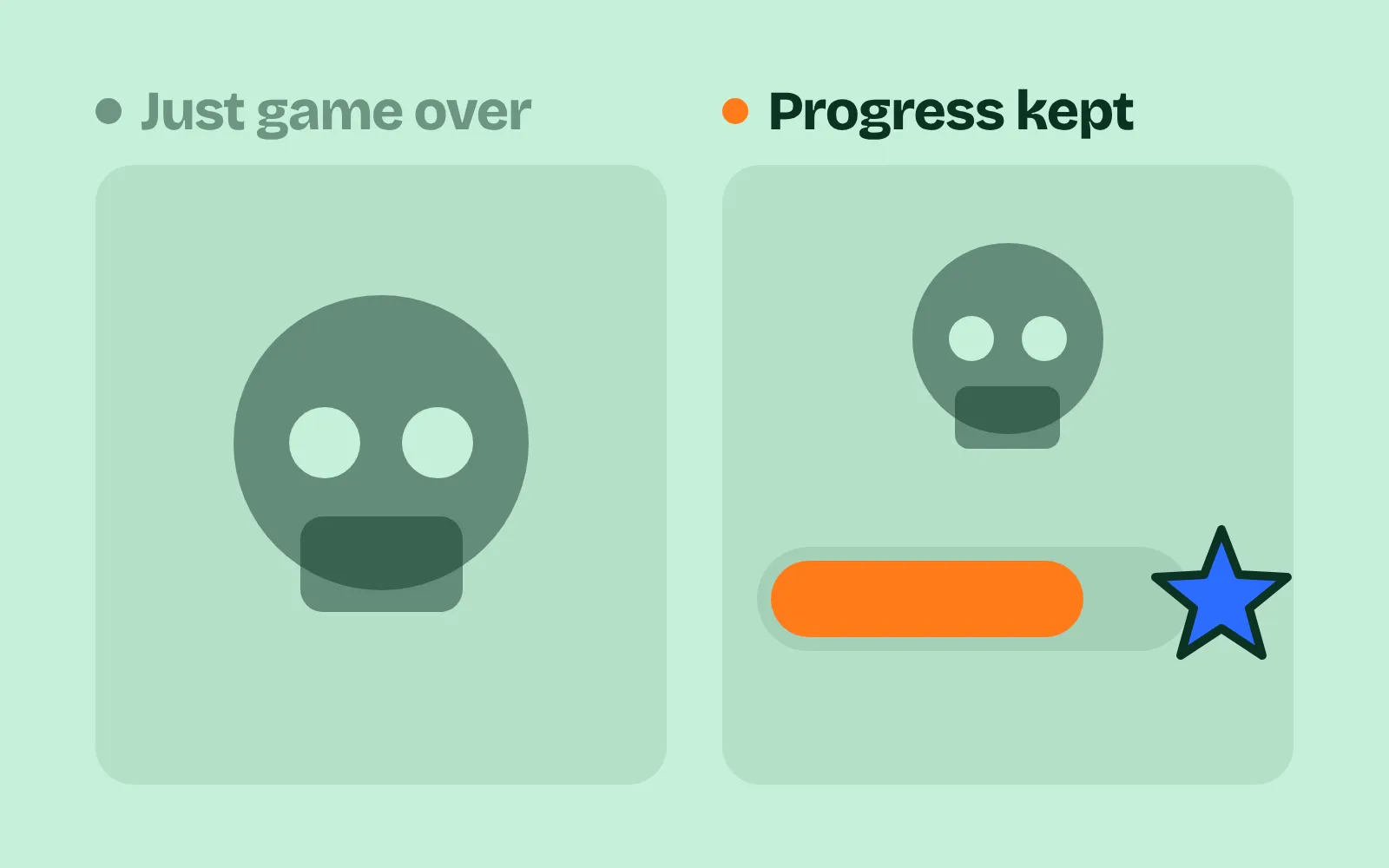
"That felt unfair": damage preview, hit chance and three more ways to show the outcome before the player commits
Five outcome preview tricks for tactics, RPG and puzzle games, side by side: hit chance, damage forecast, immunity marks, enemy intent and move preview.
What we asked“Make a web page that demonstrates the outcome preview tricks (showing the result of a choice before the player commits) one at a time, so anyone can see and feel each one within a few seconds. For each one, show the same short moment side by side: without it on the left, with it on the right, playing in a loop, with a caption that says what just happened and a replay button. Where it helps, let me play the moment myself. It will sit inside a blog post about 720 pixels wide, so it has to look good at that width and on a phone. Also make each one viewable alone with ?trick=<id>&solo, using these ids: hit-chance, damage-forecast, immune-marks, enemy-intent, move-preview. Use one small turn-based grid battle, where the left side commits the same action with no preview and gets a surprise, and the right side shows the preview first. Use the internet freely for better results: free CC0 art, fonts or small libraries (for example Kenney's CC0 assets) are welcome; download anything you use into this folder so the page works without outside links, and list each item with its licence and source in CREDITS.md.”
What happened
- Loaded the outcome-preview skill
- Downloaded Kenney's Tiny Dungeon sprites and the Kenney Mini Square font
- Wrote the battle rules with one resolve function, and made every preview run that same function in a dry-run mode
- Checked the rules with a bot before building the page: no preview disagreed with its result
- Fixed a thin dark line between floor tiles
- Outlined the wall in gold when More info is open, so the -40 points at the cover causing it
- Played every trick with mouse, keyboard and touch at 720 px and 390 px, with no console errors
The player picks an attack, and the game rolls a miss they had no reason to expect. Or the enemy survives on 3 HP and hits back for a knockout. When players say a turn-based game “felt unfair”, it usually means the game knew something they didn’t. Each demo below plays one moment in a small grid battle. On the left, the hero commits with no preview and gets a red Surprise. On the right, the same moment with one preview turned on ends in a green Saw it coming. Play it yourself makes both boards playable: point at or tap an action to preview it, then click or tap again to commit. On a keyboard, Tab to a board, choose with the arrow keys and press Enter.
One rule makes all five tricks safe to build: compute each preview by running your real resolve code in a “dry run” that changes nothing. Then a preview can never disagree with what happens. In our demo, preview and result matched in all 25 checks.
1. Hit chance
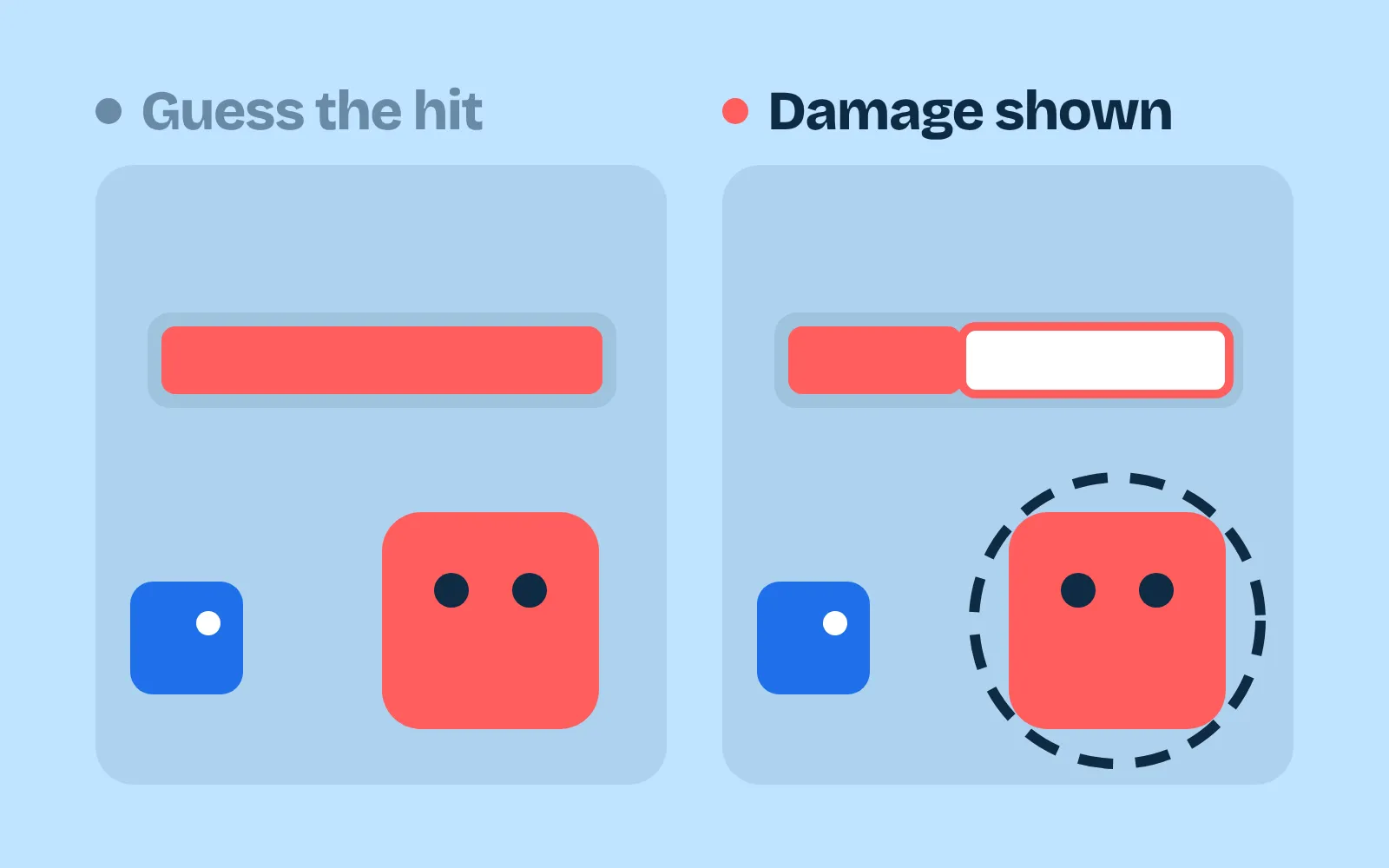
When the player points at a target, show the chance to hit as a percentage, and keep a breakdown of every modifier one press away. XCOM: Enemy Unknown lists the modifiers under “More Info”; according to a fan wiki, half cover gives the target +20 defence and full cover +40 (UFOpaedia). In our demo, the left side shoots an ogre behind full cover and misses on a roll of 52: it was a 35% shot, and nothing said so. The right side sees 35%, opens More info (Aim 75, Full cover -40, with the wall outlined) and shoots the spider instead at 85%. Same roll, 52, and this time it hits.
2. Damage forecast
Flash the damage as a segment on the target’s health bar, show how much health will be left, and mark “KO” if the hit kills. Show the counterattack too, both sides at once. Fire Emblem’s combat forecast has shown the calculated damage and follow-up attacks before you confirm since The Binding Blade, according to the fan wiki (Fire Emblem Wiki). In our demo, the left side swings at the ogre, which survives on 3 HP and counters for 6: the knight is knocked out. On the right, the forecast shows that trade, so the knight attacks the slime instead and ends untouched.
3. Immune marks
When the player picks an attack, mark every target it can’t hurt (“IMMUNE”) or that takes less (“RESIST 1/2”), and grey out the attack for them. The rule: never let a turn go on an action that does nothing without the player seeing it first. In our demo, the left side hits a ghost for 0 damage and loses the turn. On the right, the ghost is greyed out and marked IMMUNE, the crab shows RESIST 1/2, and pointing at the ghost shows an X and “NO EFFECT”. The knight kills the spider instead.
4. Enemy intent
Show what each enemy will do next turn: an icon with the exact number, and the tiles it will hit. Slay the Spire’s enemies first hid their next move; the team added intent icons, and playtesters found that showing the exact attack numbers helped them plan (Wikipedia). Into the Breach telegraphs every enemy attack, and its developers said “we wanted to make something where every death felt like your own fault” (Game Developer). In our demo, the left side kills the spider, then the ogre’s slam down the column knocks the knight out. The right side shows the slam (6) and the bite (2) with red target tiles, so the knight steps aside and both attacks miss.
5. Move preview
While the player picks where to go, draw the path and its cost, mark every tile in danger (traps, sight lines, attack zones), and show a ghost of the unit where it will end up. In Into the Breach, you can see the direction of each enemy’s attack and push enemies off their line of attack (Wikipedia). In our demo, the left side takes the shortest route, which crosses spikes (-2) and ends in the warlock’s zap line (-4): knocked out. On the right, the ghost says “KO” on that tile and “SAFE” on another, and the knight takes a different 4-step route with no traps.
When to hold back
Previews remove surprise. That’s the point, but you decide how much:
- Keep the luck, show the odds. A hit chance still misses sometimes. The preview makes the miss fair, not impossible.
- Hide only on purpose. If a boss’s next move is a secret, make that clear (”?” instead of an icon), so players know it’s a choice, not something they missed.
- Never let the preview lie. A forecast that is wrong even once teaches players to ignore all of them. Use the dry-run rule above, and test it with a bot.
If your attacks happen in real time instead of in turns, the matching skill is telegraphed attacks. For the numbers behind the forecast, see damage formulas.
Add it to your game
- Copy the skill at the end of this page into your project.
- Ask your agent: “Players say my battles feel unfair. Show them what will happen before they commit.”
- Play it, then tune in plain words: “The enemy intent icons are too small.”
Art in the demos: Tiny Dungeon and Kenney Fonts by Kenney (CC0).
The skill that made it work
This is the whole skill we gave Claude Code. Copy it into your project and ask your agent to show the outcome of each choice before the player commits. The last step makes a bot play with previews off and on, and checks that no preview disagrees with the result.
- Find every committed choice (attack, move, item, end turn) and the code that resolves it.
- Put every trick behind one named switch in a single settings object, all on by default, so each can be tested on its own. Build previews by running the real resolve code in a dry-run mode, so a preview can never disagree with the result.
- hit-chance. When an attack is hovered, show its hit chance as a percentage on the target, with a breakdown of every modifier one press away. XCOM: Enemy Unknown lists the modifiers under "More Info"; half cover gives the target +20 defence and full cover +40.
- damage-forecast. Flash the damage as a segment on the target's health bar, show the health left, and mark "KO" if it dies. Show the counterattack too, both sides at once, like Fire Emblem's combat forecast.
- immune-marks. When an attack is hovered, mark the targets it can't hurt or that resist it ("Immune", "Resists: half") and grey out the attack for them. Never let a turn go on a no-effect action unseen.
- enemy-intent. Show what each enemy will do next turn: an icon with the exact number above it and the tiles it will hit. Into the Breach telegraphs every enemy attack; its developers wanted every death to feel like the player's own fault.
- move-preview. While picking a destination, draw the path, its cost and the tiles in danger (enemy sight, traps, attack zones). For pushes, falls and placements, show a ghost where things end up (pushed into water, off the attack line).
- Measure it. Let a bot play 20 turns with tricks on and off. Count outcomes not visible before the commit (aim for zero), attacks wasted on immune targets, units moved onto tiles that then get hit, and preview-versus-result mismatches (must be zero).
Save it as .claude/skills/outcome-preview/SKILL.md in your project. Or connect your agent and type /aigamedev: it loads this skill with its reference files and the results from this post.