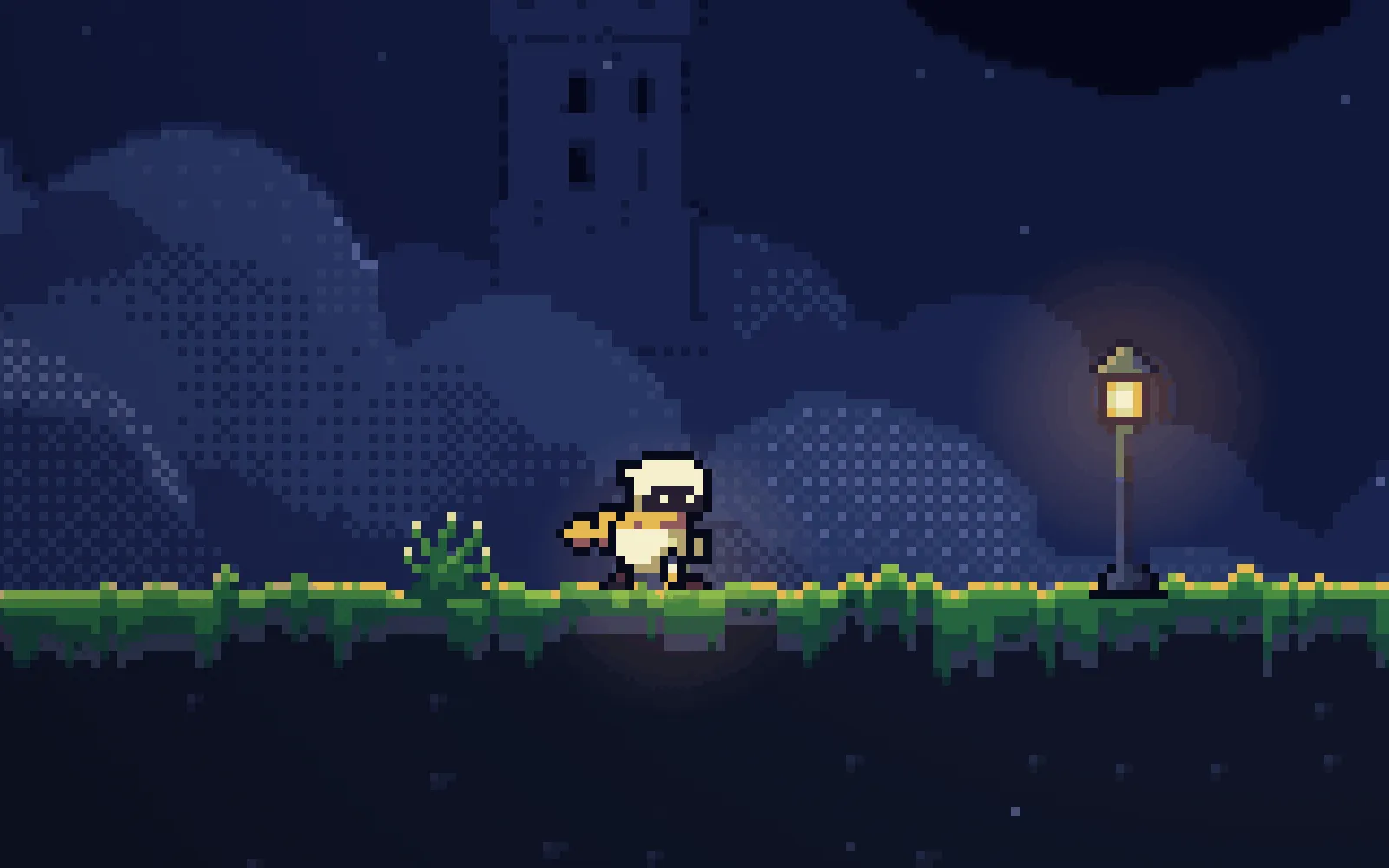
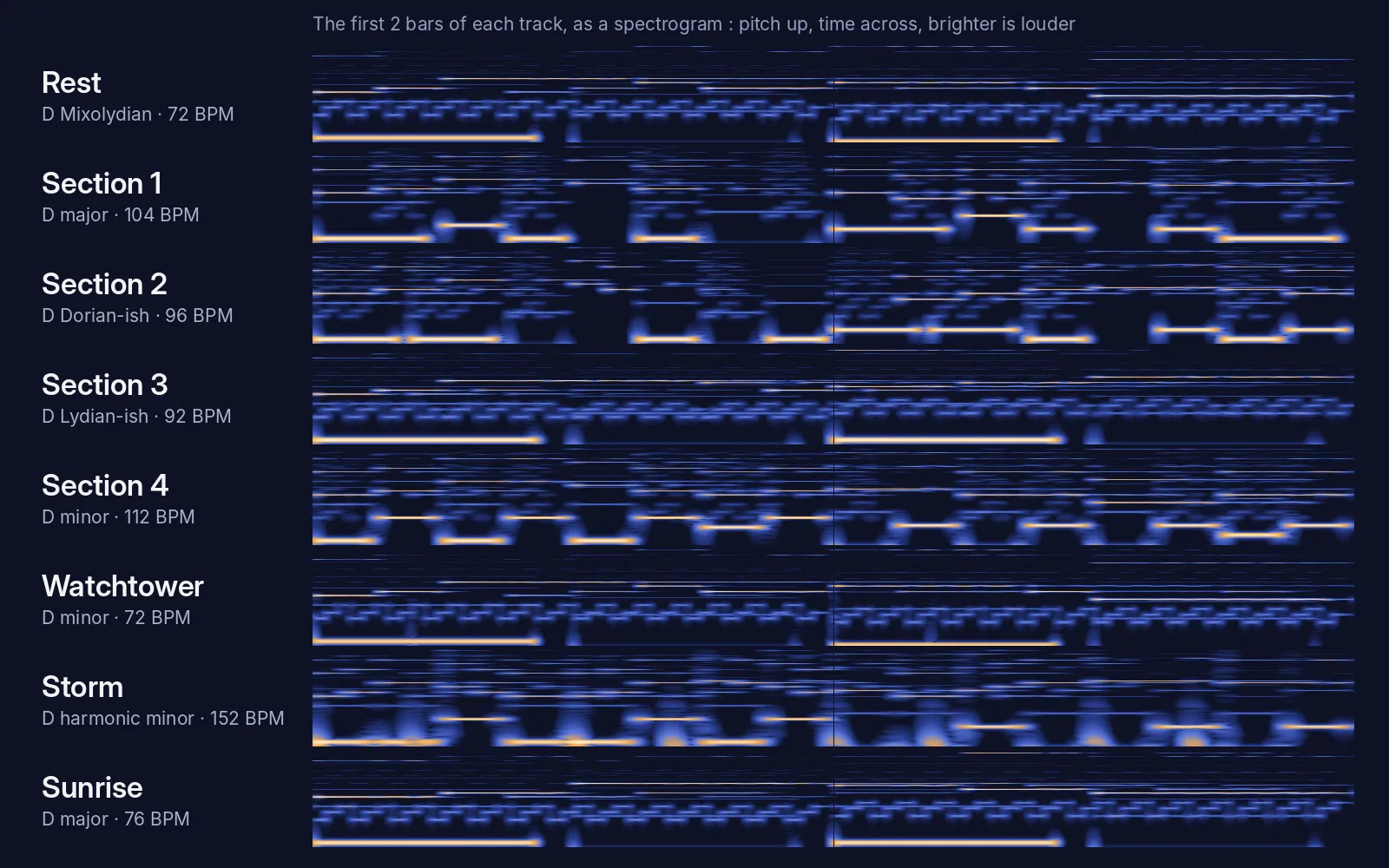
Sound effects in one prompt: 17 sounds made in code, no audio files
One prompt and a skill gave every jump, landing, spring, crumbling block, orb, death and door in our platformer its own sound, generated with Web Audio. Hear each one, then play with sound.
Before you start
- The refined chapter from part 9: 34 rooms and 2 bonus rooms in a single-page Phaser game with juice, tests and a route for every room.
- Claude Code, started in the game's folder, plus Node and Playwright for the tests.
- The skill at the end of this page, in the folder's .claude/skills/game-sound/. Then give the prompt below to a fresh session.
What we asked“The game is silent. Add sound effects for everything that happens: jumps, landings, springs, crumbling blocks, orbs, deaths, doors and the finish, with a way to mute them. Don't change how anything plays.”
What happened
- Loaded the game-sound skill
- Ran the 15 existing tests and started a scripted trace of every room as a baseline
- Wrote one small recipe per sound with the Web Audio API and hooked them into the game's events
- Added 10 sound tests: a spy that checks every event plays its sound, and an offline render of each sound
- Rebuilt the original file without the sound code
- Traced both versions through every room and compared
- Ran all 25 tests
Short game sounds don’t need audio files: a waveform, a pitch that slides, a quick fade and sometimes a burst of noise are enough. That’s how Tomas Pettersson’s sfxr has made game-jam sounds since 2007, and doing it in code means nothing to download and a sound for every event in the game.
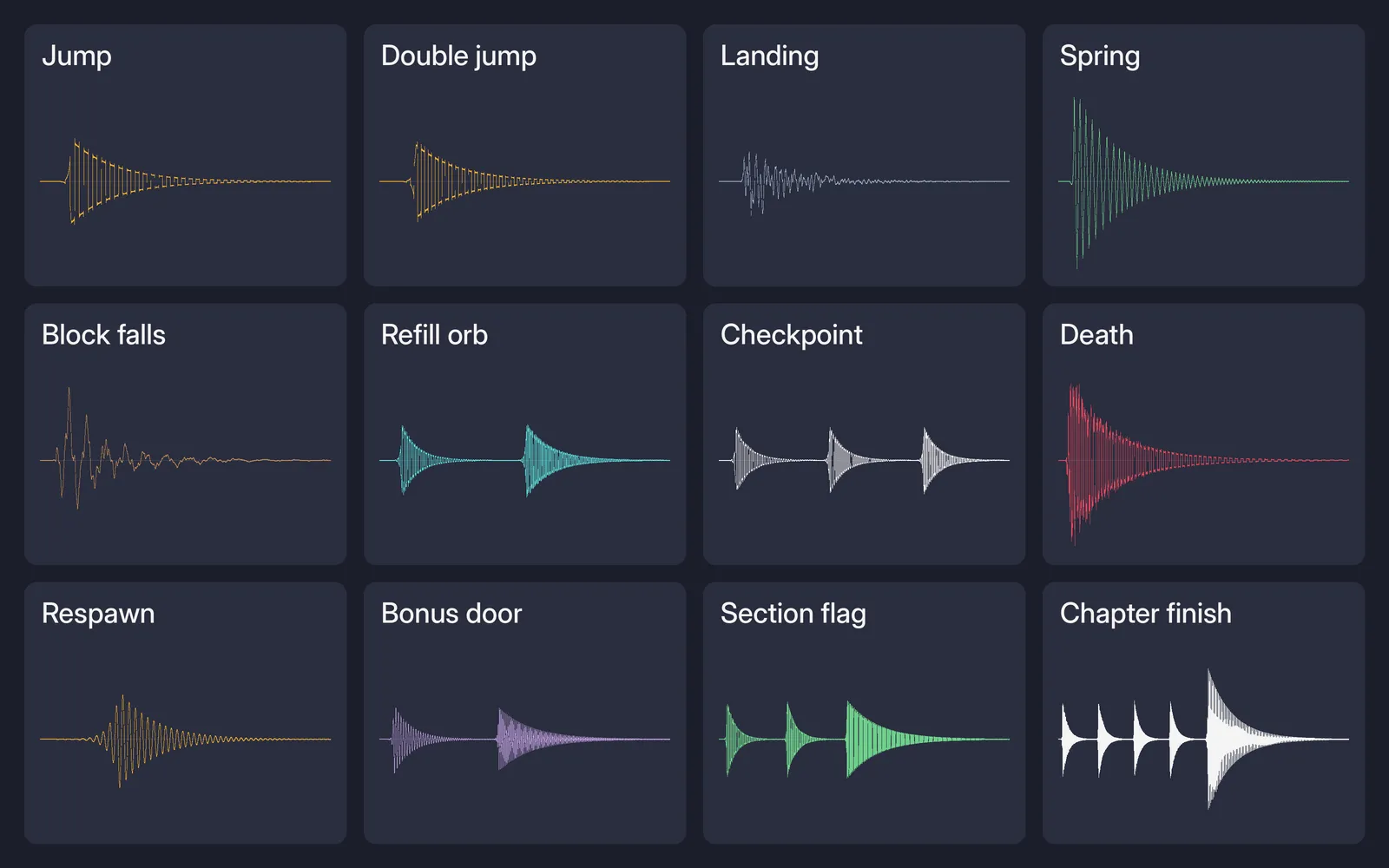
Claude wrote 17 of them in one prompt. Tap each one below to hear it.
Each sound is the game's own recipe, rendered offline from its code at the volume it plays in the game.
What each event sounds like
| Event | Sound |
|---|---|
| Jump | Square wave sliding up from 300 to 600 Hz in 0.12 s, pitch varied ±5% each time |
| Double jump | The same, higher (450 to 900 Hz) and shorter |
| Landing | A muffled noise thump, louder and longer the faster you fall; tiny hops are silent |
| Spring | Triangle wave sweeping 200 to 900 Hz with a 30 Hz wobble |
| Crumbling block | Small ticks while it shakes, a low thump when it falls, a quiet blip when it comes back |
| Refill orb | Two quick notes, 880 then 1320 Hz, and a soft chime when the orb comes back |
| Checkpoint | Three quick rising notes |
| Death | Square wave falling 400 to 80 Hz plus a burst of noise |
| Respawn | A soft sine rising 300 to 600 Hz |
| Door | A quiet chirp; the bonus door adds a shimmering high note |
| Section flag | A three-note fanfare |
| Chapter finish | A four-note arpeggio, then a held chord |
Sound starts on your first key press or click, because browsers block audio before that. M or the button under the game mutes it, and the game remembers your choice.
Gameplay unchanged
We measured all 36 rooms with the platformer-levels script before and after the session, and every pass rate came out identical.
What the session missed
Our own checks after the session found these:
- To stop its stuck trace it ran
pkill -f chrom, which kills every Chrome-like process on the machine, not only its own. It also killed its own shell. - Its check that gameplay was unchanged ran with the audio never started, as it said itself, so the sound code wasn’t running in that check.
- Its tests launch Chromium without muting it, so every test run plays sound out loud.
- The limiter isn’t a hard ceiling. With every sound playing at once, as many copies as allowed, our render peaks at 1.13, over the clipping level. The session measured 0.99.
- It rendered sounds offline starting at time 0, where a fresh compressor turns the first moments down, so they measured quieter than they are.
- The page now has two audio contexts: Phaser’s own and the one the sound code makes.
We’ve since added all six to the skill’s rules, so the download now asks for them.
It took one prompt and no follow-ups: 13.5 minutes and $1.48 of Claude Code working alone.
Get the skill. It works for any browser game and has a starting recipe for each kind of sound. You can also install all seven skills as a Claude Code plugin or replay this part from its starting files.
Click to start; M mutes. Arrow keys or A/D to move, Up, W or Space to jump. You need a keyboard. We only added the start screen and Phaser loaded from this site.
Recorded with a clean Claude Code: no personal skills, plugins or MCP servers. The session had game-sound and our earlier game-juice, platformer-feel and platformer-levels skills installed.
The skill that made it work
It makes Claude give every event a short sound built from a recipe in code, keep the mix quiet and unclipped, add a mute, and check by measurement what it can't hear.
- List every event first, the same list as the visual effects. Every event gets a sound, called from where the effects are triggered.
- Build each sound from a recipe: one small function with a waveform, start and end pitch, attack and decay, and volume. Keep most under 0.3 s.
- Vary repeated sounds: shift the pitch of frequent sounds randomly by about ±5%.
- Mix, don't stack: one master volume around 0.7, quiet defaults, a limit on copies of one sound. A compressor is a safety net, not a hard ceiling. Use one audio context: reuse the engine's or turn its sound off.
- Respect the player: start audio on the first input, add a remembered mute (M key and a button), and never change how the game plays.
- Check what you can't hear: spy that every event plays its sound, render each sound offline after about 0.5 s and check length and peak, render the worst case, and confirm gameplay is unchanged with audio running. Mute any test browser and never kill browsers by name.
Save it as .claude/skills/game-sound/SKILL.md in your project.
Was this useful?
Thanks, we read every message.
Part 10 of Make a complete platformer with AI