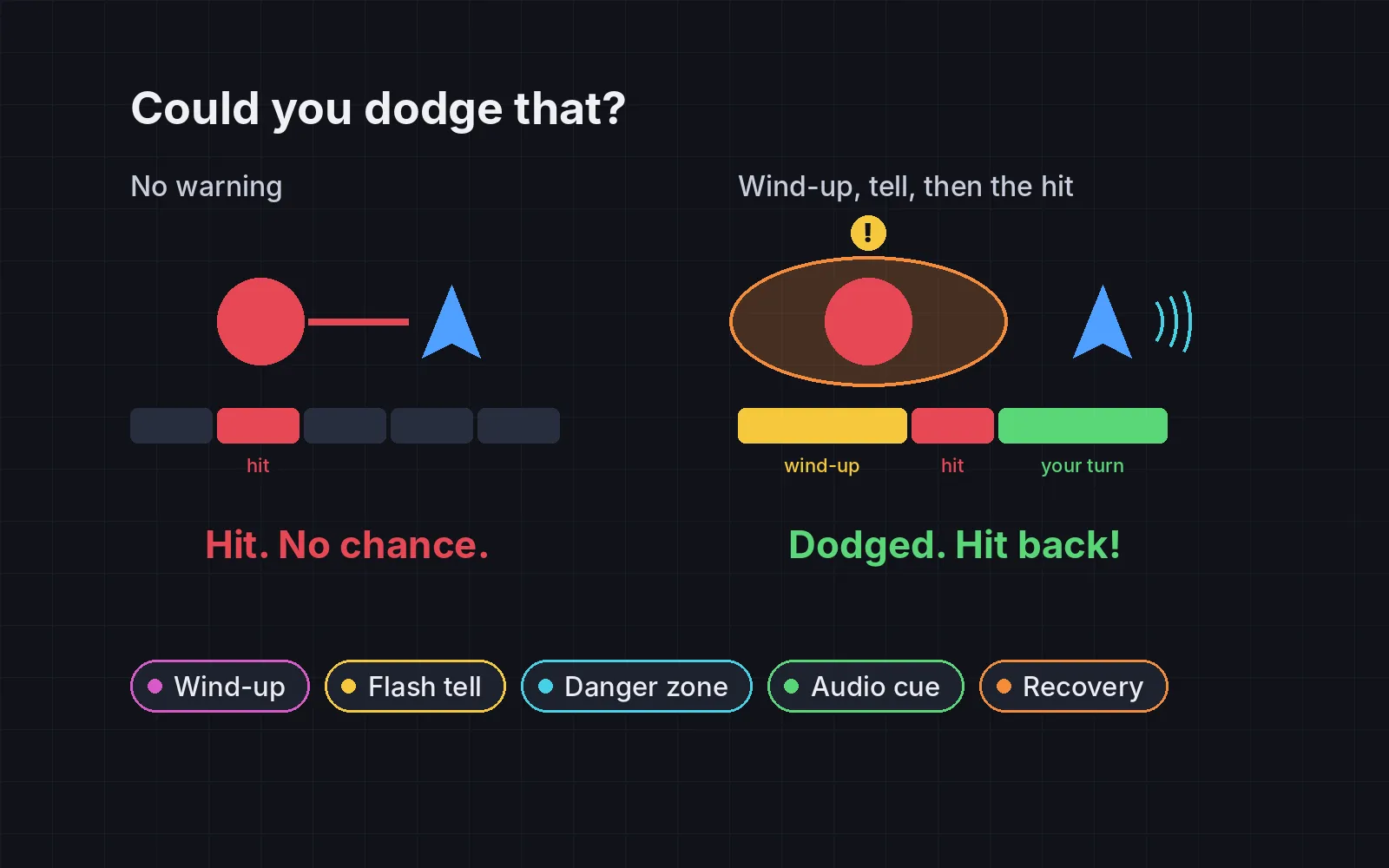
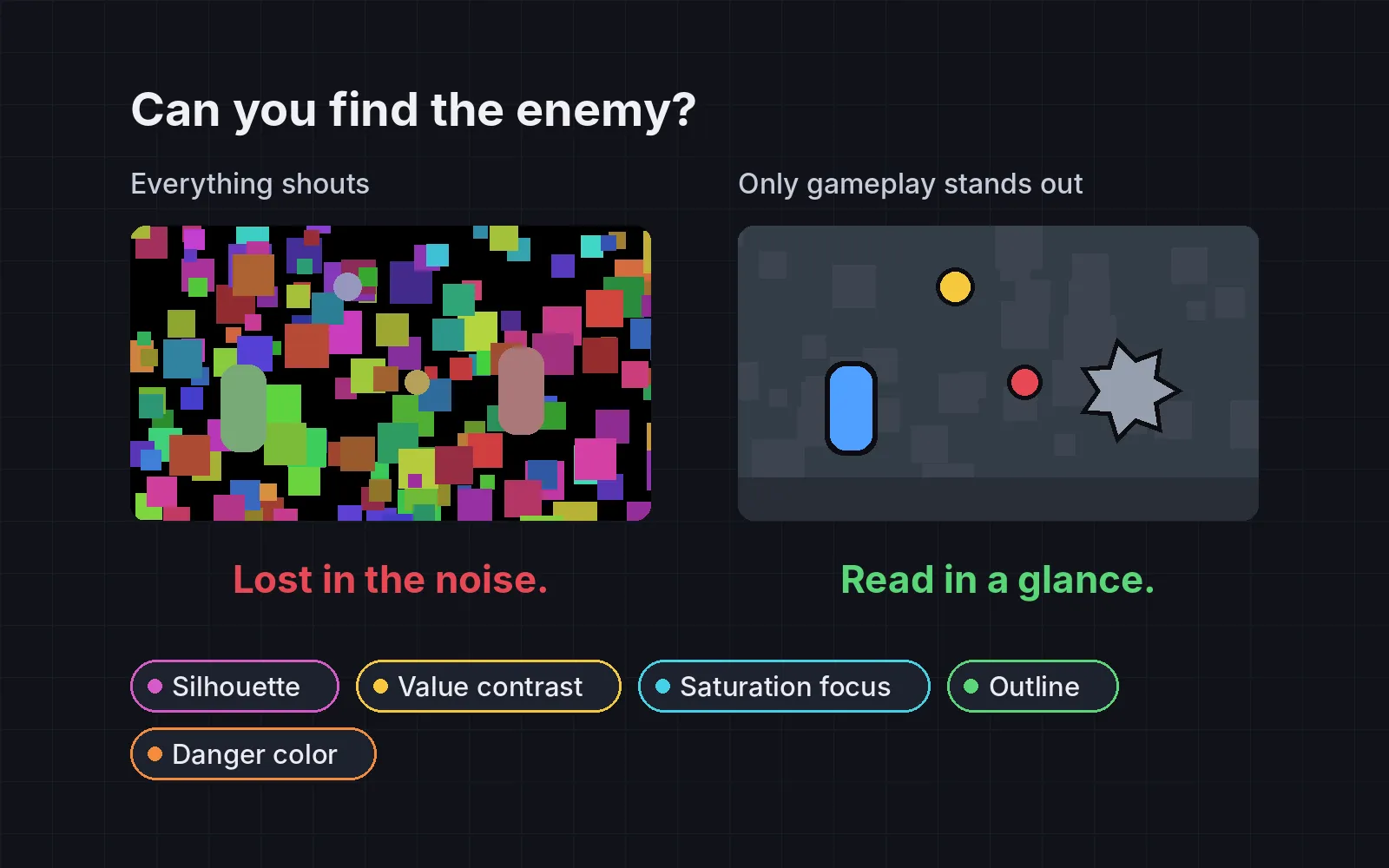
Players skip your tutorial text: game tutorial design that teaches by doing
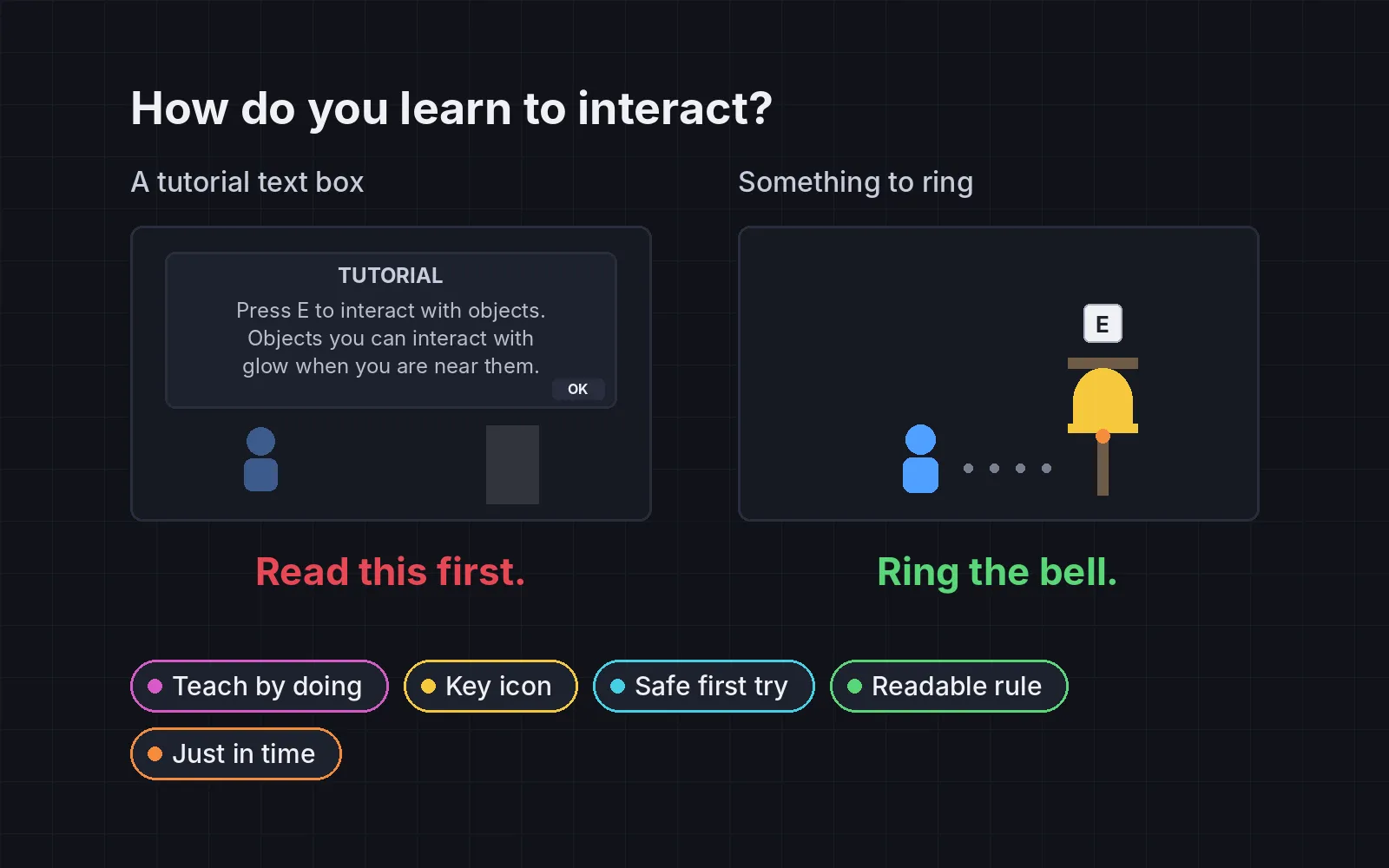
Teach controls with the world instead of text boxes: an object that needs each control, a small key icon, a safe first try, readable rules and systems taught when they matter.
What we asked“Make a web page that demonstrates the tricks that teach players a game without tutorial text one at a time, so anyone can see and feel each one within a few seconds. For each one, show the same short moment side by side: without it on the left, with it on the right, playing in a loop, with a caption that says what just happened and a replay button. Where it helps, let me play the moment myself. It will sit inside a blog post about 720 pixels wide, so it has to look good at that width and on a phone. Also make each one viewable alone with ?trick=<id>&solo, using these ids: teach-by-doing, key-icon, safe-first, readable-rule, just-in-time. The left side should be the usual tutorial: a text box that stops the game and explains the control or rule before the player has needed it. Use the internet freely for better results: free CC0 art, fonts or small libraries (for example Kenney's CC0 assets) are welcome; download anything you use into this folder so the page works without outside links, and list each item with its licence and source in CREDITS.md.”
What happened
- Loaded the onboarding skill
- Downloaded Kenney's free Pixel Platformer tiles, Input Prompts key icons and fonts
- Wrote a small platformer engine and the five scenes, then checked each one in a simulation
- Tuned the knockback so the enemy on the left really sends the player into the pit
- Added a line under each side that counts text boxes and the time to finish
- Played the jump and sneaking demos with real key presses and won both
Most tutorials stop the game and explain a control before the player has any reason to use it. Players skip the box, or read it and forget it by the time it matters. Shigeru Miyamoto built the first level of Super Mario Bros. so players could “gradually and naturally understand what they’re doing” without being told (Game Developer). Each demo below shows the usual tutorial on the left, a text box that pauses the game, and the same moment taught by the world on the right. Under each side, a line counts text boxes and time. Click or tap either side to play it yourself (arrows to move, Space to jump, E to use, Shift to tiptoe; on a phone, buttons appear).
1. Teach by doing
Teach each control with something in the world that needs it, the first time it’s needed. A crate on the path teaches jumping better than a sentence about jumping. On the left, “Press SPACE to jump” appears first, and by the time the crate arrives the player has to stop and remember the key. Koichi Hayashida describes the same order for Mario levels: first the player learns a mechanic on its own, then a slightly harder scene uses it (Game Developer).
2. A small key icon in the world
The only prompt is a small key icon, beside the character or over the thing you can use. Show it even for the first controls, like moving. Then hide it once the player has used that control a couple of times. In the demo, an E icon floats over each lever as you walk up, and after two levers it stops appearing. Controls are hard to remember, so reminders on screen help a lot, especially for players with memory difficulties (Game Accessibility Guidelines).
3. A safe first try
The first time a danger appears, make failing cheap: a slow enemy, open ground, no pit behind you. In the demo, walking into the first enemy costs half a heart and a small push back, and then you stomp it. Only after that does a faster one appear, past a gap. On the left, a fast enemy rushes in with a pit behind the player and sends them back to the start. Valve put Portal’s training for its boss fight somewhere calm, because, in the words of their GDC 2008 slides, “Players Learn Better When Not Stressed” (Portal postmortem, PDF).
4. A rule you can read
If the player must follow a rule, like “don’t run past the guard”, show it in the world: a “zzz” over the sleeping guard, a twitch before it wakes, and one plain line on a sign before the first try. After two failures, the sign changes to “Hold SHIFT to tiptoe past.” On the left, the guard wakes with no warning and no hint ever comes, so the failure feels random. New Super Mario Bros. Wii does something similar: it offers its Super Guide after a player has failed a level eight times (Super Mario Wiki).
5. Just in time
Explain a system at the moment it first matters, not before. In the demo, the first fall pauses the game, a dotted trail runs back to the flag, and a note says “You restart at your last flag”. The hearts appear then, one short. On the left, all of this was in a box at the start, before the player had seen a flag or a pit. The Game Accessibility Guidelines call introducing ideas during play “more useful than upfront instruction/tutorial screens” (Game Accessibility Guidelines).
When text is still fine
Teaching without text doesn’t mean never writing anything.
- One short line is fine when the world can’t show the rule. Valve’s slides say it too: hint with the environment first, and “when all else fails great dialogue is an excellent hint.”
- Keep a way to look things up. A controls page in the pause menu helps players who come back after a week.
- Watch someone new play. Count how long until they use each control, and how often they fail the first rule before the hint. If a failure looks random to them, the rule isn’t readable yet.
Once the controls are taught, the next question is what to do with them: see quest design for RPGs.
Add it to your game
- Copy the skill at the end of this page into your project.
- Ask your agent: “Teach the start of my game without tutorial text.”
- Play it, then tune in plain words: “The jump icon disappears too soon.”
Art in the demos: Pixel Platformer, Input Prompts and Kenney Fonts by Kenney (CC0).
The skill that made it work
This is the whole skill we gave Claude Code. Copy it into your project and ask your agent to teach your game without tutorial text. It starts by listing every control and where the game first needs it.
- List every control, rule and system the player needs in the first ten minutes, and where the game first needs each one.
- Put every trick behind one named switch in a single settings object, all on by default, so each can be tested on its own.
- teach-by-doing. Teach each control with an object the first time the world needs it: a bell to ring teaches interact, something running away teaches run, a sleeping animal teaches sneak. Drop the text box that explained it.
- key-icon. The only prompt is a small key icon in the world, over the thing you can use or beside the character. Show it for the very first controls too (move, interact, advance dialogue) and hide it once the player has used that control a few times.
- safe-first. The first time a danger appears, make failure cheap: a slow enemy, open space, no pit behind it. Portal's team put its boss-fight training somewhere calm because players learn better when not stressed. Raise the stakes after one success.
- readable-rule. A rule the player must follow (approach from behind, walk don't run) needs a telegraph in the world (back turned, ears twitching, "zzz") and one plain in-world line before the first try. After two or three failures, give another hint. New Super Mario Bros. Wii offers its Super Guide after a player fails a level eight times.
- just-in-time. Explain a system the moment it first matters: the respawn point on the first loss, the map when the player first gets lost.
- Measure it. Count tutorial text boxes (should be zero). For each control, check something in the world needs it before any challenge does. Have a new player play the opening: count how long until they use each control, how many times they fail the first rule before the hint, and whether any failure looked random to them.
Save it as .claude/skills/onboarding/SKILL.md in your project. Or connect your agent and type /aigamedev: it loads this skill with its reference files and the results from this post.