All posts
Every tutorial, art style and review, newest first. Pick a type or a topic to narrow it down.
18 posts
-
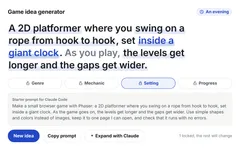 Tutorial 30 game ideas you can build with AI (and a generator) 30 small game ideas for your first game with an AI agent: easy, platformer, puzzle, horror, RPG and mobile. Each has its core loop, a scope and a starter prompt, plus a generator for more.
 -
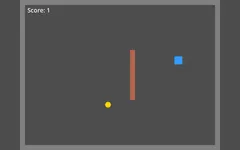 Tutorial A Godot game with Claude Code in three prompts (and do you need MCP?) Claude Code built a small Godot game with a player, walls, a coin and a score, and tested it itself. Here are the prompts, and whether a Godot MCP server is worth it.
 -
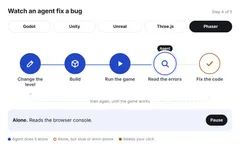 Tutorial Choose your tools: an engine and an AI agent Four quick decisions before your first game: browser or engine, which engine, what it costs, and which AI agent. It ends with a clear pick for beginners.
 -
 Art style Cozy flat vector Pastel shapes with no outlines and soft gradients, for cozy mobile games.
 -
 Art style Dark ink silhouette Black silhouettes in blue-grey fog, for quiet, moody 2D games. The exact prompts, and what went wrong.
 -
 Art style Cel-shaded anime Clean outlines and flat two-tone shading. The most consistent style in our test.
 -
 Tutorial Your first game: a platformer with a double jump and coins, in three prompts We asked Claude Code for a browser platformer, then a double jump, then coins to collect. It tested every change in a hidden browser. Play the result.
 -
 Art style Hand-painted fantasy Warm, chunky, painterly fantasy art with exaggerated shapes. The exact prompts, and what to check before you use it.
 -
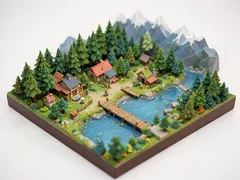 Art style Isometric art A tiny isometric world that looks like a miniature model. Use it for key art and level ideas.
 -
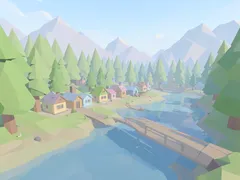 Art style Low poly art Soft pastel low poly with flat-shaded facets. Good for calm 3D games.
 -
 Art style 16-bit pixel art Bright 16-bit pixel art with chunky shapes. The exact prompts, plus one fix you need before using it in a game.
 -
 Art style Watercolor storybook Soft watercolor washes and light pencil lines, like a picture book. The exact prompts, and two problems to fix.
 -
 Tutorial What is a game engine? The game loop, explained Every game runs the same small loop about 60 times a second. An engine runs it for you. Here is what that loop does, what an engine gives you, and what you still write.
 -
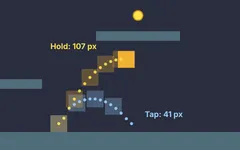 Tutorial Variable jump height in a Phaser platformer: tap to hop, hold to jump high Tap for a small hop, hold for a full jump. Claude Code checked the variable jump height in our Phaser platformer against a skill, measured it in the browser and left it as it was.
 -
 Tutorial Jump buffering: when an early jump should still count In our Phaser platformer, pressing jump just before landing spent the double jump. Claude Code made the press wait for the ground. Play both versions and see what we measured.
 -
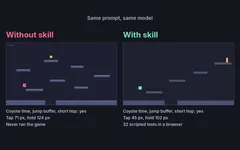 Tool review Does a skill make Claude Code's platformers feel better? We tested it Same prompt, same model, one run with our platformer-feel skill and one without. We measured both jumps. The jump helpers came out the same; the skill made Claude test its game.
 -
 Tutorial Coyote time: the jump fix players never notice To show the difference, we started from our double-jump game with coyote time switched off. Claude Code turned it on and tested it. Play both versions and see what we measured.
 -
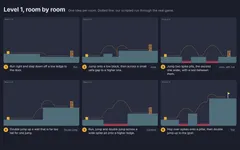 Tutorial Level design with Claude Code: six rooms that teach the jump, using Celeste's rules We asked Claude Code for a six-room first level that teaches run, jump and double jump. Play the result, see each room's story and jump numbers, and compare it with a run without the skill.
Nothing matches these filters.